DxO ONE - User Guide - Copyright © DxO Labs 1999-2015 - All rights reserved 97
Browsing and Sharing
Sharing photos and videos
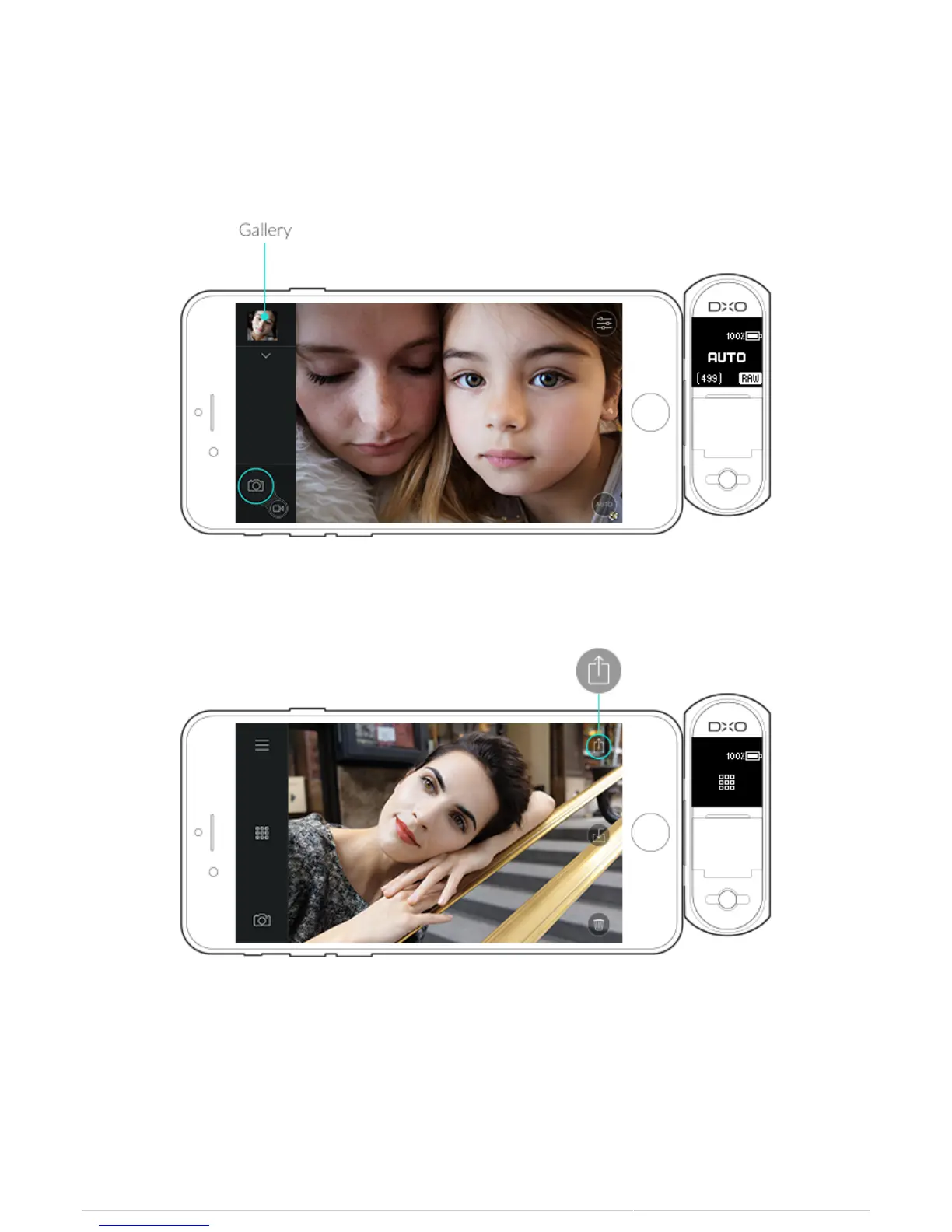
1. When in Still capture mode, tap the gallery button to open the image view.
2. Tap the Share icon on the upper right to open the native iOS Sharing panel.
3. You can choose to share photos by message, by email, or by any other sharing service that Apple iOS
supports.



 To Next Page