DxO ONE - User Guide - Copyright © DxO Labs 1999-2015 - All rights reserved 96
4. When Grid mode, using the left toolbar will let you:
Access information (messages, user guide, About section)
●
Switch to selection mode for images and videos
●
Return to capture mode
●
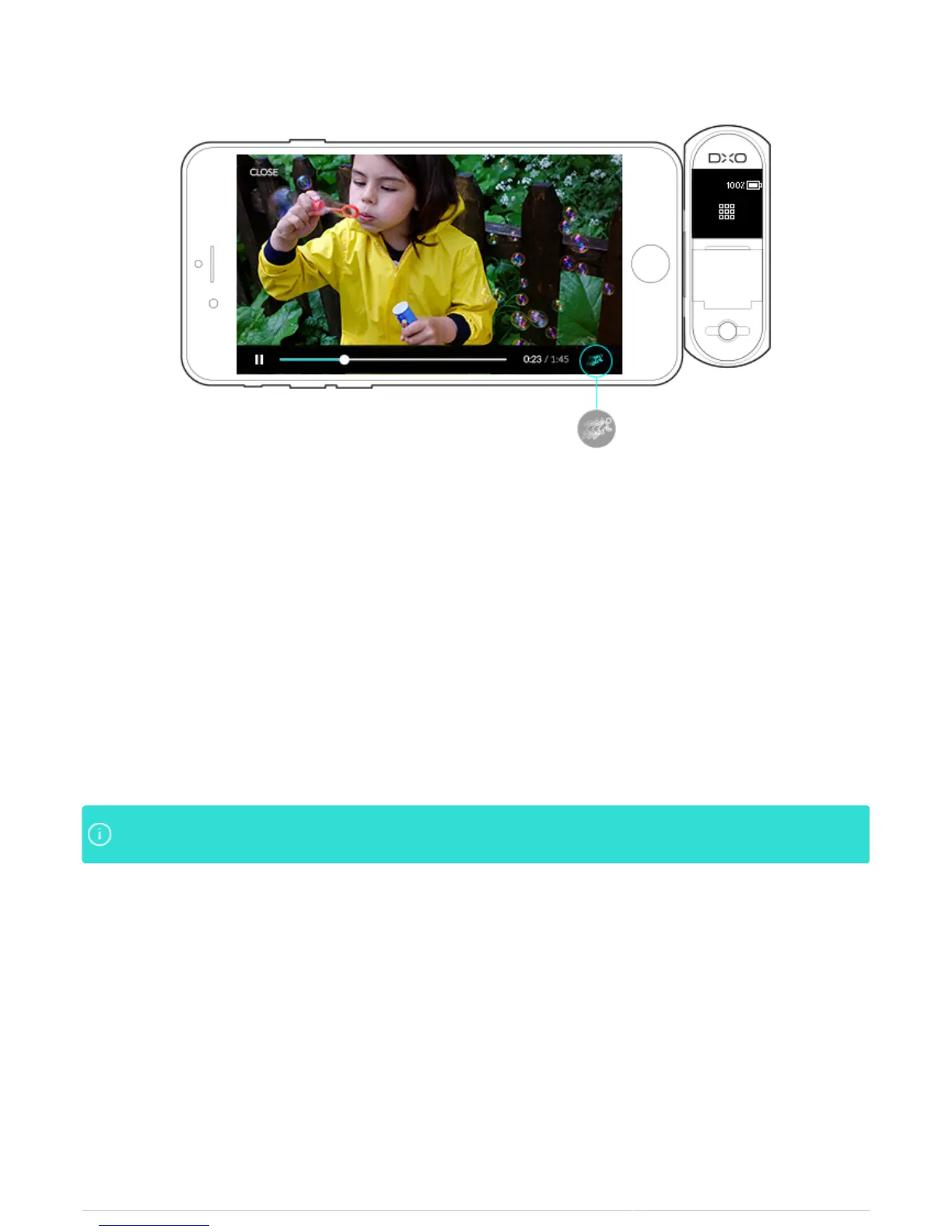
5. In Video display mode, the icons are divided to the left and to the right. In the left toolbar, the icons let you:
Access information (messages, user guide, About section)
●
Switch to Grid mode
●
Return to capture mode
●
The icons in the right toolbar let you:
Share videos
●
To transfer videos from the ONE to your iPhone, or to indicate your favorite videos (after transfer)
●
Delete videos
●
Videos are recorded on the microSD card of the DxO ONE. You need to temporarily transfer themVideos are recorded on the microSD card of the DxO ONE. You need to temporarily transfer them
from the card to the iPhone for review. A progress bar indicates when the transfer is complete.from the card to the iPhone for review. A progress bar indicates when the transfer is complete.



 To Next Page