DxO ONE - User Guide - Copyright © DxO Labs 1999-2015 - All rights reserved 39
Connected capture modes
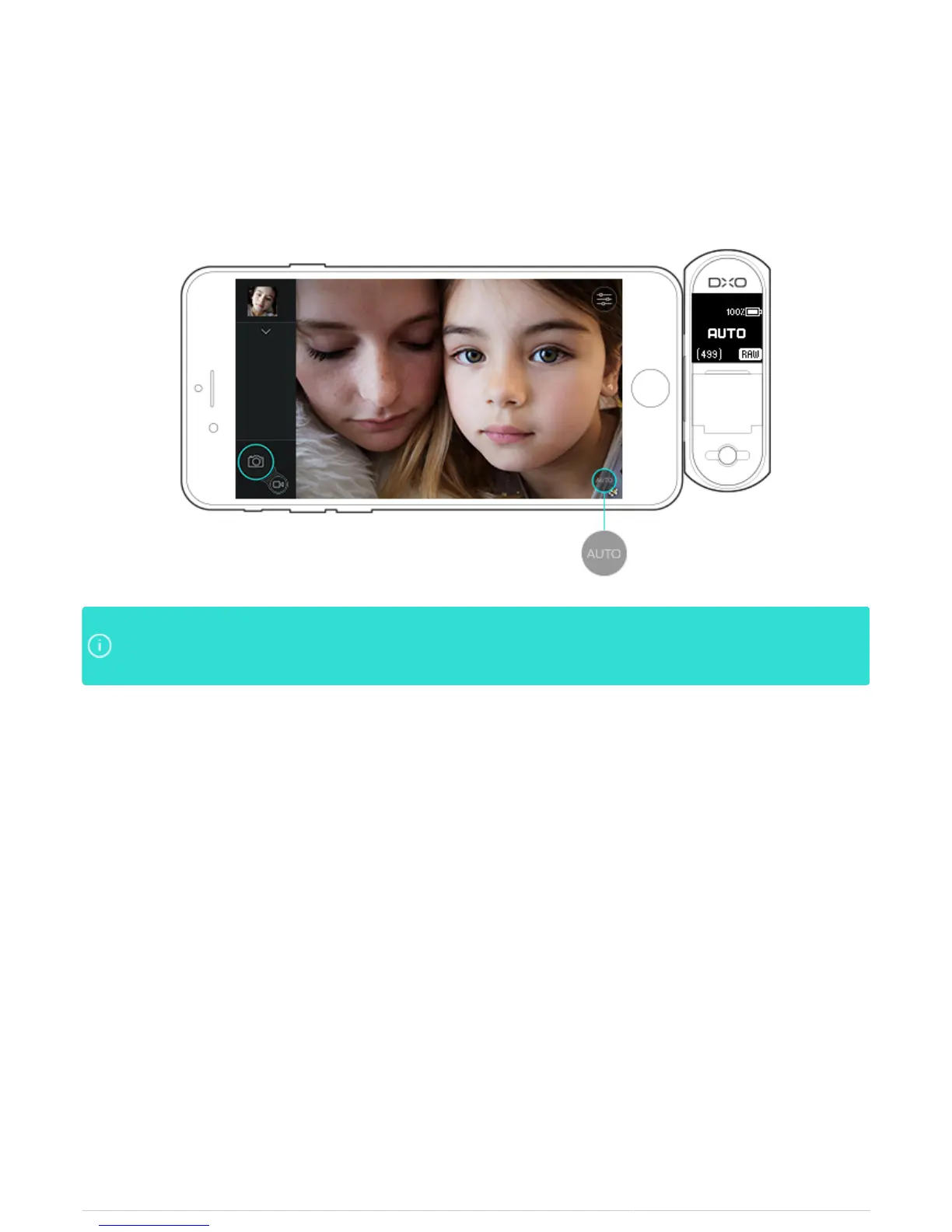
Auto mode
The DxO ONE Auto mode allows you to take great photos without changing camera settings.
In AUTO mode, the DxO ONE will choose the optimum aperture, shutter speed and ISO for theIn AUTO mode, the DxO ONE will choose the optimum aperture, shutter speed and ISO for the
scene. While in AUTO mode, you may choose to increase/decrease the exposure by using the EV Biasscene. While in AUTO mode, you may choose to increase/decrease the exposure by using the EV Bias
control which is accessible in the sidebar to the left of the preview.control which is accessible in the sidebar to the left of the preview.



 To Next Page