DxO ONE - User Guide - Copyright © DxO Labs 1999-2015 - All rights reserved 59
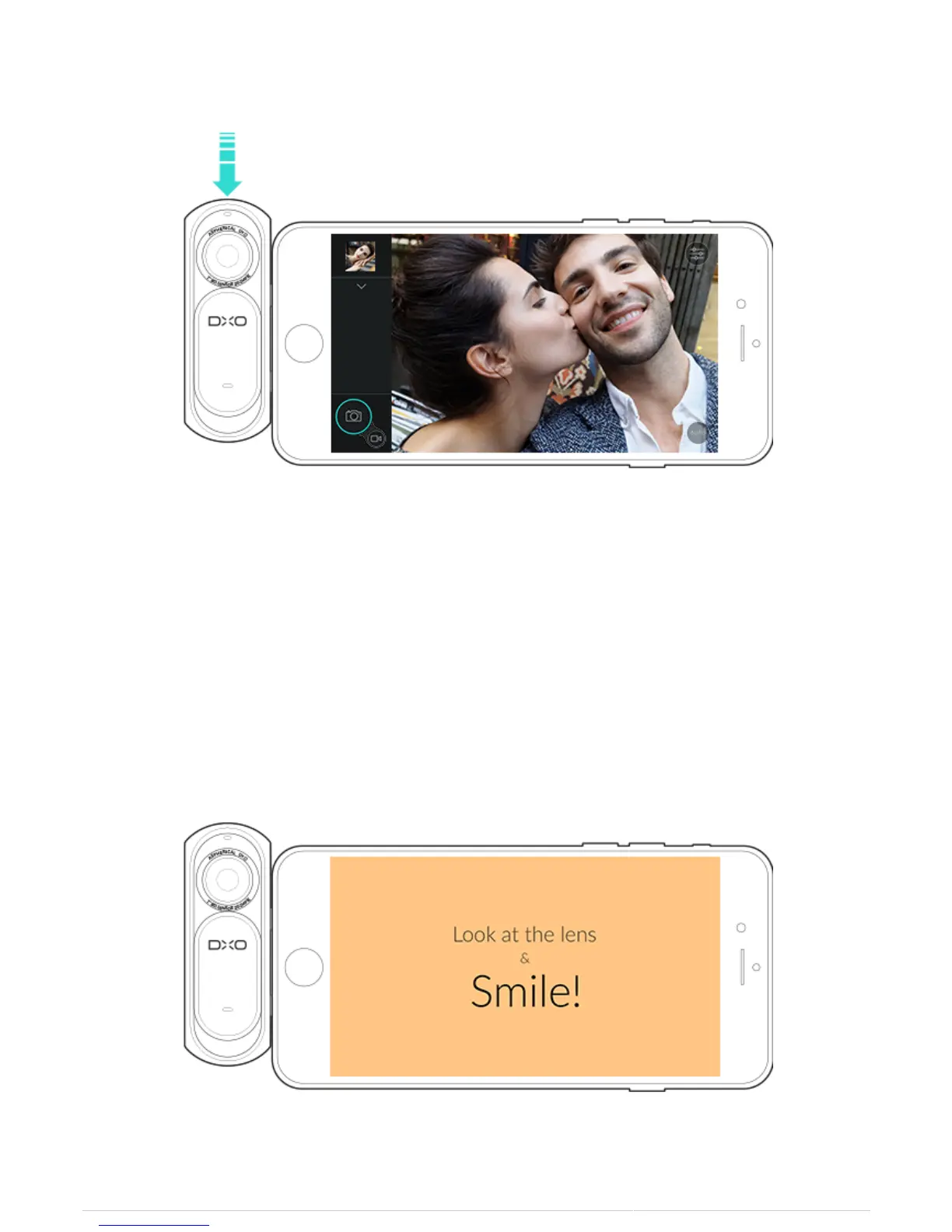
Selfie Photo mode
Take a photo using the ONE’s shutter trigger or the shutter button of the iPhone display.
Using the iPhone display as a 'softbox'
1. Connect the DxO ONE and the iPhone with the lens and screen facing you.
2. Enable the flash.
3. Take a photo using the ONE’s shutter trigger or the shutter button of the iPhone display.
4. Get ready to smile as the app’s 'softbox' naturally illuminates your face.



 To Next Page