DxO ONE - User Guide - Copyright © DxO Labs 1999-2015 - All rights reserved 66
The focus and exposure are automatically adjusted from one shot to another.The focus and exposure are automatically adjusted from one shot to another.
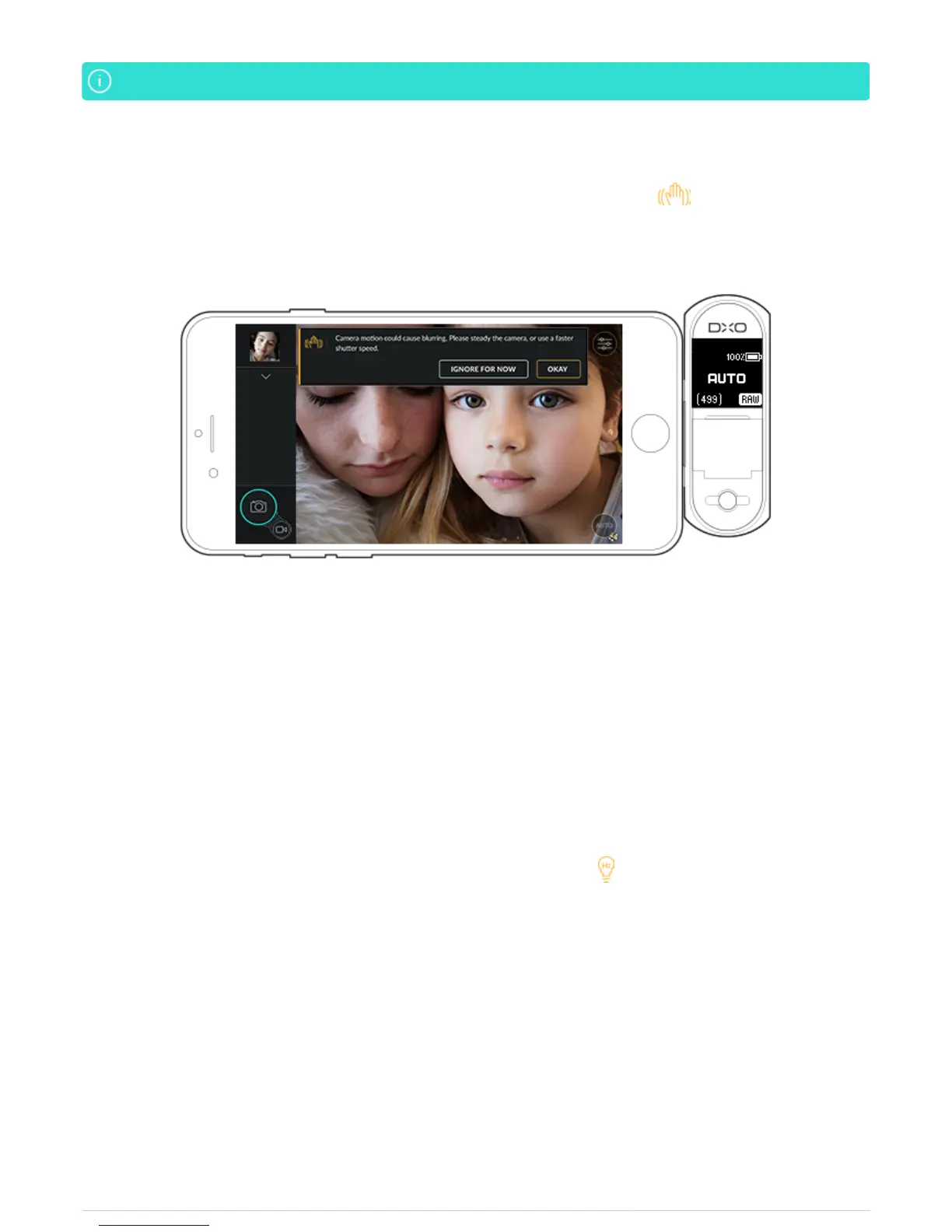
Motion blur alert
In case there is a risk of blurring, the DxO ONE application displays a warning icon in the upper left corner
of the screen.
This warning appears when:
The camera’s internal gyroscope detects an instability and/or an excessive range of motion.
●
The shutter speed is equal to or less than 1/40s.
●
If you tap on the motion blur icon, a message will ask you to stabilize your camera or to increase the shutter
speed. The indicator disappears after the camera is stabilized.
Flickering alert
Shooting under artificial light can sometimes produce a flickering phenomenon that appears as black lines in
photos.
In case there is a risk of flickering, the application displays a warning icon on the upper left of the screen. If
you press on it, a message suggests that you lengthen the exposure time.



 To Next Page