DxO ONE - User Guide - Copyright © DxO Labs 1999-2015 - All rights reserved 114
You can also save battery power by turning off your iPhone using its on/off button. You can also save battery power by turning off your iPhone using its on/off button.
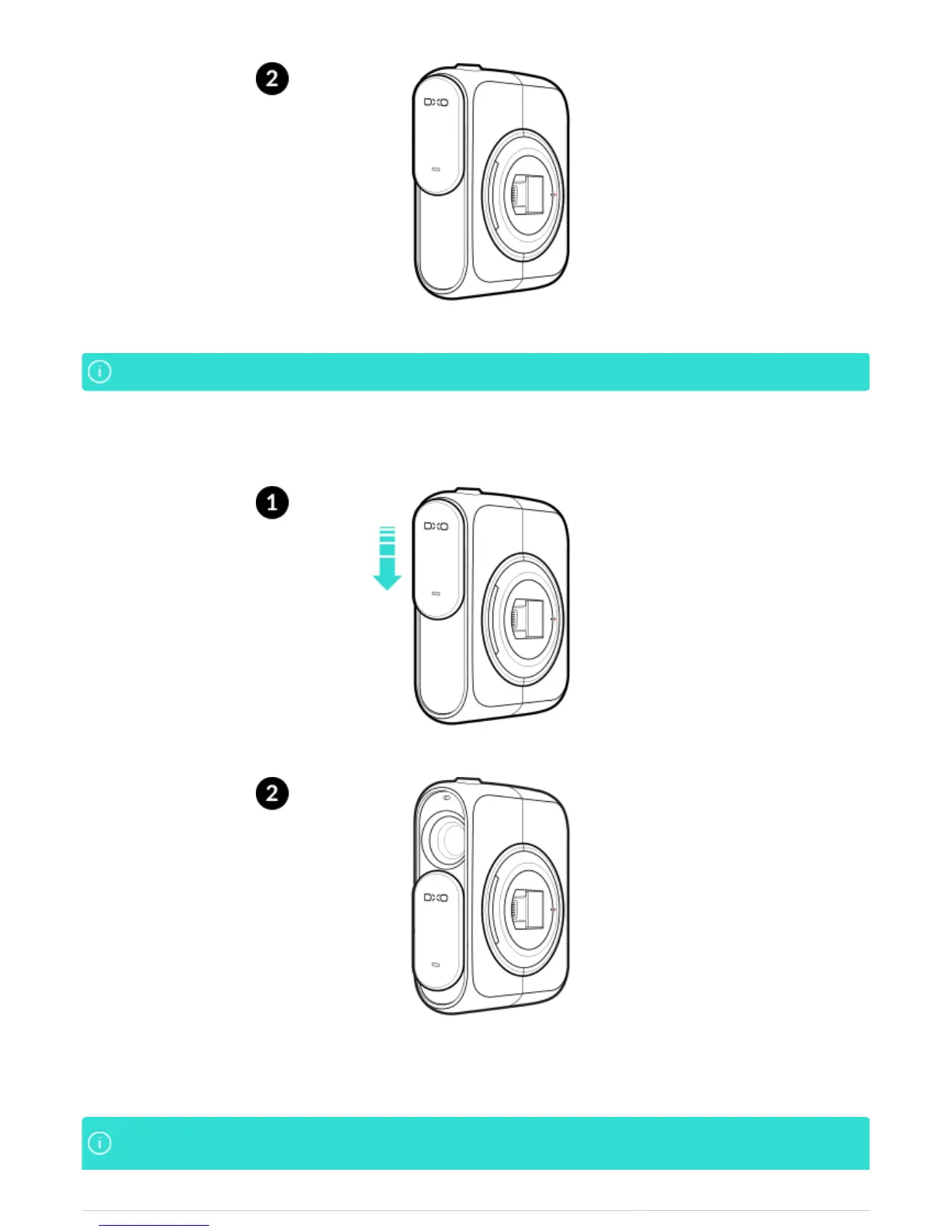
2. To wake up the ONE, slide the lens cover open to power up the camera.
3. If your iPhone has gone to sleep, press the home button and unlock your iPhone, or simply use the Touch ID of
your iPhone if it has this feature.
To conserve the battery power of both your DxO ONE camera and your iPhone, we recommend thatTo conserve the battery power of both your DxO ONE camera and your iPhone, we recommend that



 To Next Page