DxO ONE - User Guide - Copyright © DxO Labs 1999-2015 - All rights reserved 28
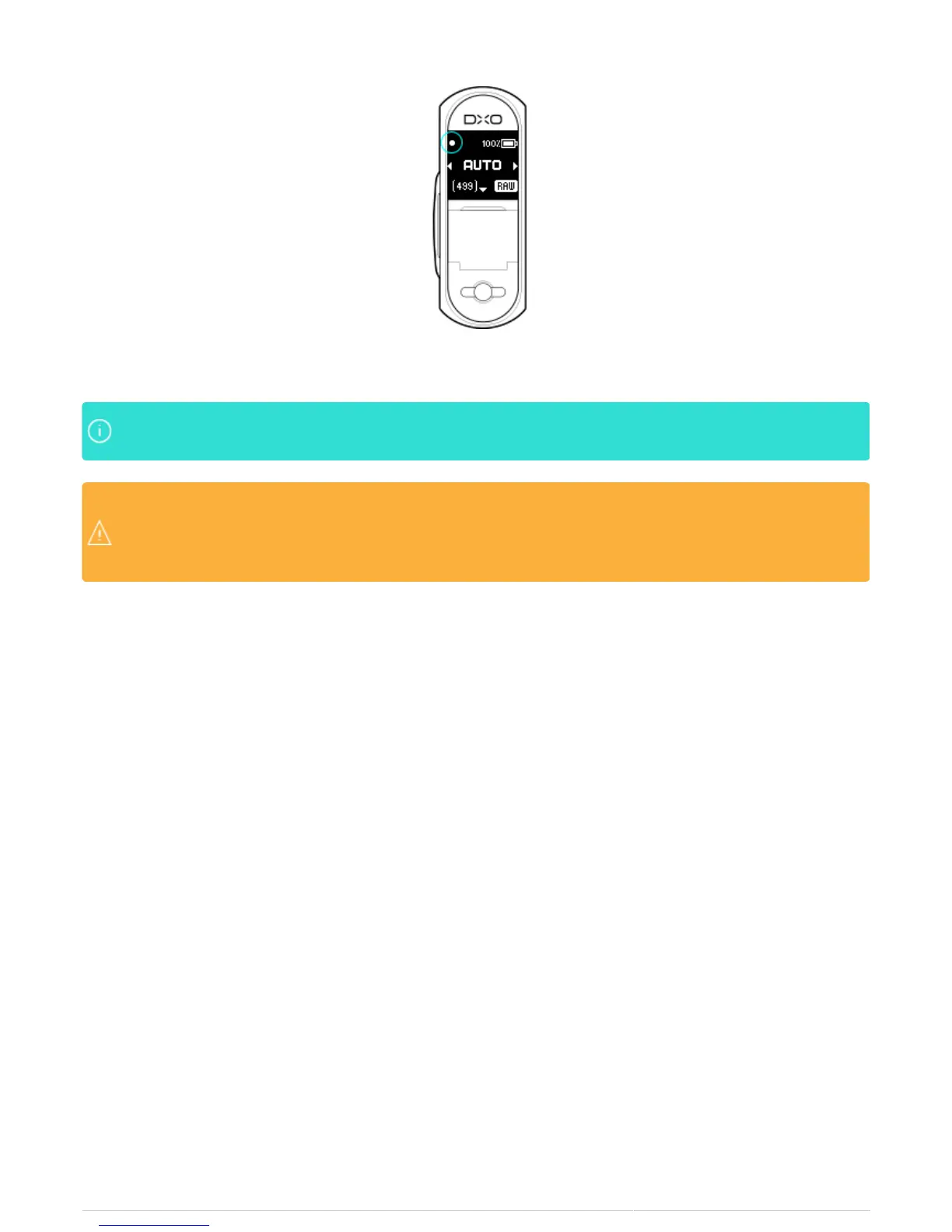
5. Fully depress the shutter to take the photo.
The DxO ONE device does not have a viewfinder display of it’s own. You will not be able to reviewThe DxO ONE device does not have a viewfinder display of it’s own. You will not be able to review
images until you connect the device to your iPhone or desktop computer. images until you connect the device to your iPhone or desktop computer.
Images taken in Stand-Alone Mode are not automatically transferred to the iPhone when you connectImages taken in Stand-Alone Mode are not automatically transferred to the iPhone when you connect
the DxO ONE, but can be reviewed with the ONE iOS app and can be manually saved to your iOSthe DxO ONE, but can be reviewed with the ONE iOS app and can be manually saved to your iOS
Photos library. Video taken in Stand-Alone or Connected mode is never automatically transferred toPhotos library. Video taken in Stand-Alone or Connected mode is never automatically transferred to
the iPhone, but can be manually saved to your iOS Photos library.the iPhone, but can be manually saved to your iOS Photos library.



 To Next Page