DxO ONE - User Guide - Copyright © DxO Labs 1999-2015 - All rights reserved 5
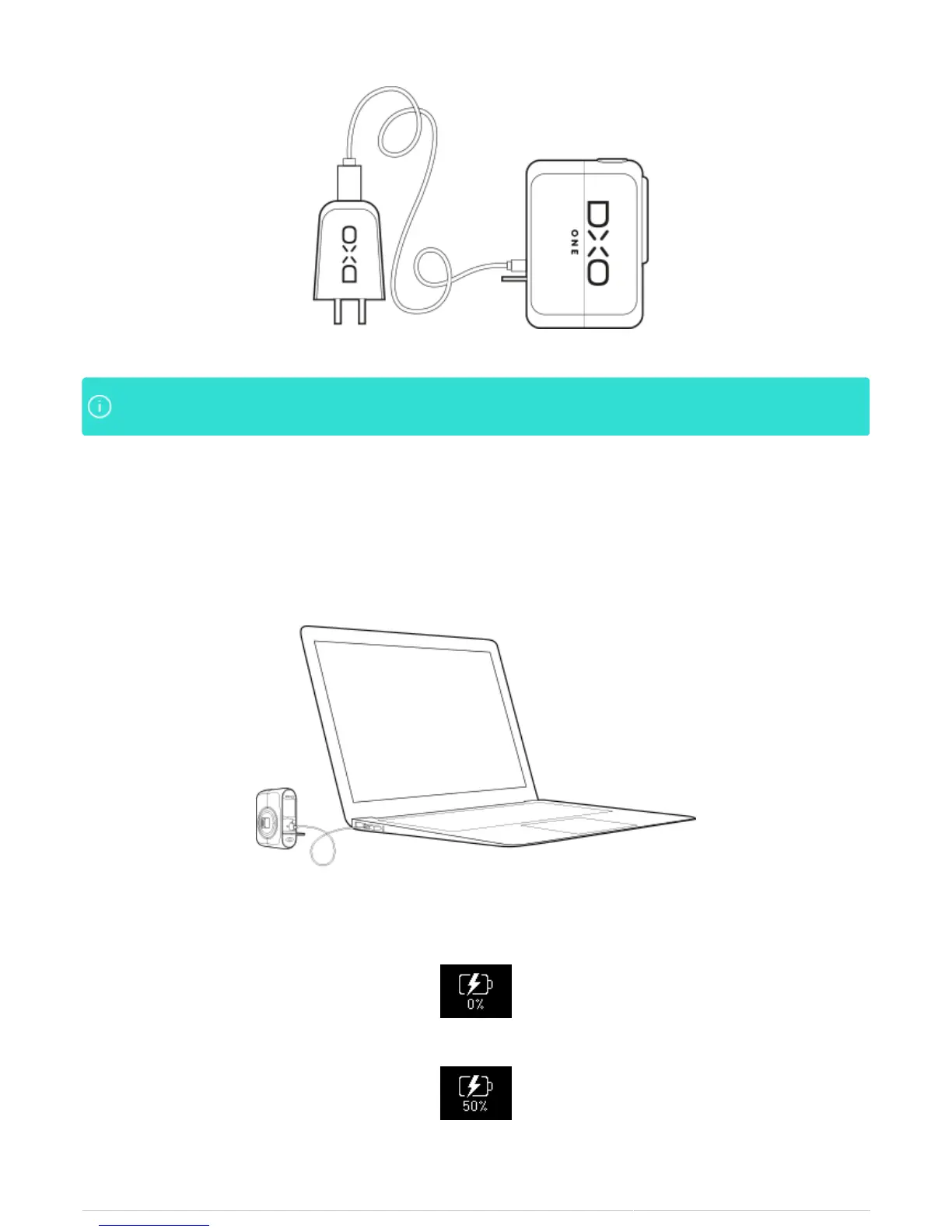
The OLED display will first take a few moments to identify the charging source before displayingThe OLED display will first take a few moments to identify the charging source before displaying
the charge state of the device.the charge state of the device.
Charging the battery using a computer
1. Open the rear door of the camera by lifting the tab and pulling the door toward you.
2. Insert the USB cord into the USB slot, and attach the other end to your computer.
3. Make sure that the OLED display indicates that charging is in progress:
Charging in progress - Battery uncharged
Charging in progress - 50%



 To Next Page