DxO ONE - User Guide - Copyright © DxO Labs 1999-2015 - All rights reserved 106
Filtering your photo gallery
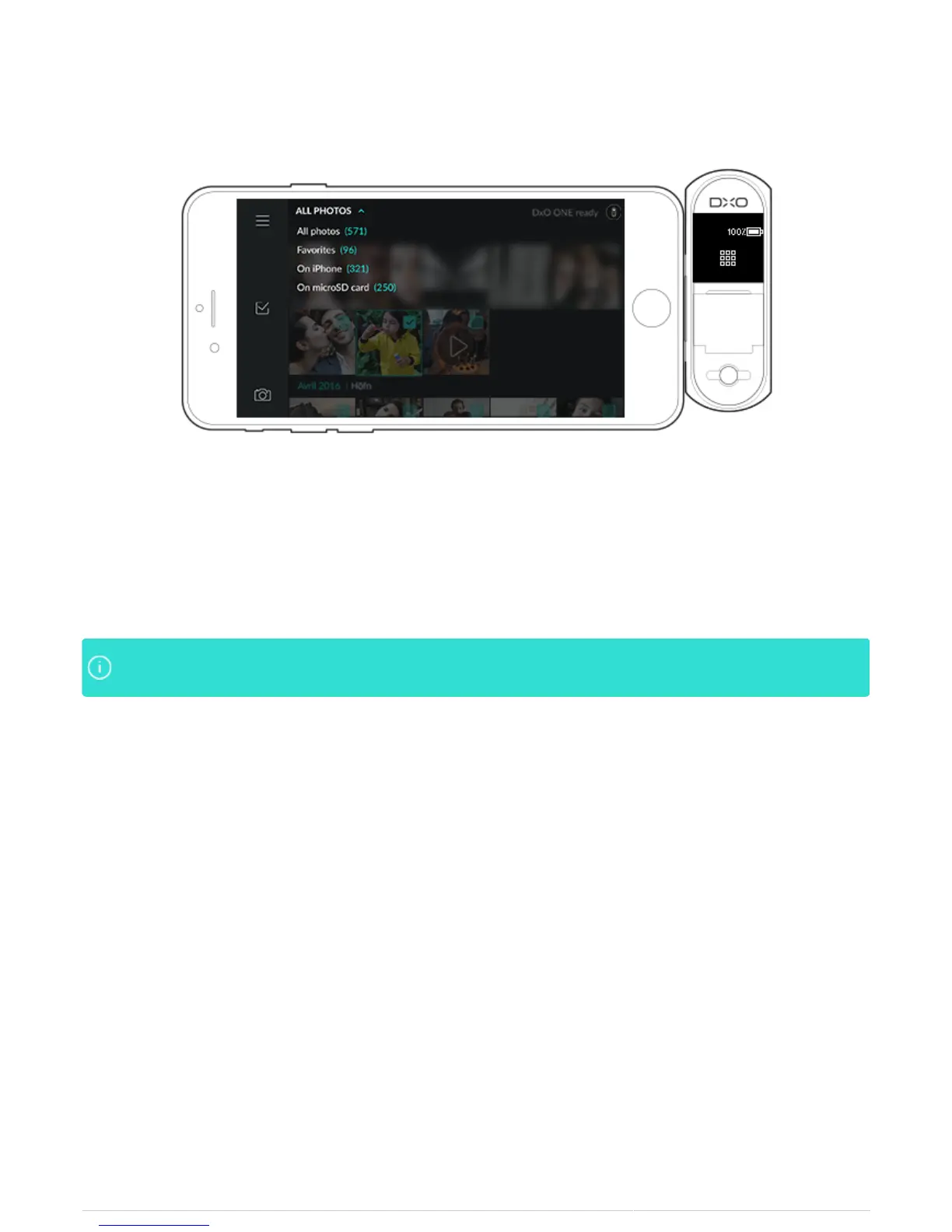
A drop down menu allows you to filter your photo gallery:
‘All Photos’ displays all of the photo and video files on the microSD card and the DxO album on your iPhone.
●
'Favorites' are those photos that you’ve marked as favorite by using the heart symbol.
●
‘On iPhone’ displays all of the photo and video files in the DxO ONE album stored on your iPhone.
●
‘On microSD Card’ displays all of the photo and video files stored on the SD card in the camera.
●
Photos are displayed by date, grouped by month, in descending order (with the most recent imagesPhotos are displayed by date, grouped by month, in descending order (with the most recent images
at the bottom).at the bottom).



 To Next Page