DxO ONE - User Guide - Copyright © DxO Labs 1999-2015 - All rights reserved 56
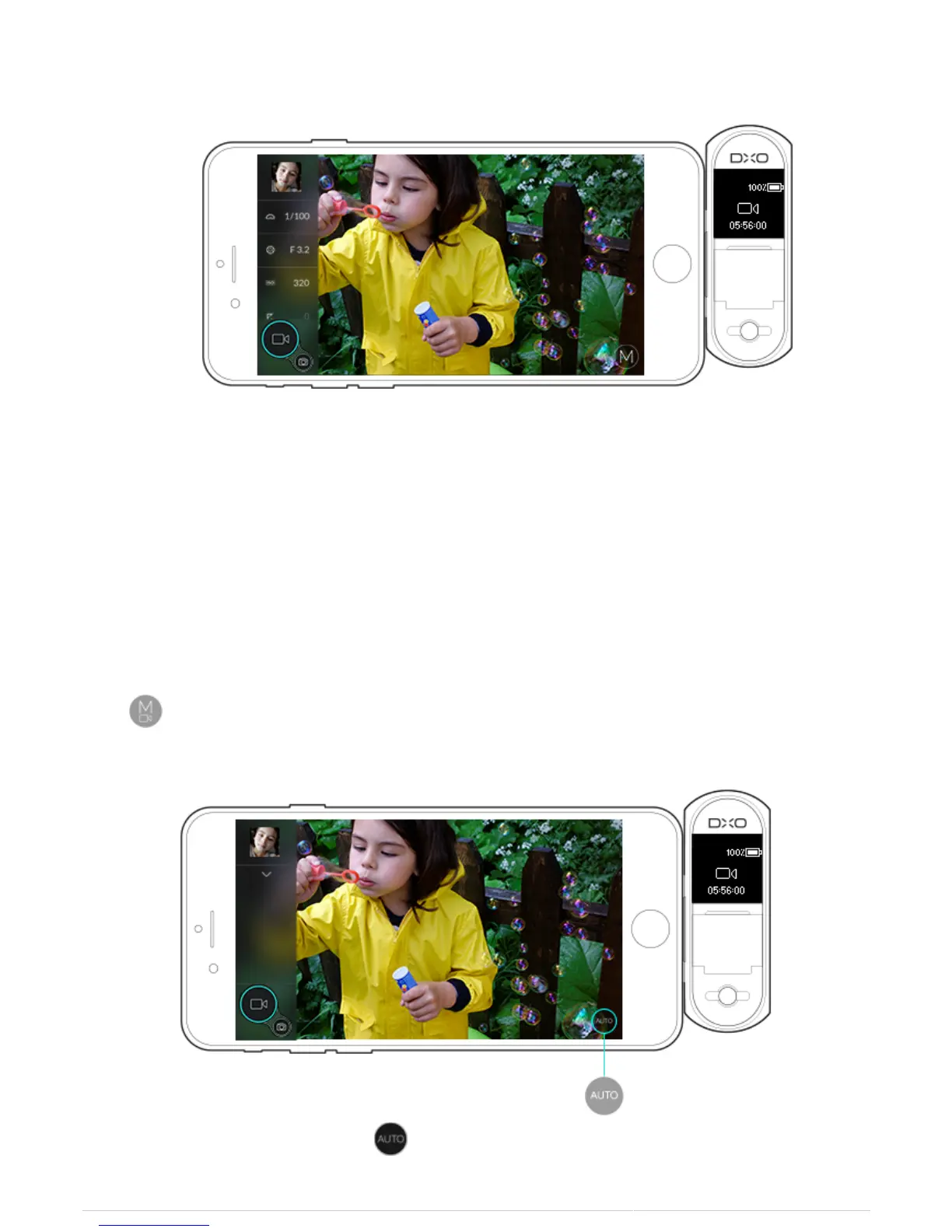
3. Manual Video mode lets you manually set the following parameters:
Shutter speed (from 1/30s to 1/20000s).
●
Aperture (f/1.8 to f/11).
●
ISO sensitivity (100 ISO to Hi2, and Auto mode).
●
Focusing mode (AF or manual).
●
White balance (Auto and presets).
●
Auto Video Mode
To switch to Auto video mode:
1. Tap on the bottom right of the iPhone display to open the video modes panel.
2. Select the Auto video mode by tapping .



 To Next Page