DxO ONE - User Guide - Copyright © DxO Labs 1999-2015 - All rights reserved 83
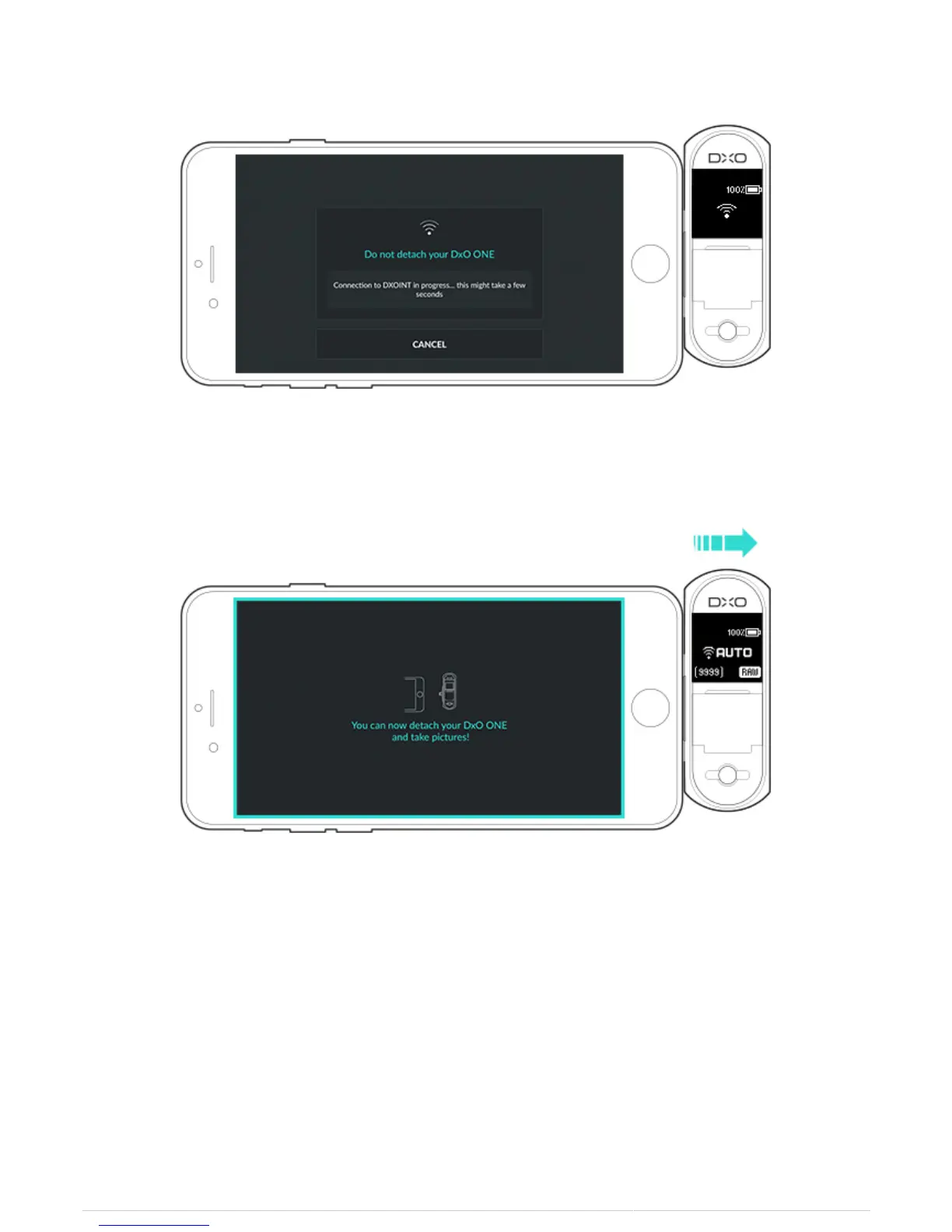
8. After the connection is confirmed, a new message indicates that you can disconnect the DxO ONE from your
iPhone.
9. Disconnect your camera from your iPhone. You can now use your DxO ONE while disconnected.
As soon as you disconnect the DxO ONE, a network icon appears on the camera’s OLED screen, and a blue
rectangle appears all around the DxO ONE application on your iPhone. Note that the rectangle will blink and then
turn orange if the quality of your Wi-Fi connection begins to drop.



 To Next Page