DxO ONE - User Guide - Copyright © DxO Labs 1999-2015 - All rights reserved 86
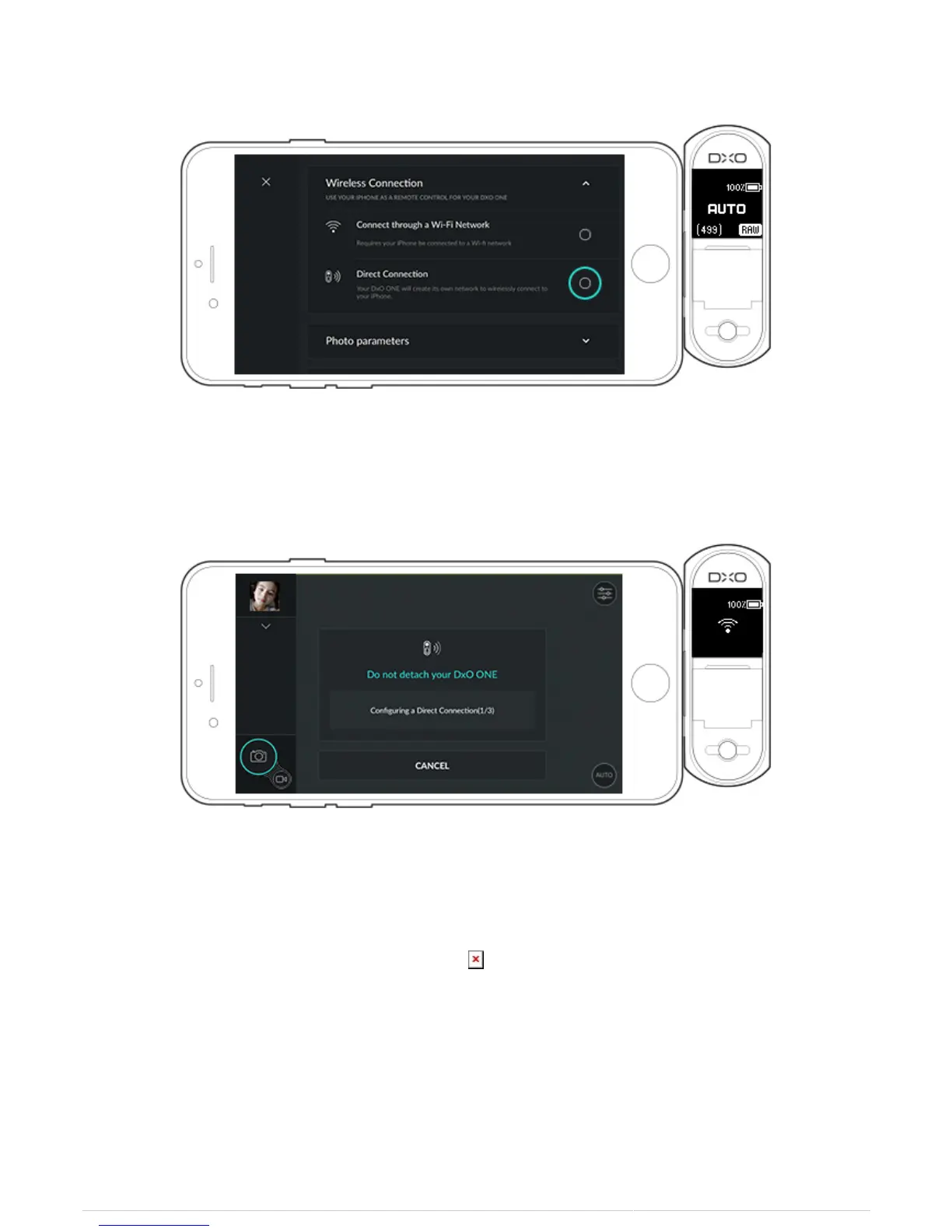
6. A dialog box shows the status of the connection.
7. After a few seconds, the dialog box tells you to select the “DxO ONE—XXX-XXX-XXX-XXX-XX” access point in
your iPhone's Wi-Fi Settings. Go into your iPhone’s Wi-Fi settings and select the “DxO ONE—XXX-XXX-XXX-XXX-
XX” access point and return to the DxO ONE iOS application.
8. After the connection is confirmed, a new message indicates you can disconnect the DxO ONE from your
iPhone.



 To Next Page