EBS-6100 Printer User's Manual
Paragraph 5 - Examples of How to Operate the Printer
EBS
Ink-Jet Systems
®
102
20070529#20.5
12345678910111213141516171819202122232425
25
24
23
22
21
20
19
18
17
16
15
14
13
12
11
10
9
8
7
6
5
4
3
2
1
X:
Y:
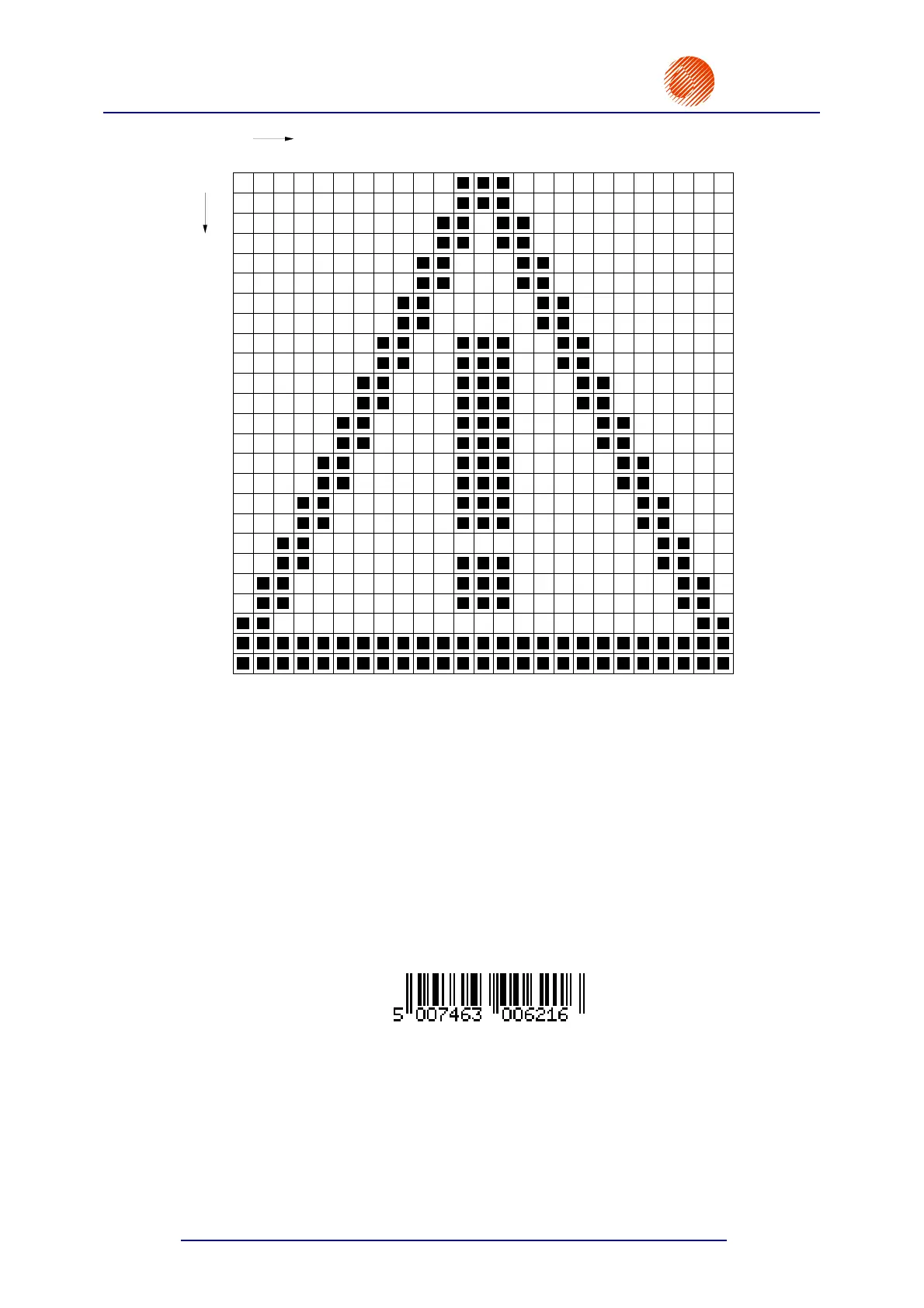
Fig. 5.2.4.1.
• If the drawing is acceptable, press the
V key in
order to record the text file in the library and save it
in the memory. Otherwise, press the
« V
keys again and go on improving your drawing.
2) Define print parameters following the instructions given in section 5.1 How to Print the
First Sample Text File point 7).
3) Print the text file called LOGO following the instructions given in section 5.1 How to Print
the First Sample Text File point 8).
5.2.5. How to Print a Bar Code
Assumption: an EAN-13 bar code should be printed on products; the overprint should look
like as follows:
1) Define a B
AR CODE type subfile and specify a numerical value to form the bar code.
In the main MENU select the TEXT SERVICE item and then the
CREATE NEW TEXT item.
You are prompted to type in a text-file name. Input a name, e.g. BARC, and confirm.



 To Next Page