EBS-6100 Printer User's Manual
Paragraph 4 - Operating the Printer
EBS
Ink-Jet Systems
®
32
20070529#20.5
NOTE:
If the file name exists in the library, the file appears on the terminal display and can be edited.
The word processor starts and various types of simple and complex files can be created. The
word processor opens a simple ASCII file of the maximum height. The file contains one
space. Now you can use the keypad to input a text to be printed. A description of control keys
is given in section 4.4.1.1 General Information on Text Files, paragraph WORD
PROCESSOR - A Description of Control Keys.
You can modify text file attributes or type by entering the subfile menu with the
§ key.
The first item in the subfile menu is Type. All subfile types available together with parameters
and default settings are described later on in this document.
The setting of each of the parameters can be modified with the ¡ and ¢ keys. The setting
of a numerical parameter can also be input directly from the keypad and confirmed with the
V key.
For various types of simple text file (subfile), subfiles are created in different ways. In the
following paragraphs you will find a description of how to create and edit simple files of
various types.
On selecting the subfile type, setting file parameters and typing the file contents, the text file
needs confirming or cancelling.
Subfile Type: Text - ASCII Characters
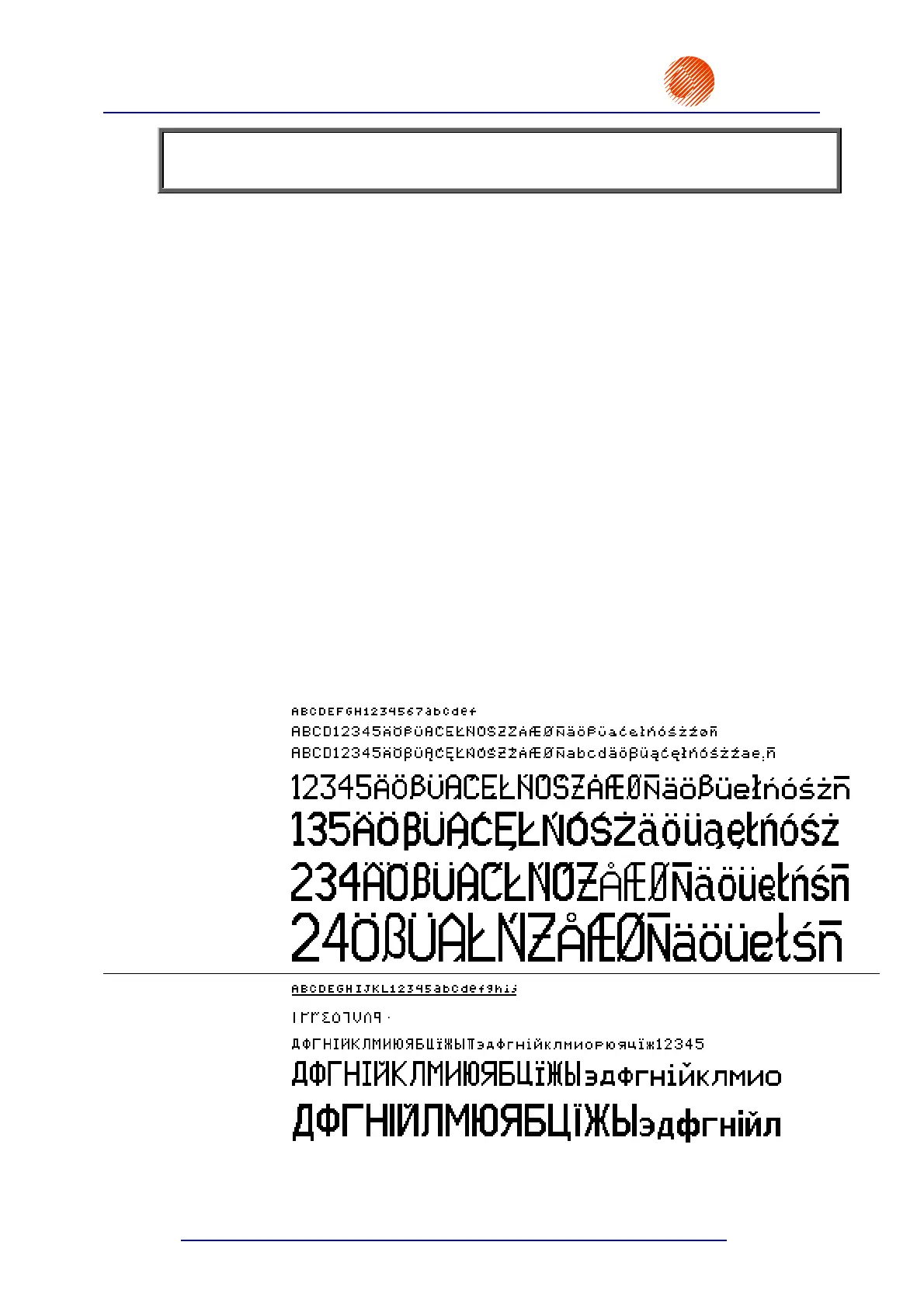
This type of simple text file (subfile) is a set of alphabetical characters. The standard word
processor offers the Latin alphabet as ASCII characters.
The characters are coded with matrices (or character generators), whose examples are given
below:
MATRIX EXAMPLE
Latin 5x5 pixels
Latin 7x5 pixels
Latin 9x5 pixels
Latin 16x10 pixels
Latin 21x15 pixels
Latin 25x15 pixels
Latin 32x18 pixels
Lat__5x5__ pixels
Arab.Dg.7x5 pixels
Cyrillic 7x6 pixels
Cyryl.16x10 pixels
Cyryl.25x19 pixels



 To Next Page