EBS-6100 Printer User's Manual
Paragraph 4 - Operating the Printer
EBS
Ink-Jet Systems
®
40
20070529#20.5
Now the text file name is paired off with the parameter-block name and the relevant
information remains in the printer’s memory even if the power supply is switched off.
For how to detach the parameter block from the a selected text file see paragraph
4.4.1.7 Accessing the File Library.
4.4.1.9. Using the Password
The user can secure access to the following commands that are called protected
commands further on:
all commands in the TEXT SERVICE submenu,
all commands in the PARAMETERS SERVICE submenu,
commands in the PRINTING submenu, such as:
• SAVE CURRENT PARAM.,
• SET SHIFT COUNTER,
• GLOBAL COUNTER,
• SET GLOBAL COUNTER.
The objective is to protect text files, parameter blocks and the object counter against
accidental or deliberate access by unauthorised persons.
This security feature is implemented by defining a password and enabling the password. Any
access to the secured MENU commands is possible only after the password has been typed
in. When the right password has been typed in, the commands previously unavailable
become available until the password function is enabled again or the printer is turned off.
When the password is defined, the password function is enabled automatically after the unit
has been switched on.
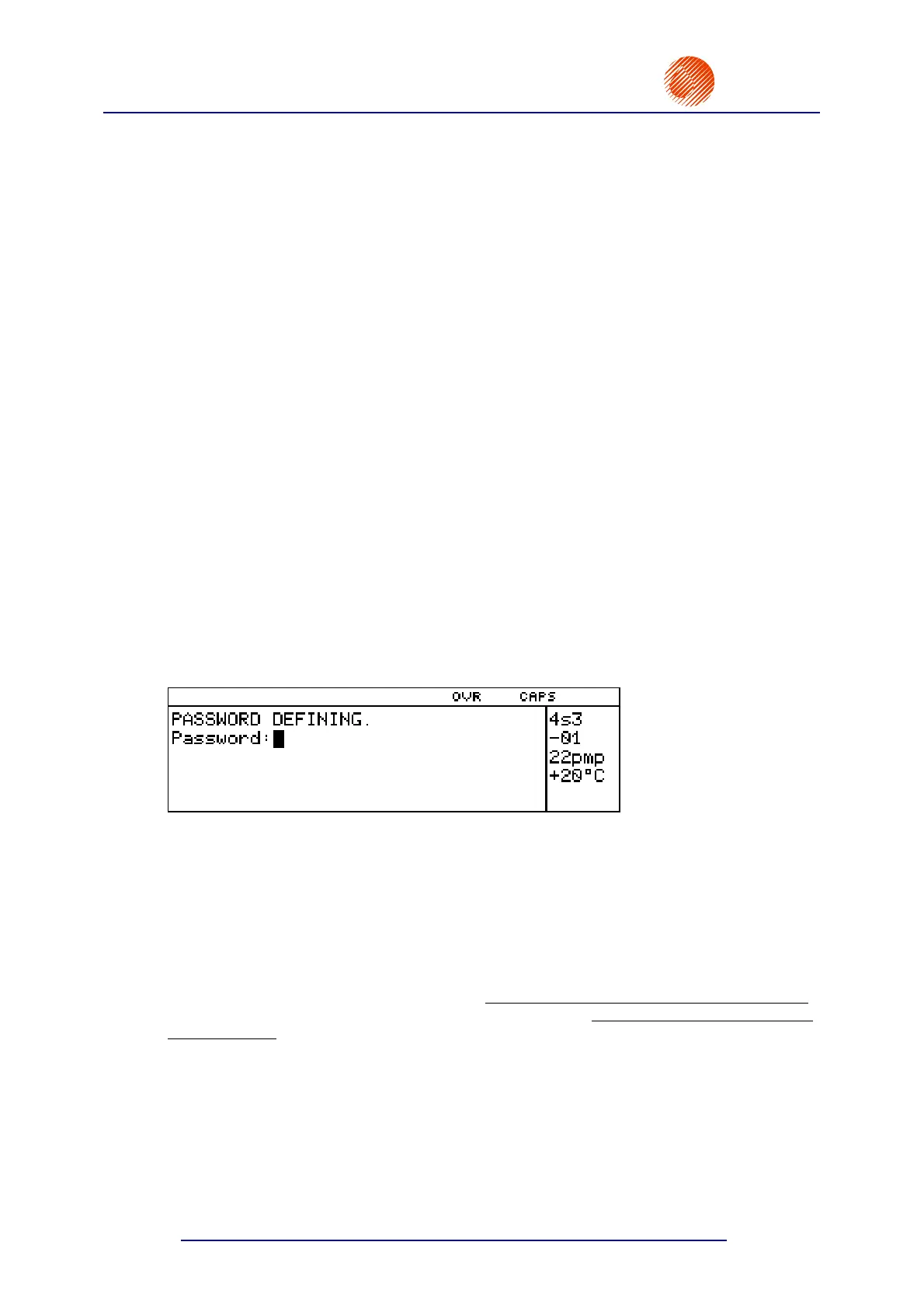
Defining a User Password
In the main MENU select the TEXT SERVICE item and then the CREATE/CHANGE PASS
item.
The request to type in a user password is displayed. Enter from 1 up to 8 characters and
confirm, and then type in the password again in order to certify. The characters input are not
displayed explicitly. Only asterisks (******) are shown on the display.
If the password has already been defined, the CREATE/CHANGE PASS option is followed by
as many asterisks as the number of characters within the password.
Enabling the User Password
The password function is enabled to secure protected commands against any
unauthorised use. The commands are available until the password function is enabled (turned
on). The password needs to be defined first. After the password function has been enabled
,
any access to the submenus and commands specified above is preceded by a request to type
in the password.
In the main MENU select the TEXT SERVICE item and then the ACTIVATE PASSWORD
item. The password function is on from that moment on.
Changing the User Password
The user password can be changed at any time. In the main MENU select the
TEXT SERVICE item and then the CREATE/CHANGE PASS item.



 To Next Page