EBS
Ink-Jet Systems
®
EBS-6100 Printer User's Manual
Paragraph 4 - Operating the Printe
20070529#20.5
77
If IMS messages concerning a specific bottle are displayed on the terminal, they are
always preceded by an indication of which bottle they relate to:
• If IMS messages concerning the ink bottle
are displayed in the main window on
the terminal display, they are preceded by the indication “INK:”, whereas if they
are displayed in the printer status window, they are preceded by the first letter of
the indication, that is “I:”.
• If IMS messages concerning the solvent bottle
are displayed in the main window
on the terminal display, they are preceded by the indication “SOLVENT:”, whereas
if they are displayed in the printer status window, they are preceded by the first
letter of the indication, that is “S:”. For example:
Replacing the Bottle of Ink (Solvent)
The empty bottle condition is normally indicated with a sound alarm (and possibly a light
signal) and the following terminal message:
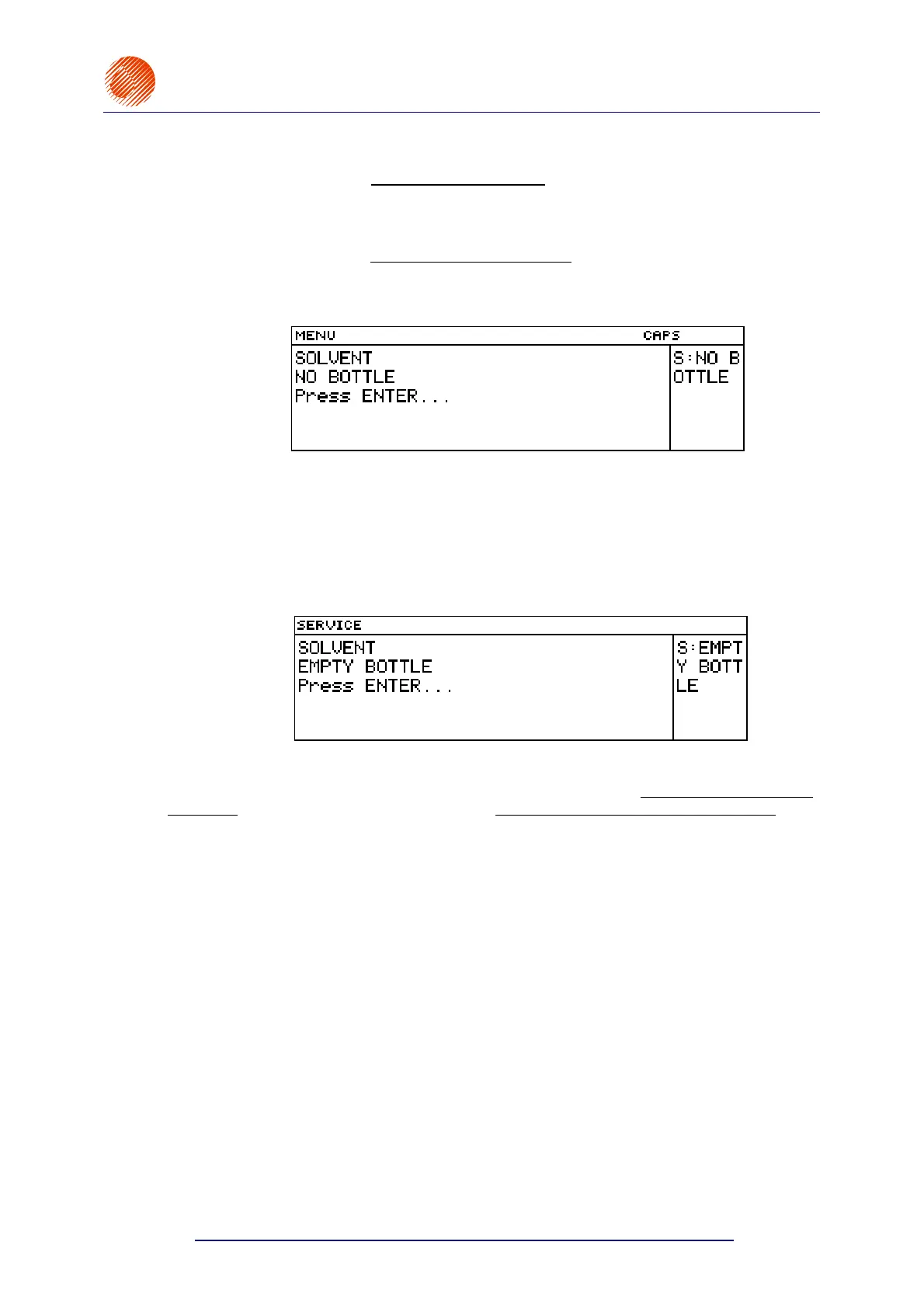
INK:
EMPTY BOTTLE for the bottle of ink or
SOLVENT:
EMPTY BOTTLE for the bottle of solvent.
For example:
This is the right time to replace the empty bottle with a full one.
In some emergency situations the messages INK LACK can occur although the ink bottle is
not empty or the messages SOLVENT LACK although the solvent bottle is not empty. The
occurrence of such messages indicates some inefficiency in the ink (solvent) suction system.
In order to avoid trouble while replacing empty ink (solvent) bottles, follow the
procedure below:
1. Remove the empty bottle from the container - the following message can be displayed on
the terminal:
INK:
NO BOTTLE for the bottle of ink or
SOLVENT:
NO BOTTLE for the bottle of solvent.
2. Place a new sealed bottle (but do not insert a suction pipe into the bottle). One or more
messages may be displayed. If this is the proper bottle, that is, a new bottle that has
never been used (or approved) before, the following message should appear at first:
BOTTLE VERIFYING:
WAIT 10 SECONDS PLEASE
3. If the message BOTTLE ACCEPTED is displayed within 10 seconds, this means that the
bottle is right for a given printer. Remove the bottle and unseal it. Then insert a suction
pipe tipped with a filter into the bottle and screw the bottle in (the message NO BOTTLE
can occur at that time).



 To Next Page