EBS-6100 Printer User's Manual
Paragraph 4 - Operating the Printer
EBS
Ink-Jet Systems
®
22
20070529#20.5
Group of alphabetical keys
the letter keys A, B, C, ... , Z, the keys - = [ ] ;
' , . / \ and the
ª key.
All the above specified characters are available immediately after the corresponding
key has been pressed.
Each time you want to type in a character marked in the top left corner of some
keys, press the Y key before the character is selected. This does apply to the
following characters: _ + { } : " < > ? | ! @ # $ % ^ & * ( ).
4 Special function keys comprising:
• contrast control keys,
+
- to increase the contrast,
- to reduce the contrast
•
F1 F2 F3 F4 F5
function keys to define various additional functions.
4.1.2. Internal Panel
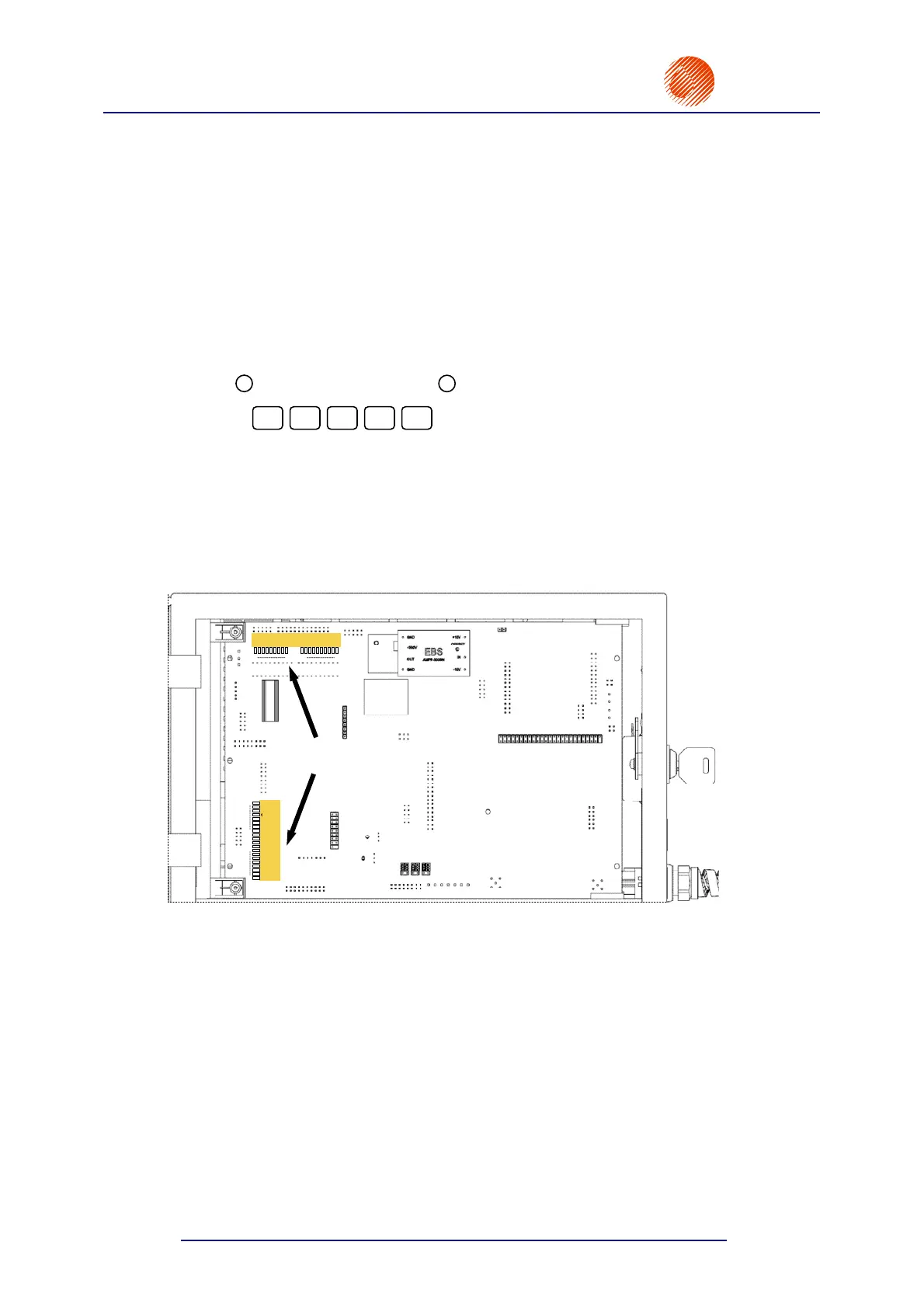
The internal panel is used to indicate the condition of inner assemblies of the printer,
errors, alarms and failures. The condition, errors, alarms and failures are indicated with a
number of lamps (two rows of light-emitting diodes, L1 - L20, L21 - L39) located on the
printer's main electronics card, that is available after the upper door has been opened (see
Fig. 4.1.2.1).
Sb3
St3-OVER
Sb1
St1
-VIS (INK )
+VIS (SOLV )
READY 1
HV1 ON
READY 2
HV2 ON
PH. ERR.1
PH. ERR.2
PRESS.LACK
SOLV. LACK
INK LACK
SOLV. BAD
FILL. ERR./
PRESS.DROP
V1/V7 ERR.
CHK V. ER.
300V ERR.
L20
L1
L1 - L20
L21
L21 - L39
V01
POWER
V92
V82
V12
V91
VAC.
/
V81
V11
PREAS-
SURE
V2 A
()
ALARM
V2V
V3
V4
V5
V6
V7
V02
VX
L39
Internal panel
LEDs
Fig. 4.1.2.1. Location of internal panel indication LEDs



 To Next Page