EBS
Ink-Jet Systems
®
EBS-6100 Printer User's Manual
Paragraph 4 - Operating the Printe
20070529#20.5
29
Tge time gap error indicating too high a printing speed that makes it impossible to
measure phasing and viscosity or too small a distance (see the Rpt.dist. print
parameter) between successive labels as for a given print rate.
Der drop error indicating the failure to apply the optimal breaking voltage.
Aer indicating that no compensation can be made for the KOMPENS option due to
too small a value of the Space print parameter or too small a distance (the
Rpt.dist. print parameter) between labels to be printed.
Ter temperature error indicating that the head temperature has fluctuated by
more than 10°C in the print mode. This may result from the improper breaking
of ink into droplets and requires the printing to be stopped for about 60
seconds (high voltage to be turned off with the STOP PRINTING or
QUICK STOP commands) in order to ensure that the droplet break off point is
adjusted automatically to a new temperature. If the working temperature
fluctuates by more than 15°C in relation to the temperature at which the
breaking circuit has been synchronized, adjust the breaking voltage before
starting the operation in such conditions, so that the control equipment
operates in the entire temperature range. The adjustment should be performed
by a service person. In general, the lower the temperature, the higher the
breaking voltage.
Ovr (overrun) the maximum print rate has been exceeded. This indication may
appear only when a shaft-encoder is used and it is connected with a sound
signal. The alarm can be cleared with one of the following commands:
START PRINT (even if it is rejected), STOP PRINTING, QUICK STOP and
SERVICE (from the SERVICE submenu).
The third line is not used in EBS-6100 printers.
The fourth line indicates the temperature (°C) inside the head.
The fifth line (ending with “pix”) indicates the type of correction table (7, 16, 25 or 32 pix)
used for printing the current label after the START PRINT command has been selected.
Otherwise, the actual height of the label currently printed is displayed.
NOTE:
• If the START PRINT command has been selected and the
F4
function key is pressed
during the printing, the name of a text file printed is displayed (for about 1 second) in
place of the print height. If the
F4
key is pressed several times, the text name is
displayed longer.
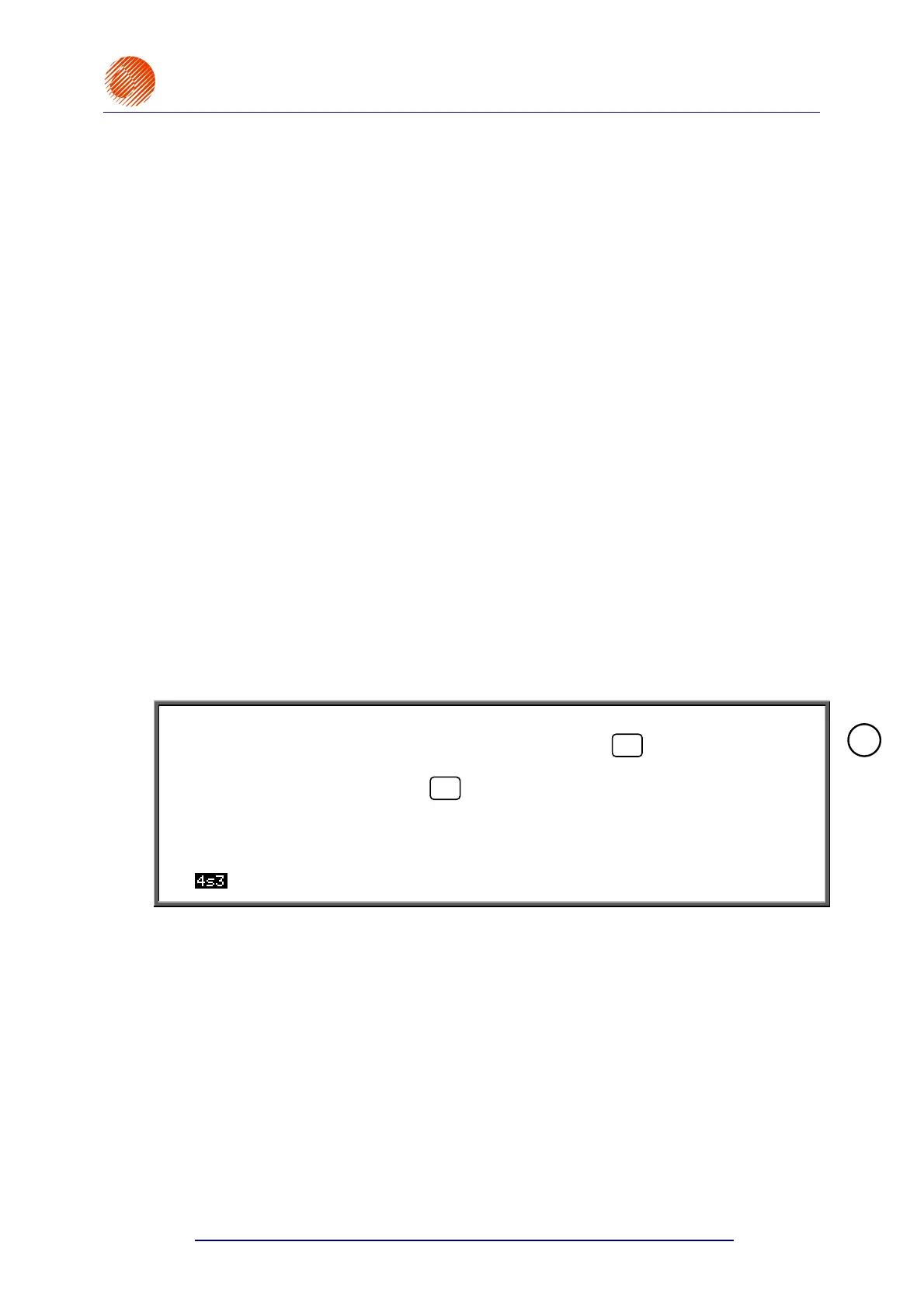
• If the user is allowed to use the printer for a limited period (under a separate agreement
stating that if the period expires, the printer stops working automatically), the first status
line is displayed in inverted colours (light characters on a dark background, for example
).
4.4. Controlling the Printer
4.4.1. Text Files
4.4.1.1. General Information on Text Files
All operations related to texts to be printed are available from the TEXT SERVICE
ubmenu.
!



 To Next Page