EBS-6100 Printer User's Manual
Paragraph 4 - Operating the Printer
EBS
Ink-Jet Systems
®
30
20070529#20.5
NOTE:
If the TEXT SERVICE submenu is protected by a user-defined password, the user is
prompted to give the password before the submenu is displayed. For details on using a user
password in the printer, see section 4.4.1.9 Using the Password.
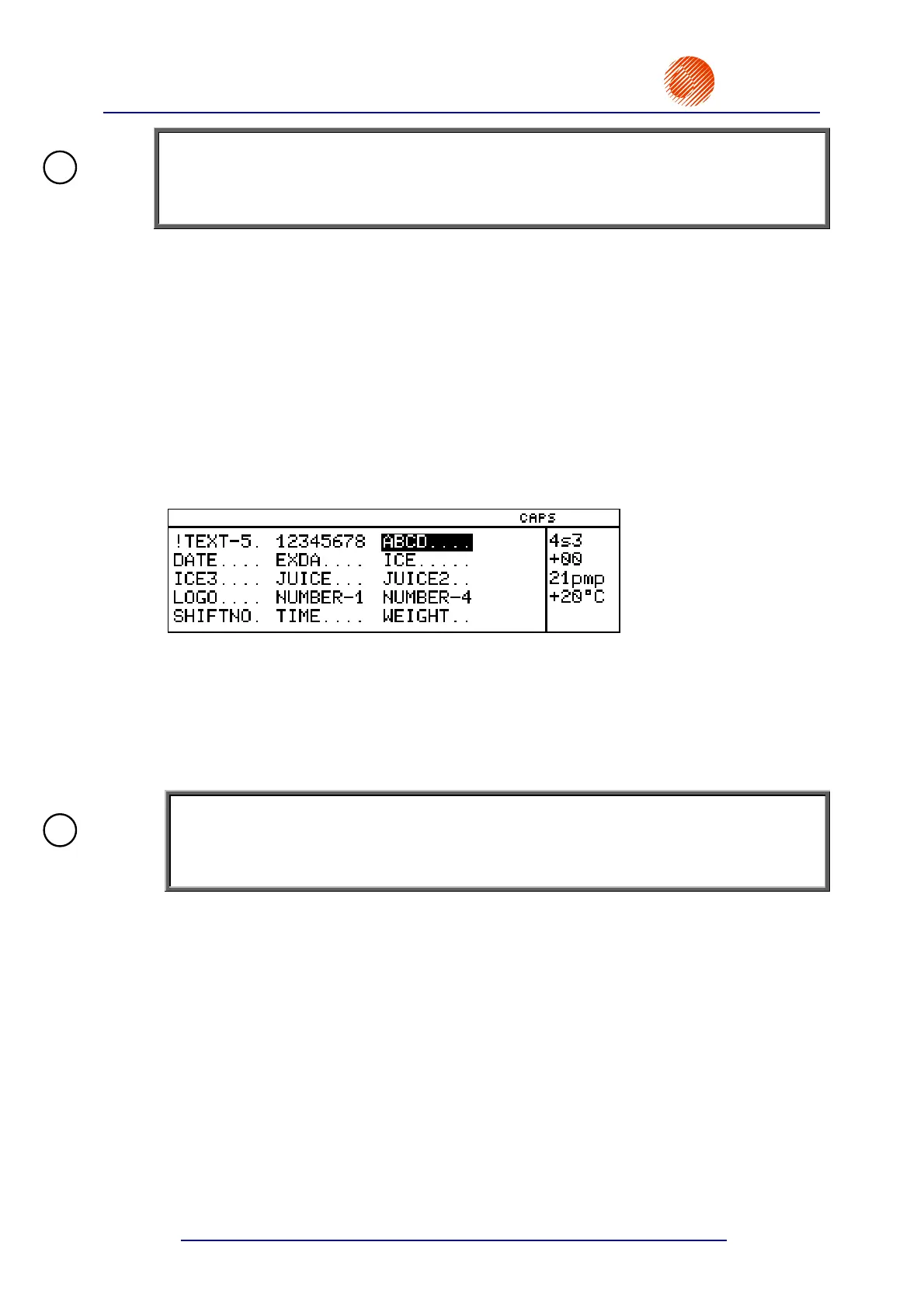
Text files are stored in a library in the printer’s memory. Each text file is identified by a name
of up to 8-characters. The name can be built up of alphabetical (small and capital) letters,
digits and some symbols except spaces, dots or characters such as: \ / : * ? ” < > |, e.g.
12345678, AB#%CD&, Weight-5, JUICE-12, DATEtime, Q1, @8, etc. Text names and the
arrangement of text names in the library enable the user to move through even a large set of
text files easily and find the right file without any problems.
Every text file in the library can have the read only attribute assigned to it in order to prevent
it from being deleted or modified by an unauthorised person. The read only attribute can be
assigned to/removed from a single text file or all text files stored in the library. For more
information refer to paragraph 4.4.1.7 Accessing the File Library.
Some commands show the library contents in alphabetical order in the operating window of
the display.
The following facilities enable the user to move along the file name directory freely:
• the ¡¢¤£ keys to move the cursor from one name to the other,
• the leading character (a letter or digit) to move the cursor to the first name that starts
with this character,
• the Y¢ (HOME) or Y£ keys to move the cursor to the first name in the
library,
• the Y¡ (END) or Y¤ keys to move the cursor to the last name in the library.
NOTE:
If the printer memory is overflowed (with a lot of or very long text files or parameter blocks),
the file names may not be arranged in alphabetical order and some facilities may not be
effective.
The files can be divided into two groups:
simple text files,
complex text files.
The simple text files include the following types of text:
a string of ASCII characters,
a graphical image,
a bar code,
a subfile (another text called by its name).
In every case you can create a complex text file from the very beginning or merge text files
(hereinafter called subfiles) that already exist in the library (merging by name). A file created
by merging may be used as part of another file.
!
!



 To Next Page