EBS-6100 Printer User's Manual
Paragraph 4 - Operating the Printer
EBS
Ink-Jet Systems
®
74
20070529#20.5
In the main MENU select the SERVICE item and then the OTHERS item. On typing in
the service password, select the SET TIME AND DATE item. In this place you can
confirm or modify the time and date settings that are displayed consecutively.
NOTE:
• The date must not be set back!
• If the date has been set back, the following message is displayed on the
terminal: DATE IS SET BACKWARD !!
and it is impossible to start the printing with the START PRINT command, which,
when selected, is followed by the error message.
4.4.5.6. Viewing Printer Operation Time
The printer operation time is measured with a separate clock that is based on the
printer’s built-in clock. The clock measures how much time the printer has been in the
ON state since the
ON
key was pressed and the time period left until the printer’s
operation time limit expires, if such a limit has been set (see section
4.4.5.8 Releasing Protections).
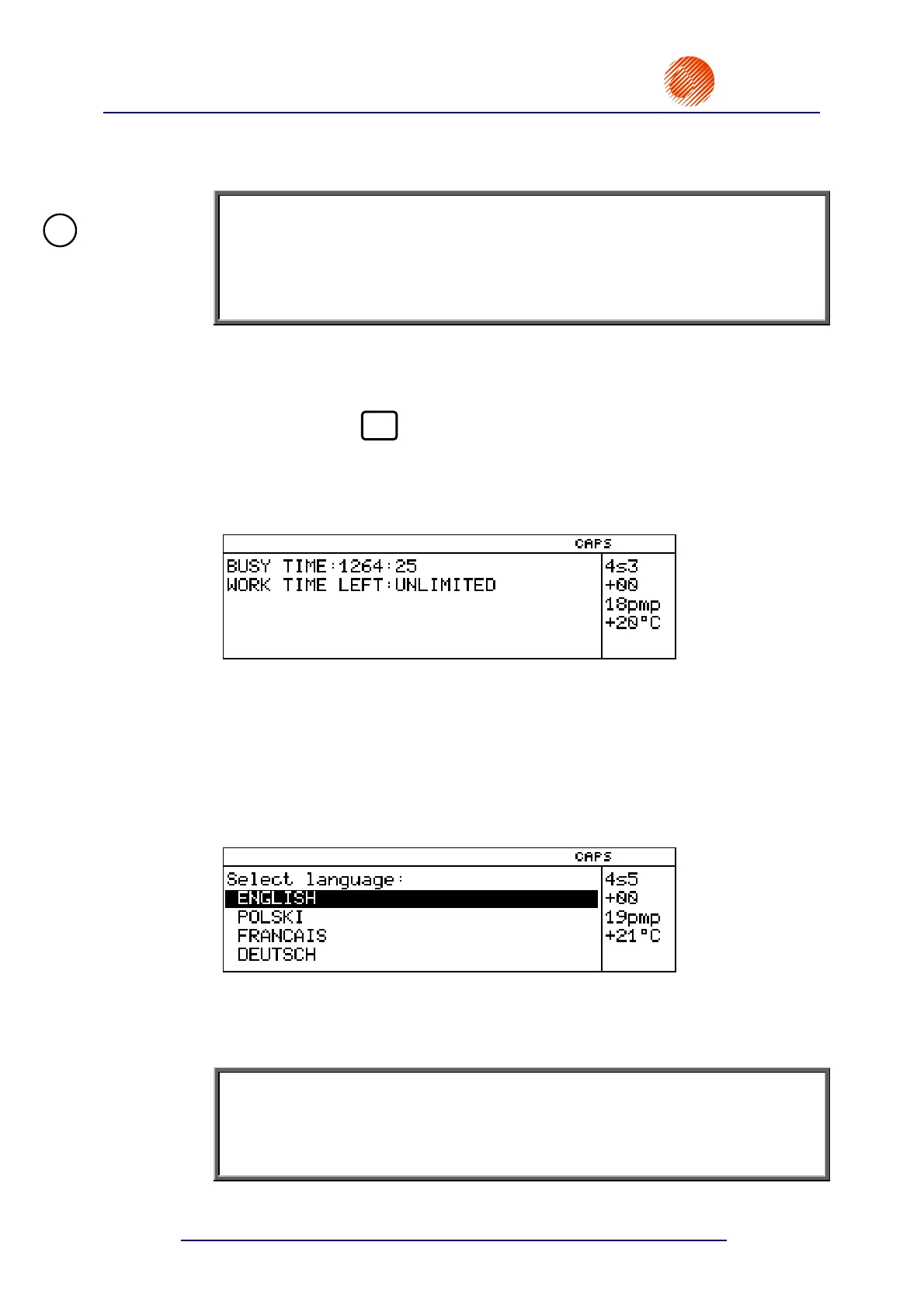
In the main MENU select the AUX. COMMANDS item and then the ACTIVITY TIME
item.
The printer operation time is displayed in the operating window of the terminal in the
format of hours:minutes.
4.4.5.7. Selecting a Language
You can specify the language in which the control MENU and all messages are
displayed on the terminal.
In the main MENU select the AUX. COMMANDS item and then the LANGUAGE
item.
The list of languages available for the user to communicate with the printer is
displayed in the operating window of the terminal.
After a language has been selected, the control menu is immediately displayed in the
selected language.
NOTE:
If you have selected a language that you do not understand, you can set the printer
back to the ENGLISH language by pressing the following key sequence on the
terminal:
UUUUU 5 V 7 V, then selecting the language
and confirming the selection.
!



 To Next Page