EBS-6100 Printer User's Manual
Paragraph 4 - Operating the Printer
EBS
Ink-Jet Systems
®
62
20070529#20.5
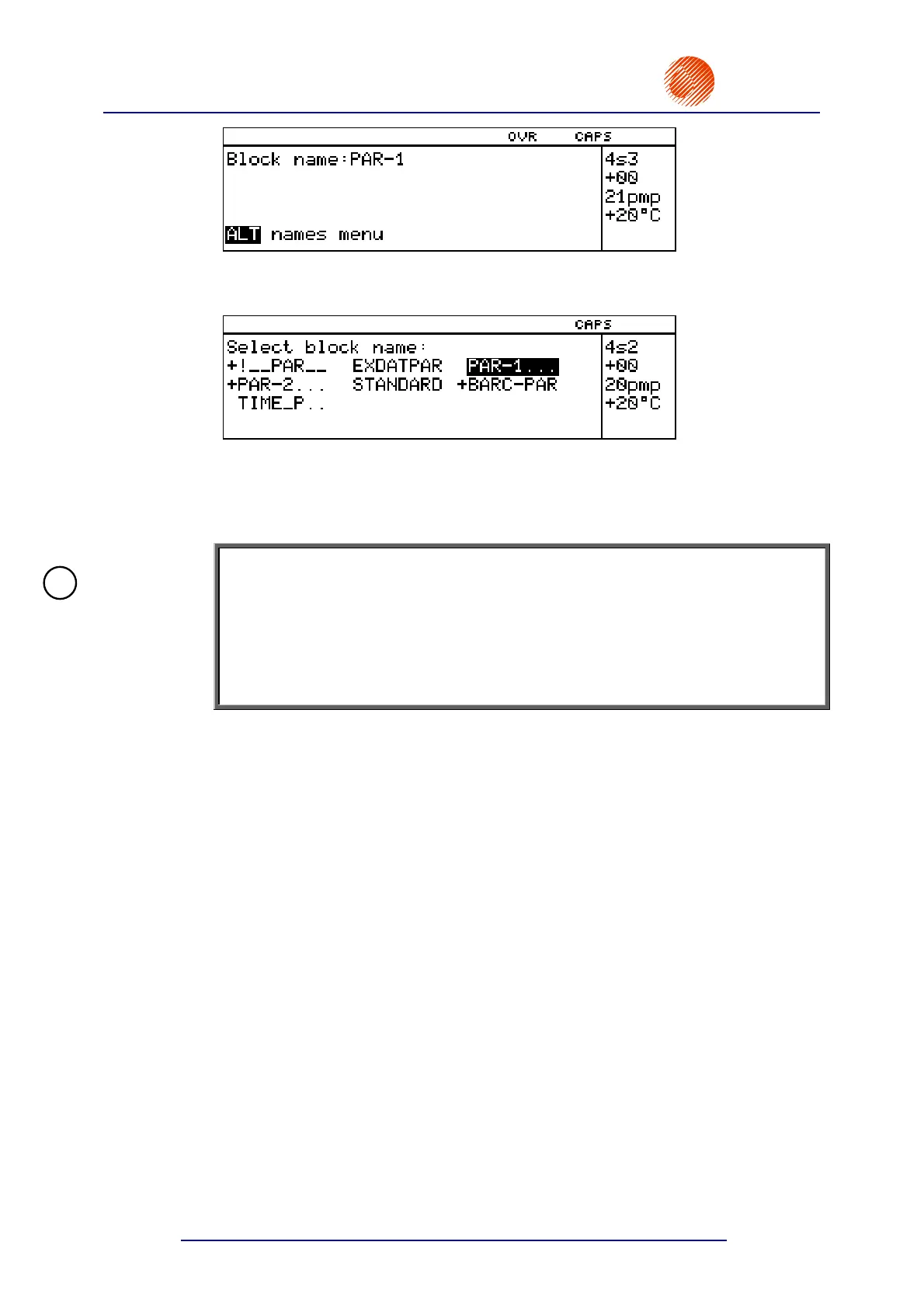
You are prompted to specify the name of a block where the parameters are to be
saved. Type in an up to 8-character block name and confirm, or alternatively, you can
press the
¨ key.
The display shows the parameter block library from which you should select the name
of a parameter block and save the parameters under this name (for a description of
block selection facilities see section 4.4.1.1 General Information on Text Files).
On selecting an existing name you have to decide whether you wish to overwrite the
existing block or not.
NOTE:
• If the TEXT SERVICE submenu is protected with a user password, the
SAVE CURRENT PARAM. command is followed by a prompt to type in the
password. For details on using a user password see section 4.4.1.9 Using the
Password.
• When the name of a nonexistent block is typed in, a new block is created.
• When the name of an existent block is selected, the block is replaced with new
parameters (after the selection has been confirmed).
4.4.3.7. Monitoring the Counting
The printer can count the objects it labels. Each time the photo detector is
activated, the object counter is incremented by 1. The counter can be reset or set to
any initial setting at any time.
The printer is supplied with two separate object counters.
A change counter, which can be viewed at any time, but can be protected with
a user password against unauthorised modifications. Any modification (in particular
resetting to zero) does not affect the global counter.
A global counter, which can be protected with a user password against
unauthorised access or modifications. Any modification (in particular resetting to zero)
does not affect the change counter.
Accessing Object Counters
In order to access an object counter follow the procedure below. In the main
MENU select the PRINTING item and then the SHIFT COUNTER or the
GLOBAL COUNTER item.
!



 To Next Page