EBS-6100 Printer User's Manual
Paragraph 6 - SERVICE and maintenance
EBS
Ink-Jet Systems
®
108
20070529#20.5
PROBLEM REMEDY
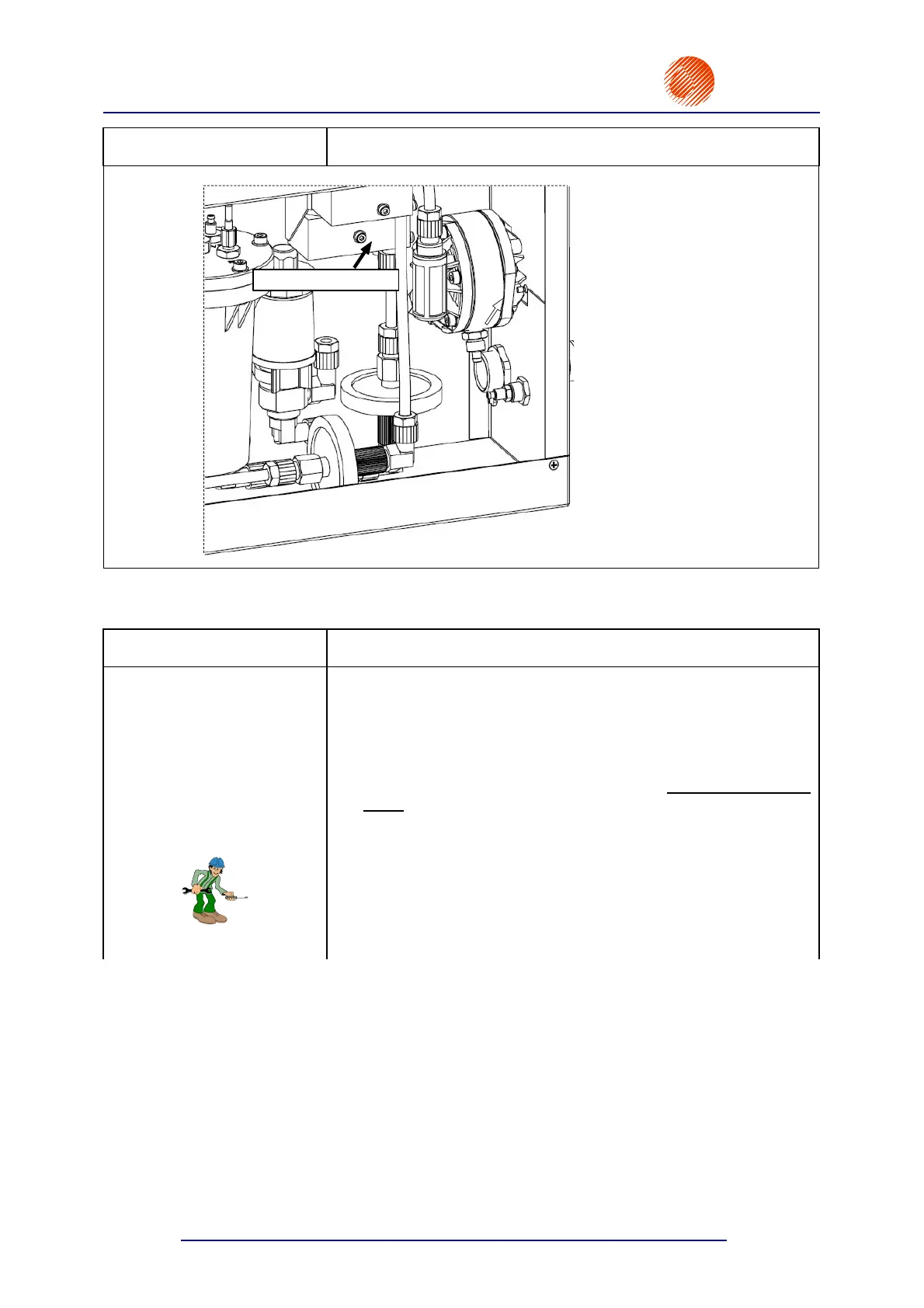
Ink pressure pump
Fig. 6.3.2.1.
6.3.3. Clogged nozzle - cleaning the nozzle
PROBLEM REMEDY
The nozzle is clogged. An
attempt to clear it by
sucking (with the
CLEAN NOZZLE) command
has failed.
The best moment for cleaning the nozzle is when the ink jet is
trapped in the nozzle. The operation should not follow the
CLEAN NOZZLE command directly because the impurities are
sucked back at first but re-accumulated in the nozzle afterwards. It
involves the following steps:
• remove the head cover by unscrewing the cover-protecting
screw - see Fig. 2.4.1 in 2.4 Removing the head casing
section,
• select the V0 OFF command (or press the INK ON/OFF key on
the external panel) in order to stop the flow of ink towards the
head (when the ink flow stops, the lamp V0 on the internal panel
goes out),
• loosen two screws
that fix the insulator of the charging
electrode - see Fig. 6.3.3.1,
• turn the charging electrode
,



 To Next Page