EBS
Ink-Jet Systems
®
EBS-6100 Printer User's Manual
Paragraph 4 - Operating the Printe
20070529#20.5
63
or
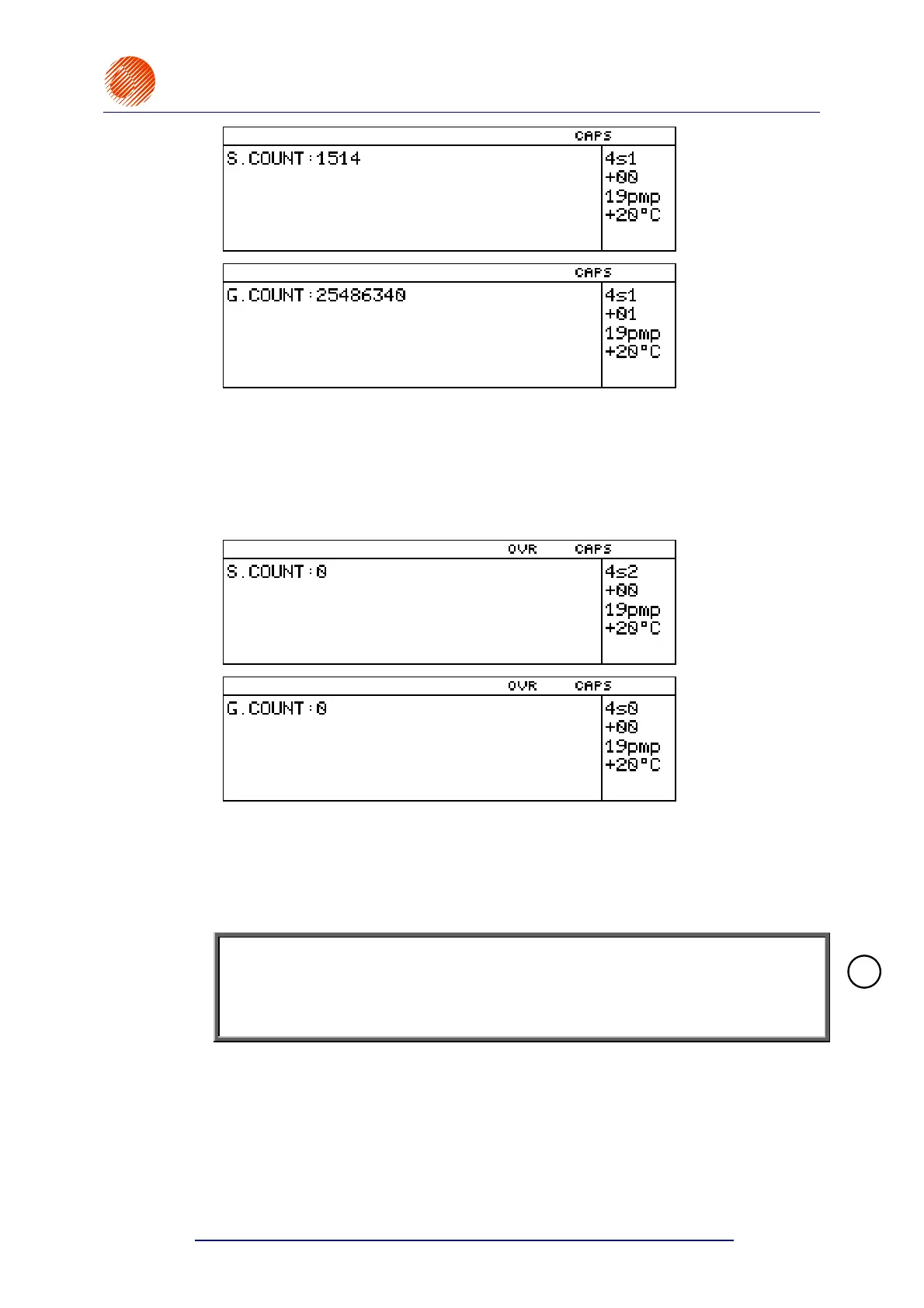
The current setting of an object counter is displayed. Each time the photo detector is
activated during printing, the object counter setting is increased by 1 and this can be
viewed on the display. Press any key to get back to the main menu.
Modifying Object Counters
In order to modify an object counter follow the procedure below. In the main
MENU select the PRINTING item and then the SET SHIFT COUNTER or the
SET GLOBAL COUNTER item.
or
The current setting of the object counter is displayed. Each time the photo detector is
activated during printing, the object counter setting is increased by 1 and this can be
viewed on the display.
Enter a new setting and confirm it or press any key, except numerical keys, if you
wish to leave the counter unchanged.
In particular, if you enter 0 (zero), the counter is cleared.
NOTE:
If the TEXT SERVICE submenu is protected with a user password, then the prompt
to type in the password appears before the global counter setting is displayed
or before the global or change counters are made available to modifications.
For details on using a user password see section 4.4.1.9 Using the Password.
4.4.3.8. Monitoring the Print Rate
The print rate is regulated by an internal generator or shaft-encoder. The internal
generator (or shaft-encoder) determines the timing of the printing of vertical rows. The
timing rate or print rate can be measured - see also section 4.6 Adjusting the Print
Rate.
The print rate is measured in the following way. In the main MENU select the
PRINTING item and then the ROWS SPEED item.
!



 To Next Page