EBS
Ink-Jet Systems
®
EBS-6100 Printer User's Manual
Paragraph 4 - Operating the Printe
20070529#20.5
73
4.4.5.2. Accessing Alarm Messages
When an error or failure and an alarm occur, you can try to interpret the type of
error by selecting the DISPLAY ERRORS command from the AUX. COMMANDS
submenu. An error message is displayed on the terminal in response (for example,
after a phasing error has occurred). If a few errors have occurred at the same time,
the error messages can be displayed consecutively by pressing the V key until
the OK message is displayed.
NOTE: No message is displayed if the alarm has been cleared with the yellow
CLR.
ALARM
key on the external panel or with the CLEAR ERRORS command from the
AUX. COMMANDS submenu.
4.4.5.3. Clearing Alarms
Alarms are associated with errors, i.e. irregular situations in which an operator's
intervention is required. Every error is indicated with sound and light signals. After the
reason for an alarm has been interpreted, the alarm can be cleared with the yellow
CLR.
ALARM
key on the main pad of the external panel or with the equivalent command from
the terminal.
The alarm clearing command is selected in the following way: In the main MENU
select the AUX. COMMANDS item and then the CLEAR ERRORS item. The
command results in turning the sound alarm off and clearing the errors and in
resuming normal operation of the printer.
4.4.5.4. Accessing Error Reports
Every error indicated by an alarm is logged in the printer’s memory in the form of
a report. The report includes data such as the type of error and the date and time of
occurrence. It enables the operator to review printer operation by studying untypical
events.
The error report is accessed in the following way. In the main MENU select the
AUX. COMMANDS item and then the READ ERRORS REPORT item. Most recent
errors are shown successively in the operating window on the terminal.
A precise description of an error report is given in a separate document (Accessing
Error Report in EBS-1500 & EBS-6000 Series Printers via the
READ ERRORS REPORT command).
4.4.5.5. Setting Date and Time
The printer is equipped with a real-time clock, which operates even if the power
supply is off. It is possible for the user to set the date and clock time, however, the
modification of the date is protected with a special service password.
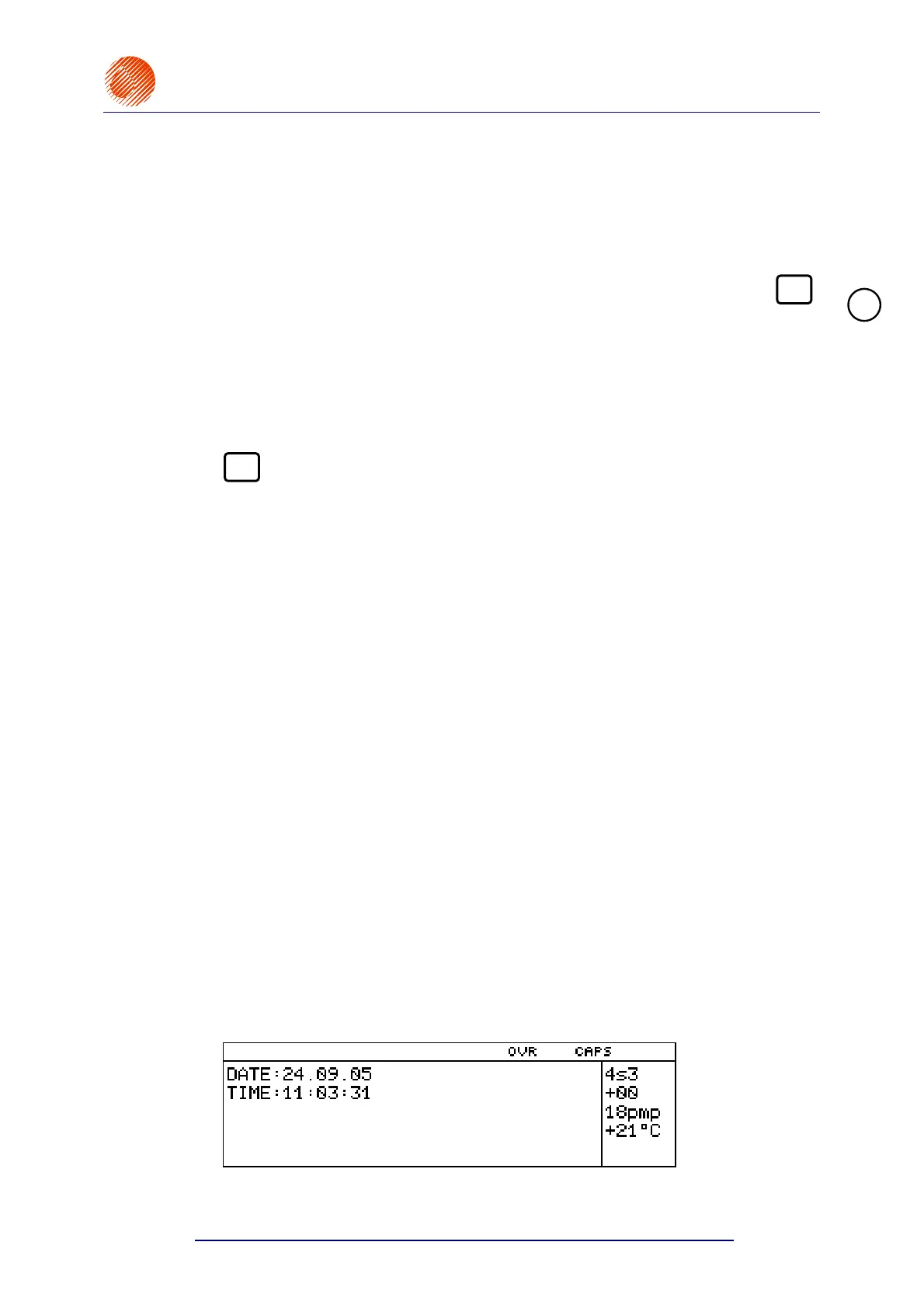
In the main MENU select the AUX. COMMANDS item and then the TIME AND DATE
item.
Then, the date and time indicated by the clock are displayed in the working window
on the terminal where they can be modified. The date can be modified in the
SERVICE submenu after the special service password has been specified.
!



 To Next Page