EBS
Ink-Jet Systems
®
EBS-6100 Printer User's Manual
Paragraph 1 - General Information
20070529#20.5
9
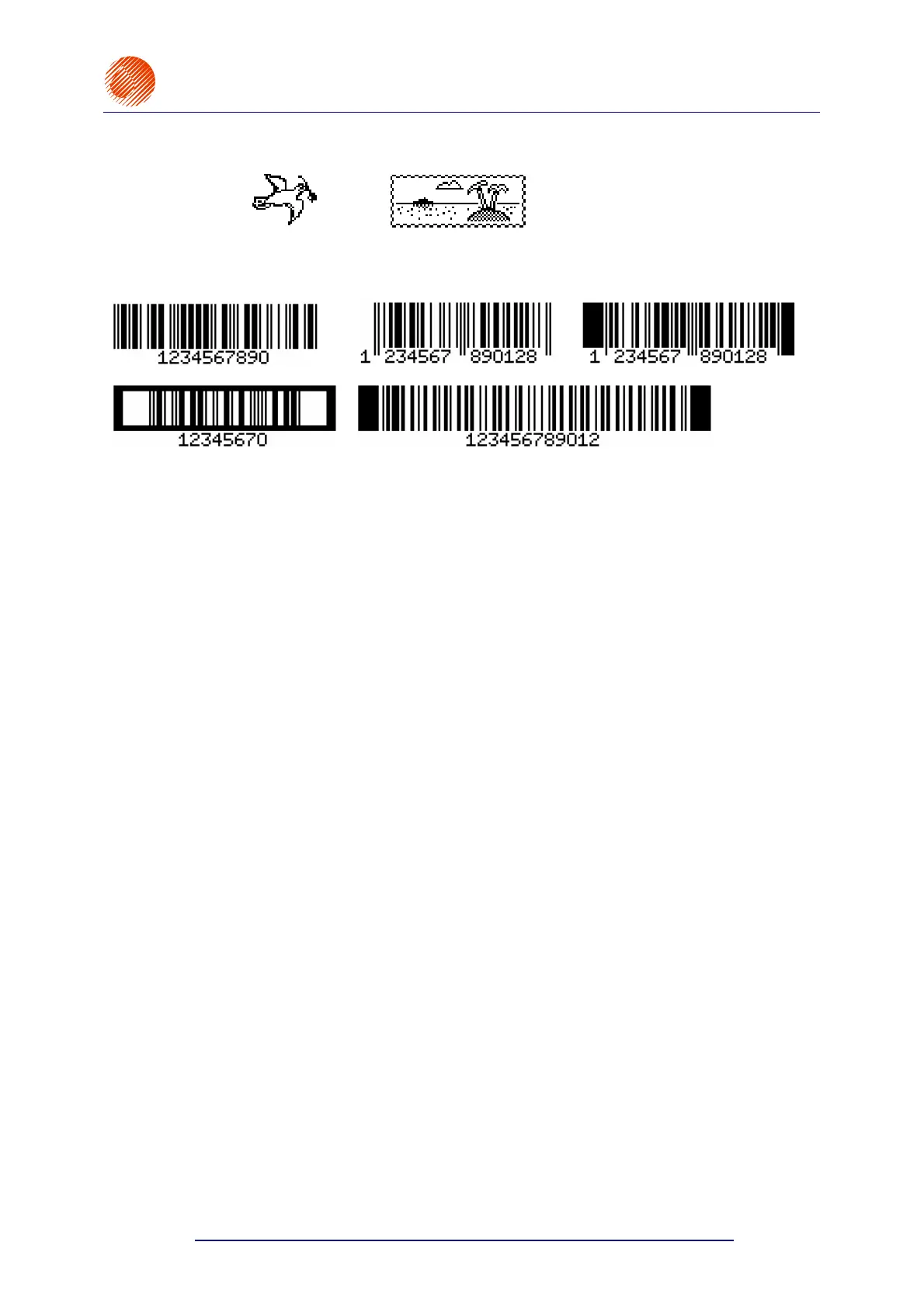
• graphics – a built-in set of ready-to-use graphic symbols and a tool-kit for creating
user-defined graphics,
• bar codes of various kinds, printed in a regular way or in reverse, with or without
a numerical caption; an option of introducing on-going changes to the digital
contents of the code (bar code as an incremental or decremental counter),
• variable data - such as current date, warranty expiration date, current time,
ascending and descending numbering (counters), any types of data, which are
transferred from a PC or external devices (via an optional special channel), as
required and arranged by the user.
Texts to be printed can be input or modified easily with the use of a built-in terminal, an
external code switch or a PC (via RS-232C or RS-485 interface).
An optional PC can be connected in order to:
• control the operation of one printer via the EdGraf program,
• allow a number of EBS printers of various types, linked together into a network, to be
controlled from one computer via the InkNet program.
Objects to be labelled are detected by a photo-detector.
Fully automatic printer’s operation with the status indication and instructions for
performing service operations.
Full monitoring of ink and solvent bottles. For this reason, bottles designed for different,
incompatible types of EBS printer will not be accepted.
The unit can operate continuously over 24 hours a day.



 To Next Page