EBS-6100 Printer User's Manual
Paragraph 4 - Operating the Printer
EBS
Ink-Jet Systems
®
36
20070529#20.5
When the § key is pressed in the word processor, parameter menu is displayed for your
subfile. The parameters have the following meaning:
PARAMETER DESCRIPTION AND SETTINGS DEFAULT
Type :
Subfile type. Any parameters shown below are typical of a Bar
Code subfile.
Barcode
, Ins. text, subText, Graphic
Text
Code :
Bar-code type:
Datalogic, Matrix, 2/5 5 Bars, Interleaved,
Code 39, EAN-8, EAN-13,
UPC-A, UPC-A EBS, Code 128,
EAN-128, Code 128B, ITF8, ITF14
Datalogic
Contents :
Information stored in the bar code. It shall follow bar-code
specific rules.
e.g. 590069701766 or the EAN-13 bar code
For the EAN-8 code input 7 characters (the 8
th
one is calculated
automatically). For EAN-13 input 12 characters (the 13
th
one is
calculated automatically).
No setting
Height :
The maximum bar height (a number of pixels) equals the
maximum height, Hmax, of a printable vertical row.
1, 2, 3, .... , Hmax
10, 11, 12, .... , Hmax for EAN-8 and EAN-13
Hmax
Elongat.X :
Defines how many times the printing of a vertical row is
repeated. It is used to scale the width of a bar code block.
1, 2, 3, .... , 16
1
Spec.reg. :
A bar code can be the so called special register - see section
4.4.1.10 Using Special Registers paragraph Object Counters.
None, Up counter, Down count.
None
Front dis :
A blank space (a number of vertical rows-dots) before a code
block.
0, 1, 2, 3, .... , 5000
0
Back dist :
A blank space (a number of vertical rows-dots) after a bar code
block.
0, 1, 2, 3, .... , 5000
0
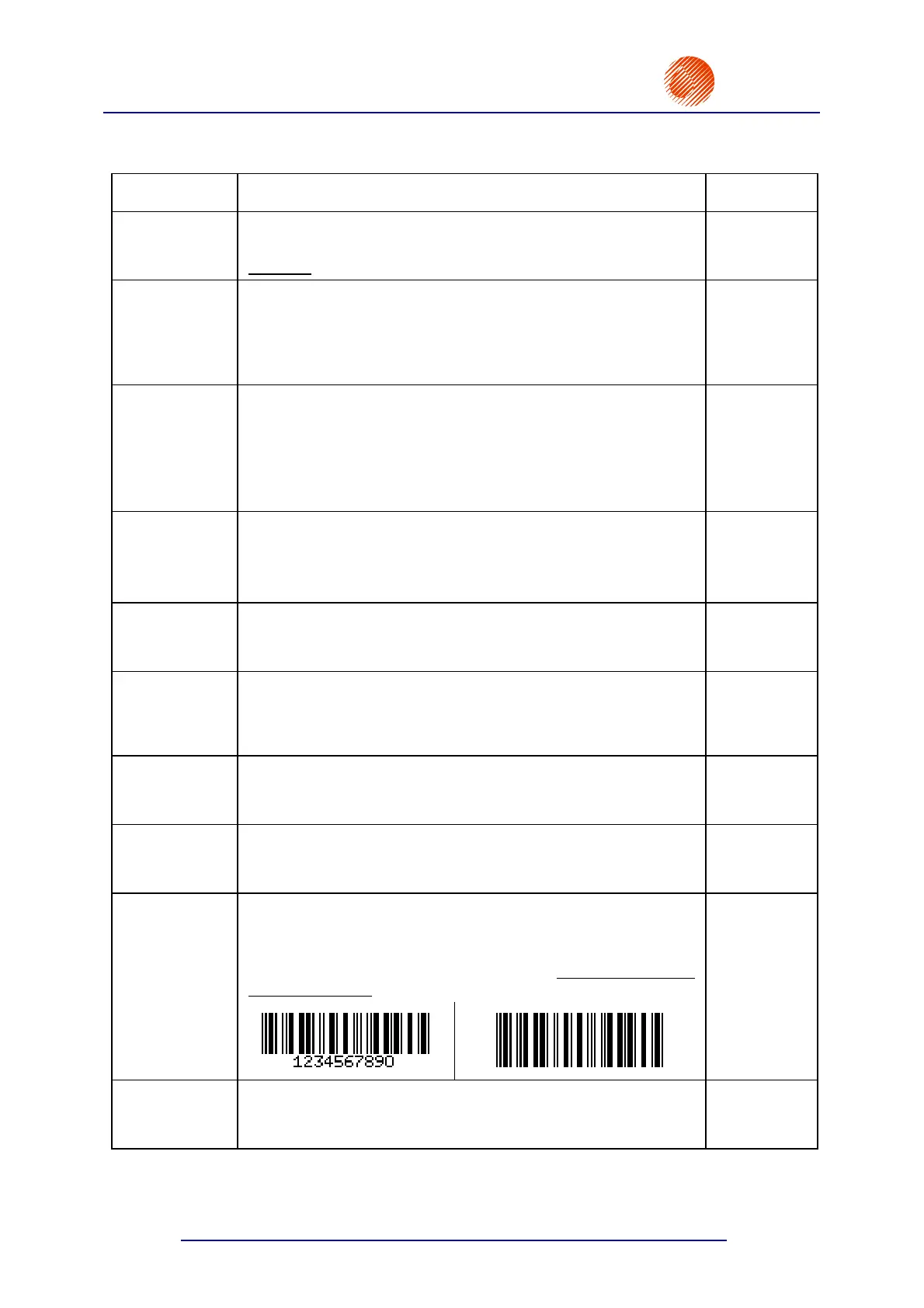
An indication, whether a 5 or 7 pixel-high numerical caption is to
be added beneath the bar code.
5 pix, 7 pix, NO
The numerical caption is added only when the bar-code height
exceeds 12 pixels.
5 pix
Signature :
Sign.dist :
A 1 or 2-pixel distance can be applied between a bar code and
a caption beneath.
1 pix, 2 pix
1 pix



 To Next Page