Kraftformer KF 170 PD
2018-05-09 | ECKOLD AG 32
7.3 Standard operation
1. Select the forming tool required for the processing.
— Installation, dimension and function of the individual types are described in the tool and
spare parts catalogue. To some extent tools which are power graded for different sheet
thicknesses are available.
2. Fit the forming tool into the tool holding fixtures of the Kraftformer.
— Observe the instructions for mounting/dismantling - Page 36.
iIMPORTANT
— Make sure that compatible forming tools are installed in the upper and lower tool
holding fixtures (same type and size)
3. Now process your component according to the directives in the chapter “Processing of
components”.
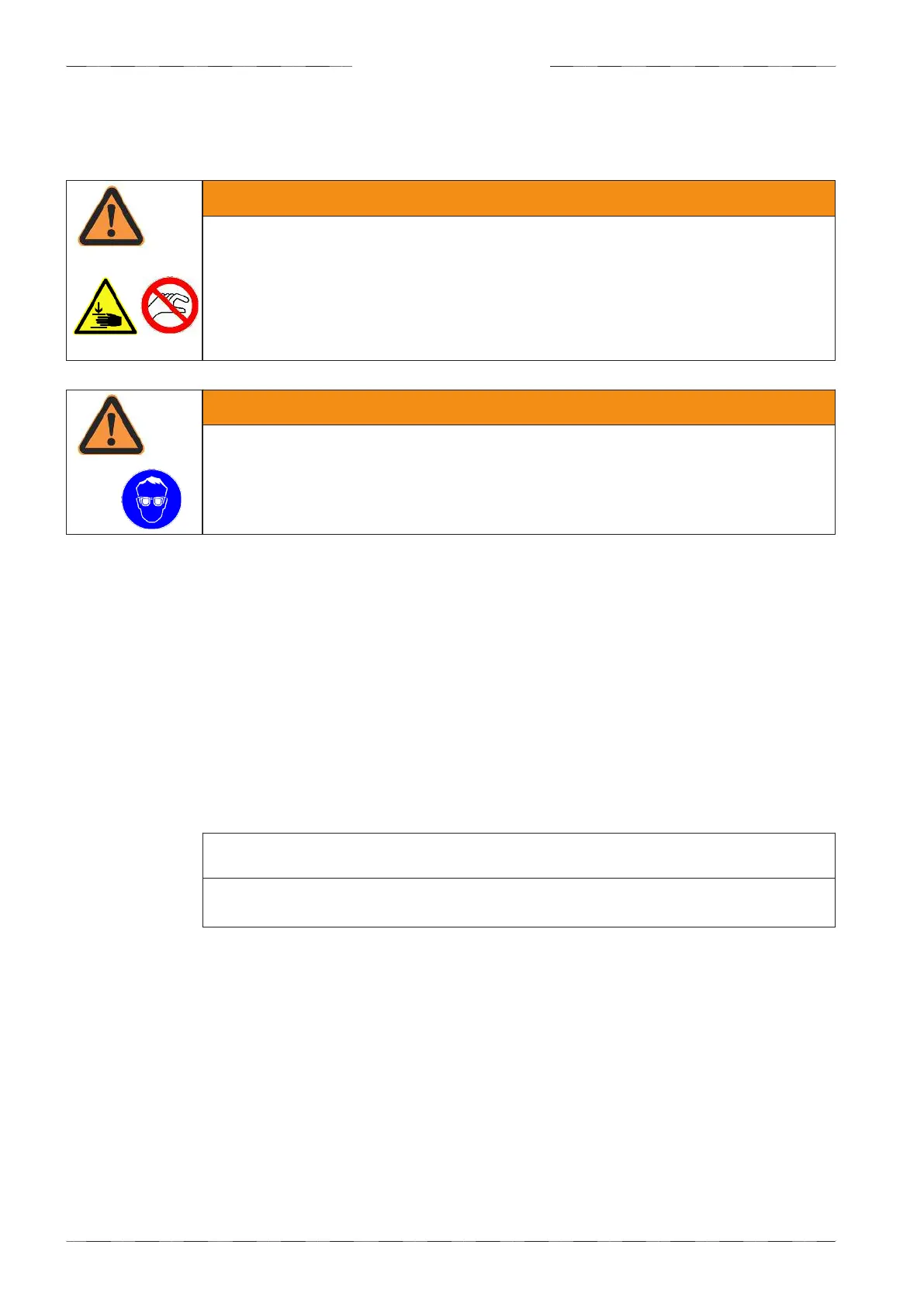
WARNING
— Reaching into the danger zone during working movements. In the working
range of the ram, in particular between the tools
—> Crushed upper extremities (e.g. fingers, hands, arms)
• Do not reach into danger zone during working movements.
• During working movements, prevent others from reaching into the danger zone
WARNING
— Flying splinters while components are being processed, particularly at high
machining forces
—> Damage to vision, injury to personnel
• Always wear eye protection when processing components on the Kraftformer.
Operation


 To Next Page