EasyManua.ls Logo

Eclipse CD3200 - Screen Display and Operation Assistance Features

Eclipse CD3200
177 pages
Print Icon
To Next Page IconTo Next Page
To Previous Page IconTo Previous Page
Loading...
Receiving
a
call
using
a
Bluetooth®
wireless
technology
compatible
cellular
phone
Reception
d'un
appel
en
utilisant
un
telephone
cellulaire
Bluetooth®
a
technologie
a
commande
sans
ftl
compatible
Recibir
una
tlamada
usando
un
telefono
m6vil
compatible
con
tecnologia
inalambrica
Bluetooth®
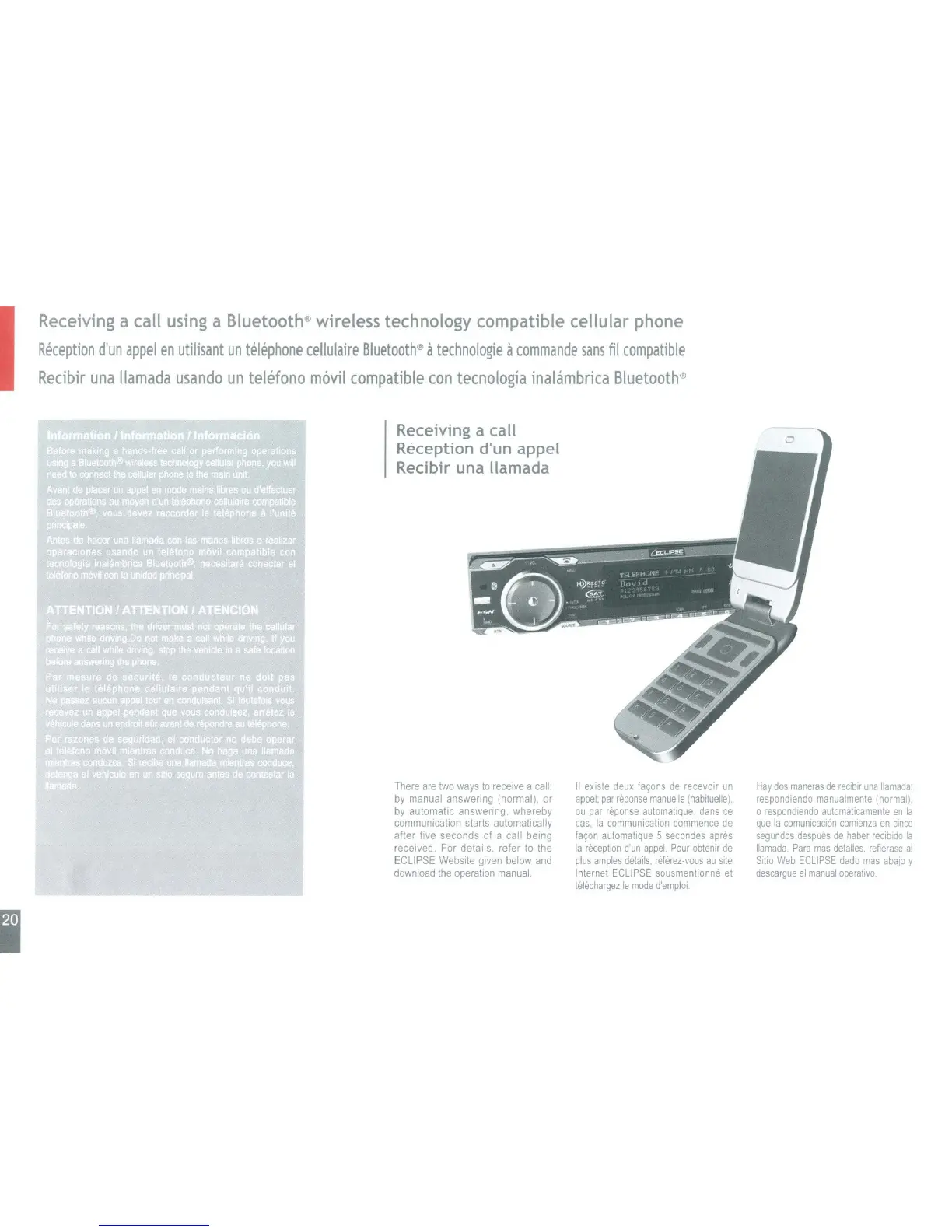
Receiving a call
Reception d'un appel
Recibir una lIamada
I
There
are
two
ways
to
receive
a
call:
by
manual answering (normal).
or
by
automatic answering, whereby
communication starts automatically
after five seconds of a call being
received For details, refer
to
the
ECLIPSE
Website
given
below
and
download
the
operation
manual
II
existe
deux
fayons
de
recevoir
un
appel:
par
reponse
manuelle
(habituelle).
ou
par
reponse
automatlque.
dans
ce
cas,
la
communication
commence
de
fayon
automatlque
5
secondes
apres
la
reception
d'un
appel:
Pour
obtenir
de
plus
amples
details.
rMerez-vous
au
site
Internet
ECLIPSE
sousmentlonne
et
telechargez
Ie
mode
d'emplol
Hay
dos
maneras
de
reclbir
una
lIamada
respondiendo
manual
mente
(normal),
o
respondlendo
automatlcamente
en
la
que
la
comunlcaci6n
comienza
en
cinco
segundos
despues
de
haber
recibldo
la
lIamada
Para
mas
detalles,
refierase
al
Sitio
Web
ECLIPSE
dado
mas
abajo
y
descargue
el
manual
operatlvo

Table of Contents

Other manuals for Eclipse CD3200

Related product manuals