Edimax Pro NMS
103
If any of your Managed APs are not found during Step 5 Select
Free APs, reset the Managed AP to its factory default settings.
Refer to the AP’s user manual for help.
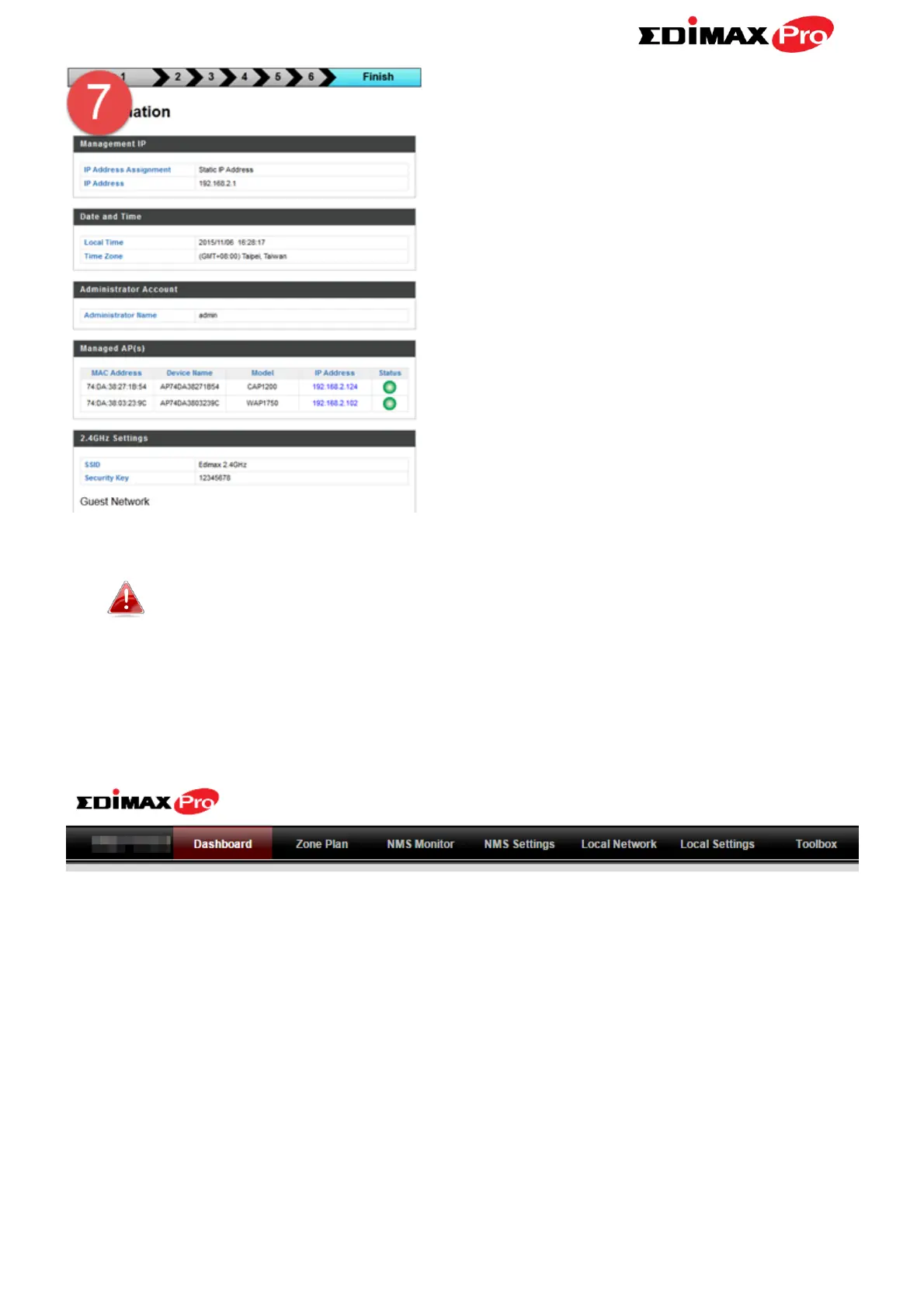
11. Your Controller AP & Managed APs should be fully functional. Use the
top menu to navigate around Edimax Pro NMS.
Use Dashboard, Zone Plan, NMS Monitor & NMS Settings to configure
Managed APs.
Use Local Network & Local Settings to configure your Controller AP.



 To Next Page