Edimax Pro NMS
143
IV-5-2. WLAN
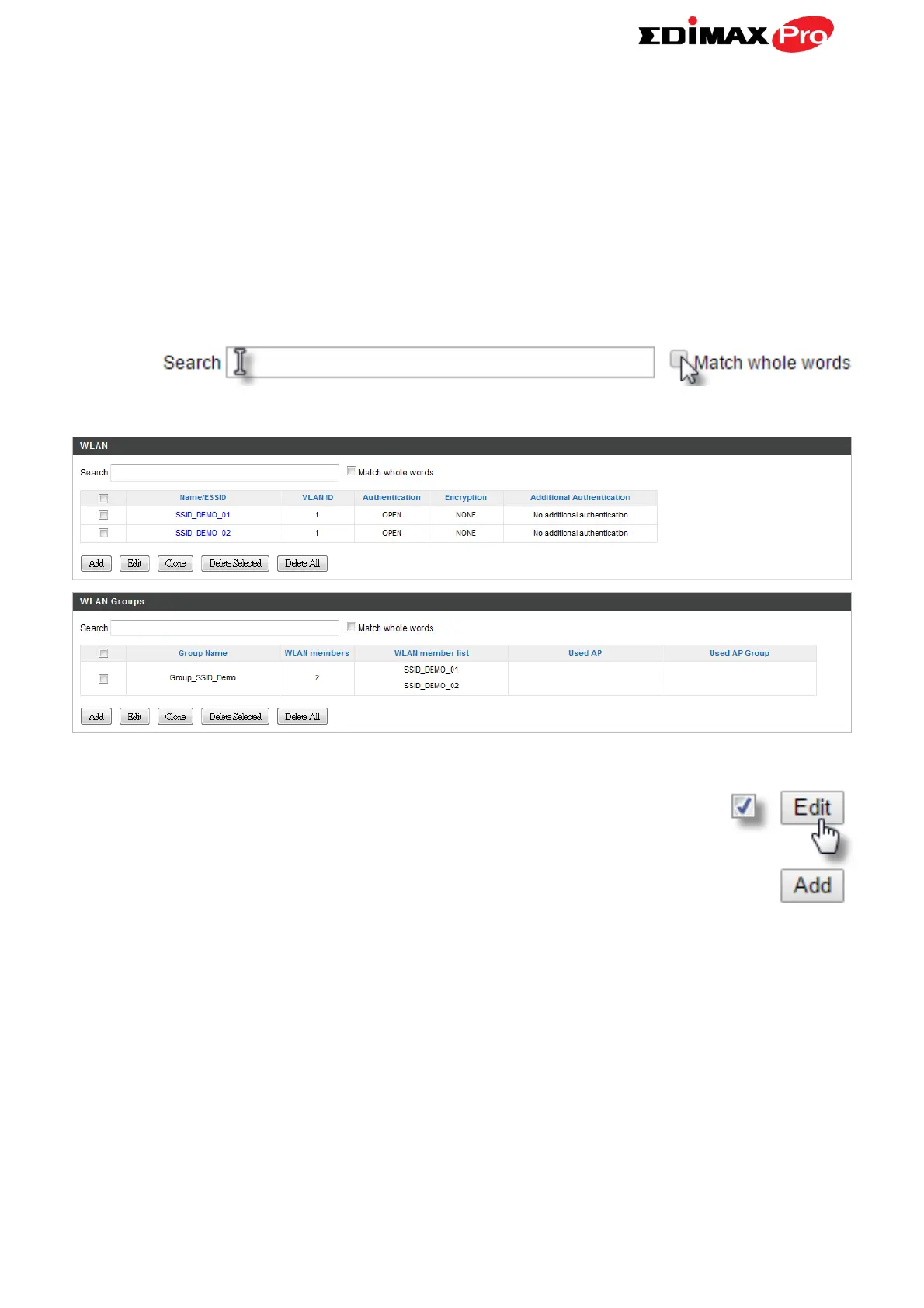
Displays information about each WLAN and WLAN group in the local network
and allows you to add or edit WLANs & WLAN Groups. When you add a WLAN
Group, it will be available for selection in NMS Settings Access Point access
point Profile Settings & access point group Profile Group Settings (IV-5-1.)
The search function can be used to locate a WLAN or WLAN Group. Type in
the search box and the list will update:
Select a WLAN or WLAN Group using the check-boxes and
click “Edit” or click “Add” to add a new WLAN or WLAN
Group:



 To Next Page