Edimax Pro NMS
171
replace the default IP address.
Specify a subnet mask. The default value is
255.255.255.0
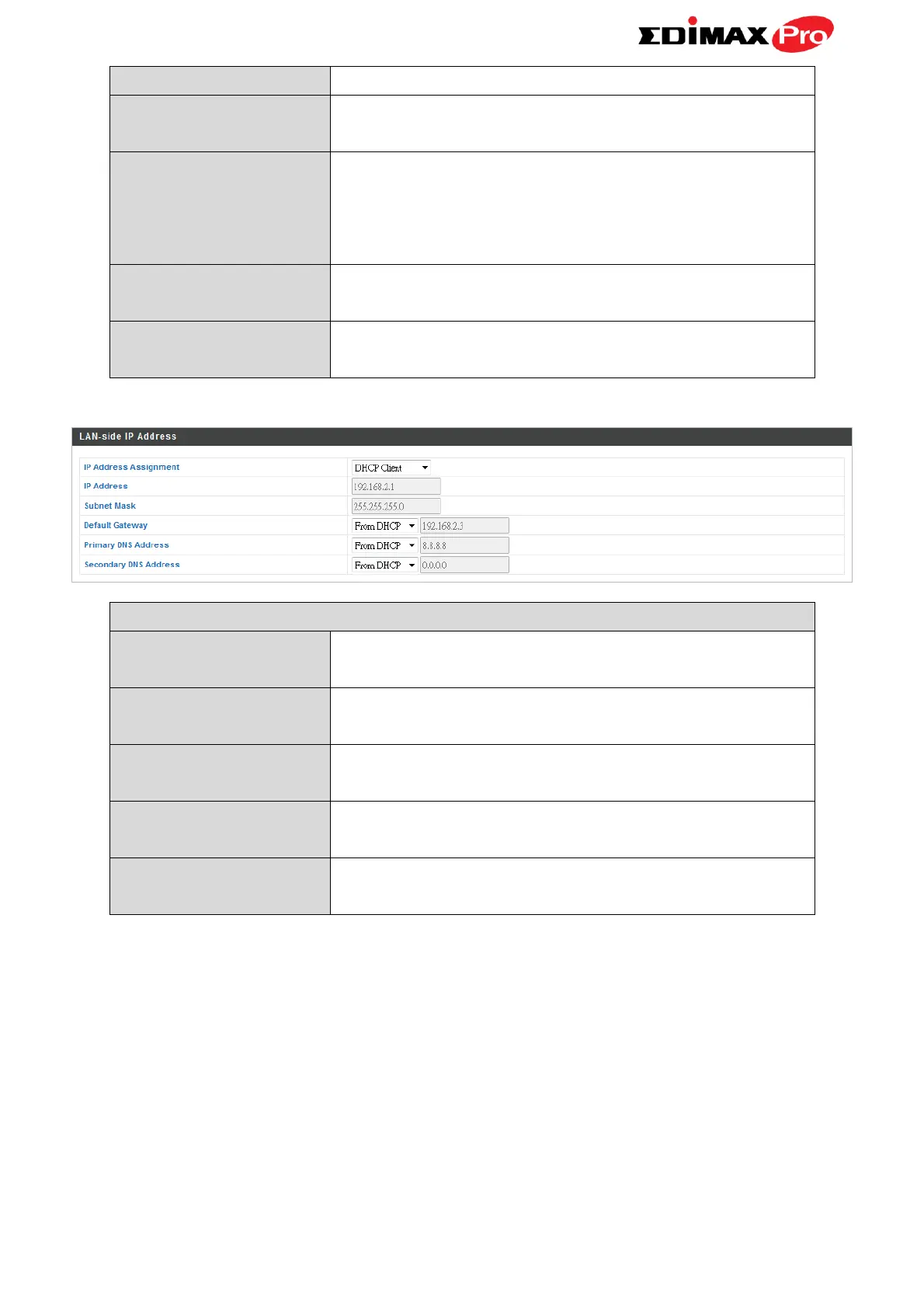
For DHCP users, select “From DHCP” to get
default gateway from your DHCP server or
“User-Defined” to enter a gateway manually.
For static IP users, the default value is blank.
For static IP users, the default value is blank.
For static IP users, the default value is blank.
When “DHCP Client” is selected this value
cannot be modified.
When “DHCP Client” is selected this value
cannot be modified.
Select “From DHCP” or select “User-Defined”
and enter a default gateway.
Select “From DHCP” or select “User-Defined”
and enter a primary DNS address.
Select “From DHCP” or select “User-Defined”
and enter a secondary DNS address.



 To Next Page