Emerson Process Management GmbH & Co. OHG 6-99
X-STREAM XE
Instruction Manual
HASXEE-IM-HS
10/2012
6
Software Menus
6.2.3 Setup Menu
6.2.3.10.1 Component Tag Setup Menu
Setup..
Identication..
Component Tags..
Ch1
Tags
Tag: Ch1
Range1 Tag: Ch1-R1
Range2 Tag: Ch1-R2
Range3 Tag: Ch1-R3
Range4 Tag: Ch1-R4
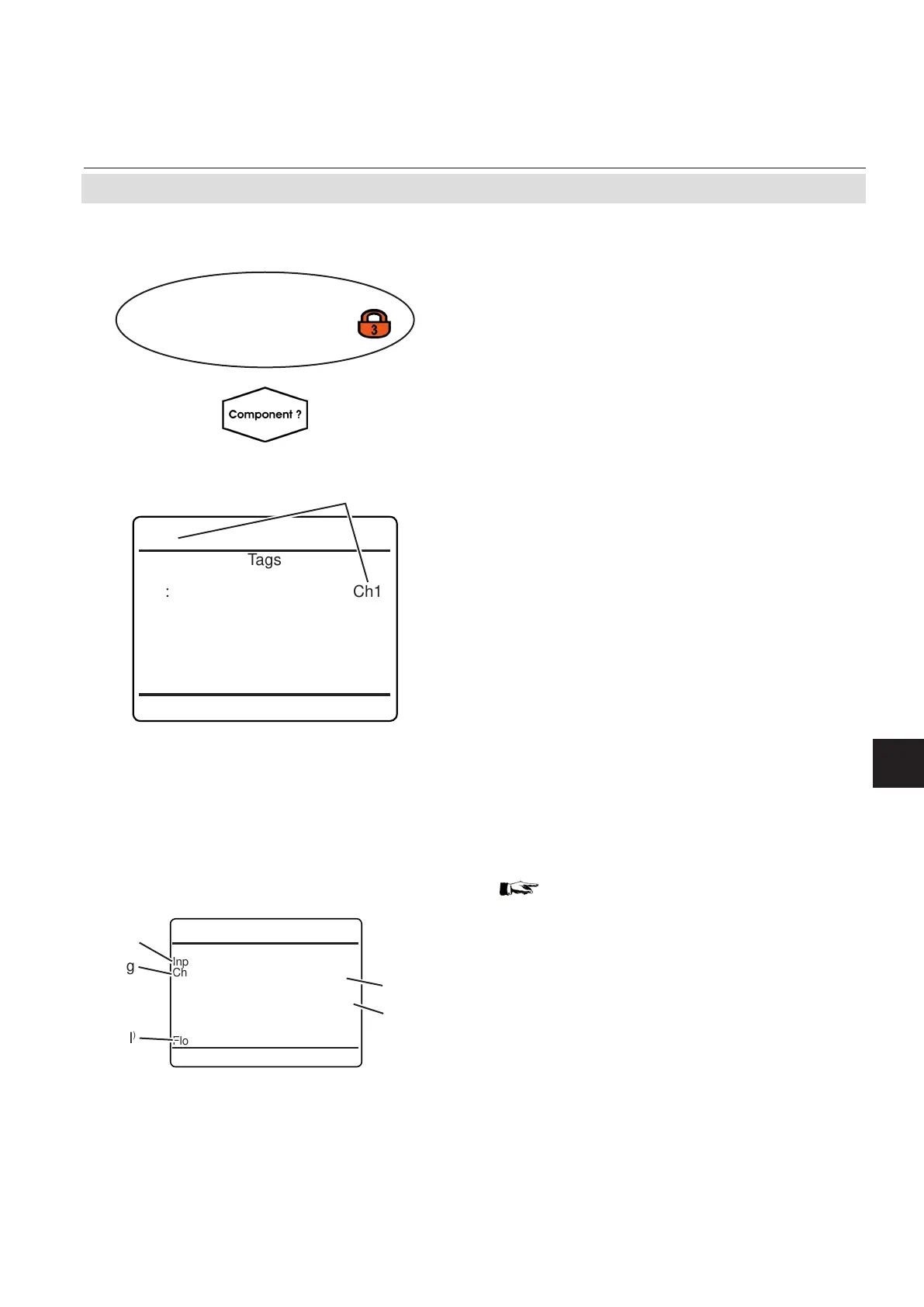
Within this menu, you may configure the
component´s tag, and individual tags for each
range.
Accepted entries: alphanumeric text, up to 8
characters long.
Note!
If set, the "Tag" always appears in the very
top menu line, if the current menu refers to a
specic component.
Component´s tag
Multi-channel unit:
In SELECT COMPONENT select the chan-
nel to be setup.
Multi-channel unit:
Press
left to enter SELECT COMPONENT to
change the settings for a different channel.
0.000
ppm
Input
Ch1
CO
0.000
ppm
Output
Ch2
CO
Flow 1 0.00 l/min
Label
Label
)
Tag
Gas name
Unit text
Fig. 6-4: Measurement Display With Labels and Tags (example)
MEASUREMENT DISPLAY setup, page
6-30, to setup labels, and see examples of
usage.














 To Next Page