Emerson Process Management GmbH & Co. OHG 7-43
X-STREAM XE
Instruction Manual
HASXEE-IM-HS
10/2012
7
Maintenance & Procedures
7.4.7 Restoring a Calibration
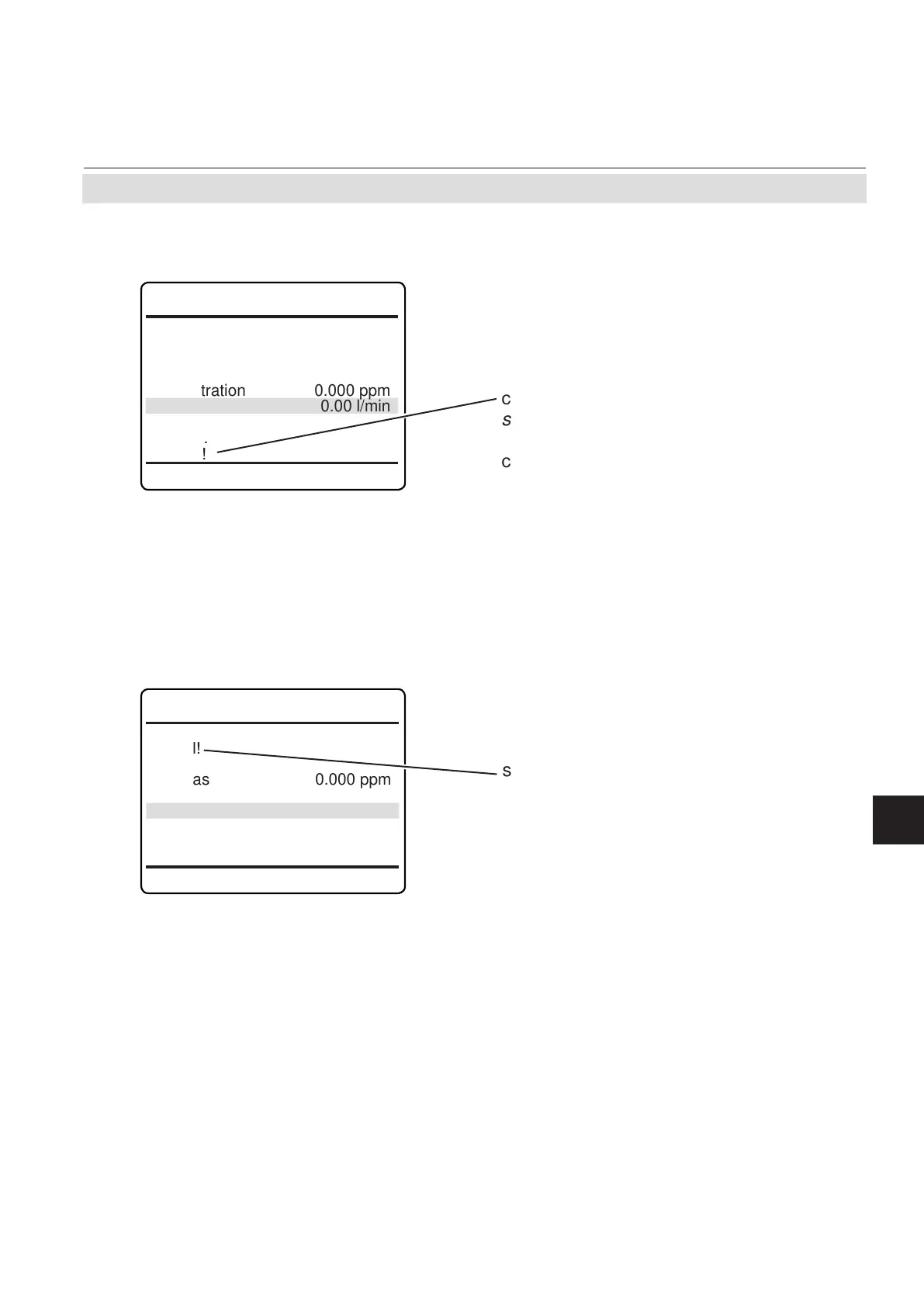
Any menu, from where a calibration can be
started, shows a line "Cancel!" (see example
to the left).
Press
enter in such a line to cancel any on-
going calibration. While canceling, a 'Function
executing' message appears.
7.4 Calibration Procedures
7.4.8 Cancelling an Ongoing Calibration
Ch1
Zero calibration
Cancel!
Start!
Zero gas 0.000 ppm
Concentration 0.000 ppm
Flow 0.00 l/min
Status..
Results..
Restore!
In case a wrong conguration was detected
after a calibration was carried out (e.g. wrong
gas connected), there is an option to restore
the last calibration data:
Any menu, from where a channel specic
calibration can be started, shows a line "Re-
store!" (see example to the left).
Press enter in such a line to restore the last
calibration data for the selected channel and
type of calibration (zero/span). While restore
is processing, a 'Function executing' message
appears.
Ch1
Zero calibration
Cancel!
Start!
Zero gas 0.000 ppm
Concentration 0.000 ppm
Flow 0.00 l/min
Status..
Results..
Restore!














 To Next Page