Using the Printer Software with Windows
107
3
3
3
3
3
3
3
3
3
3
3
3
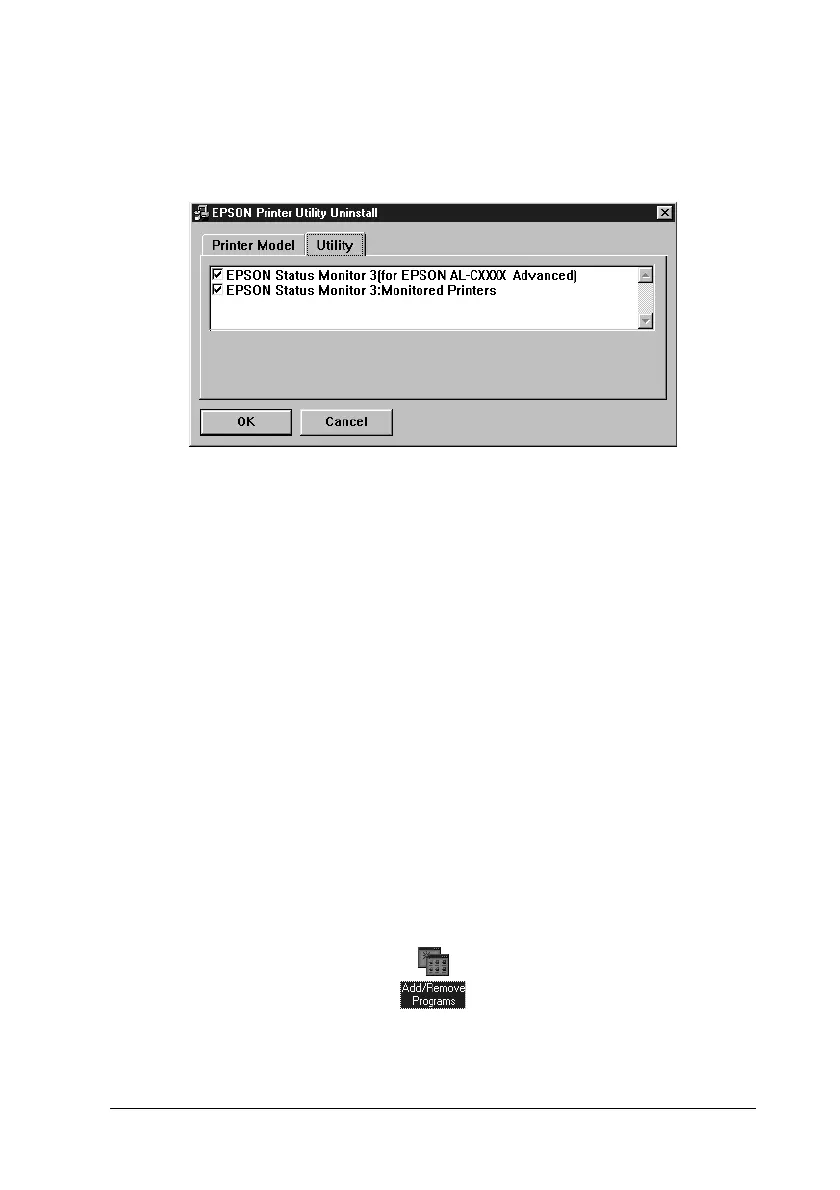
7. If you uninstall the Monitored Printers utility, select the
EPSON Status Monitor 3
:
Monitored Printers
check box, and
click
OK
.
Note:
You can uninstall only the Monitored Printers utility of EPSON
Status Monitor 3. When the utility is uninstalled, you cannot
change the setting of Monitored Printers from EPSON Status
Monitor 3 of other printers.
8. Follow the on-screen instructions.
Uninstalling EPSON Status Monitor 3 only
1. Quit all applications.
2. Click
Start
, point to
Settings
, then click
Control Panel
.
3. Double-click the
Add/Remove Programs
icon.













 To Next Page