Troubleshooting
295
10
10
10
10
10
10
10
10
10
10
10
10
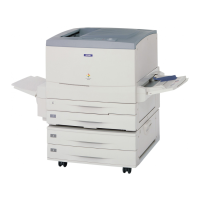
When the paper jam is cleared completely and the cover on the
right side of the Large Capacity Paper Unit (cover E) is pushed
back into the printer, the jammed page’sprintdatais
automatically reprinted.
Paper Jam - Cover F (Jam F)
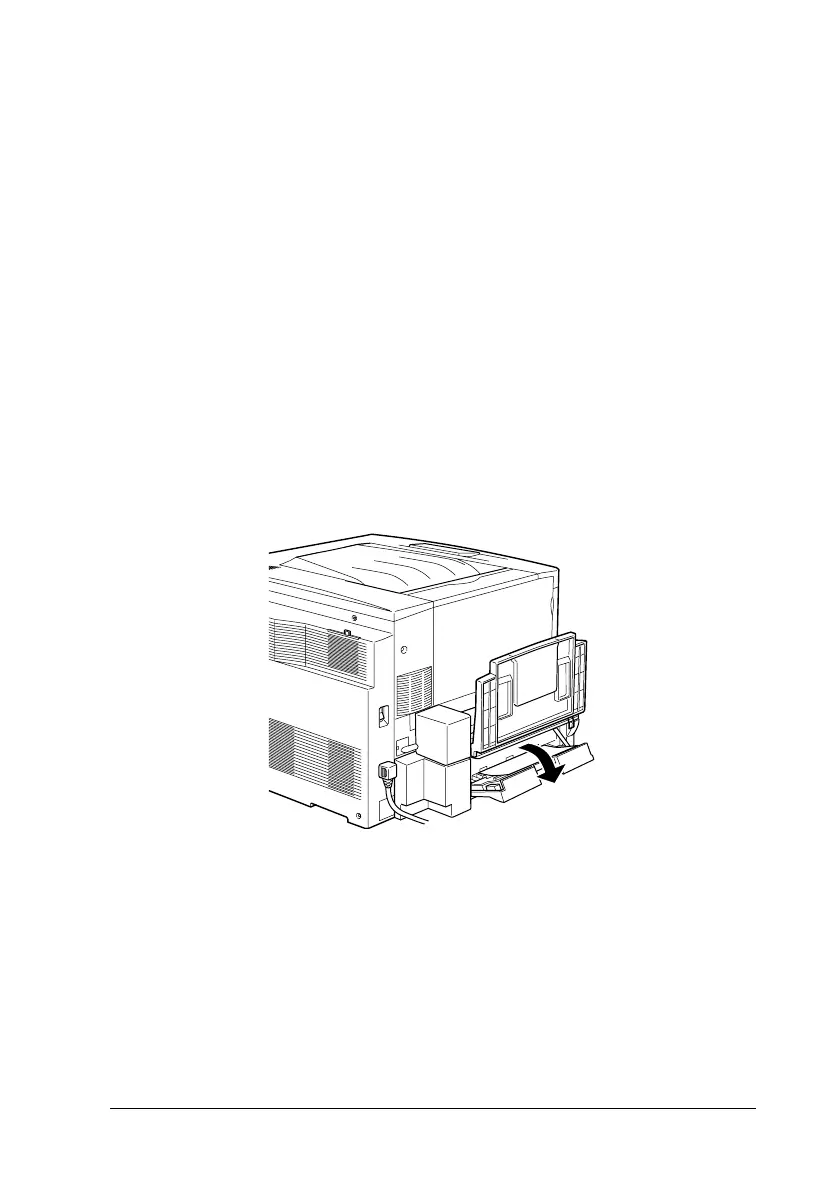
When paper is jammed at the optional Duplex Unit’sinverter
cover, the LCD panel displays the
Jam F
error message.
Follow these steps to clear paper jams in the Duplex Unit’s
inverter cover.
1. Open the Duplex Unit’s inverter cover (cover F) on the left
side of the printer.







 To Next Page