Paper Handling
47
2
2
2
2
2
2
2
2
2
2
2
2
c
Caution:
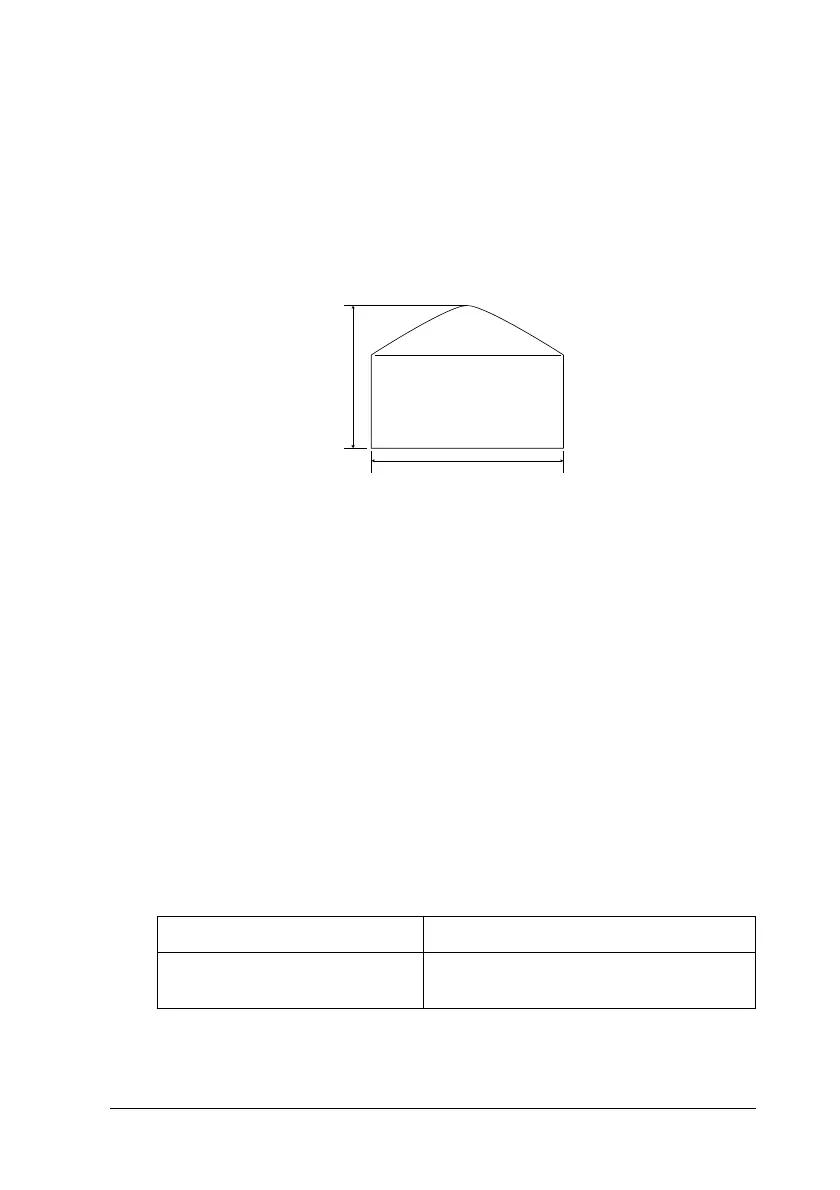
Make sure that the minimum size of envelopes meets the
following size requirements:
❏
Access the printer driver and select the
Rotate by 180°
check
boxin the Layout menu for Windows,or the Page Setup menu
for Macintosh.
Labels
You can load more than one sheet of labels into the MP tray at a
time. However, you may need to feed some labels one sheet at a
time, or load them manually.
The following table shows important settings you have to make
when using labels:
Height:
Width:
143 mm (including opened flap)
90 mm
Paper Source MP tray only (up to 75 sheets)
MP Tray Size
setting in the
SelecType Tray Menu
(Select appropriate size)
Min.
143 mm
Min. 90 mm













 To Next Page