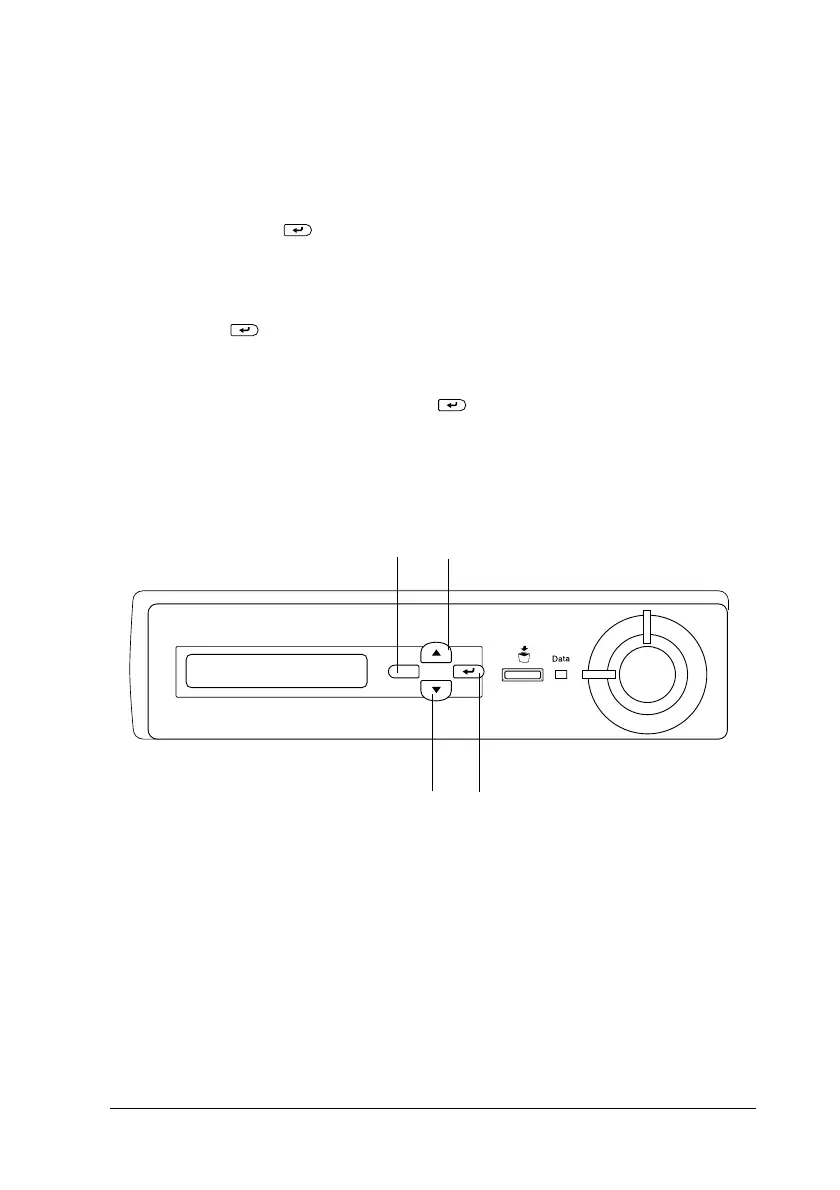
Functions of the Control Panel
171
6
6
6
6
6
6
6
6
6
6
6
6
Using the Confidential Job Menu
Follow these steps to print or delete Confidential Job data.
1. Make sure the LCD panel displays
Ready
or
Standby
,then
press the Enter button to access the control panel menus.
2. Press the
d
Down button repeatedly until
ConfidentialJobMenu
appearsontheLCDpanel,thenpress
the Enter button.
3. Use the
d
Down or
u
Upbuttontoscrolltotheappropriate
user name, then press the Enter button.
4. Enter your four-digit password by using the corresponding
buttons, as shown below.
Note:
❏
Passwords are always four digits.
❏
Passwords consist of numbers from 1 through 4.
1
2
4
3













 To Next Page