70
UsingthePrinterSoftwarewithWindows
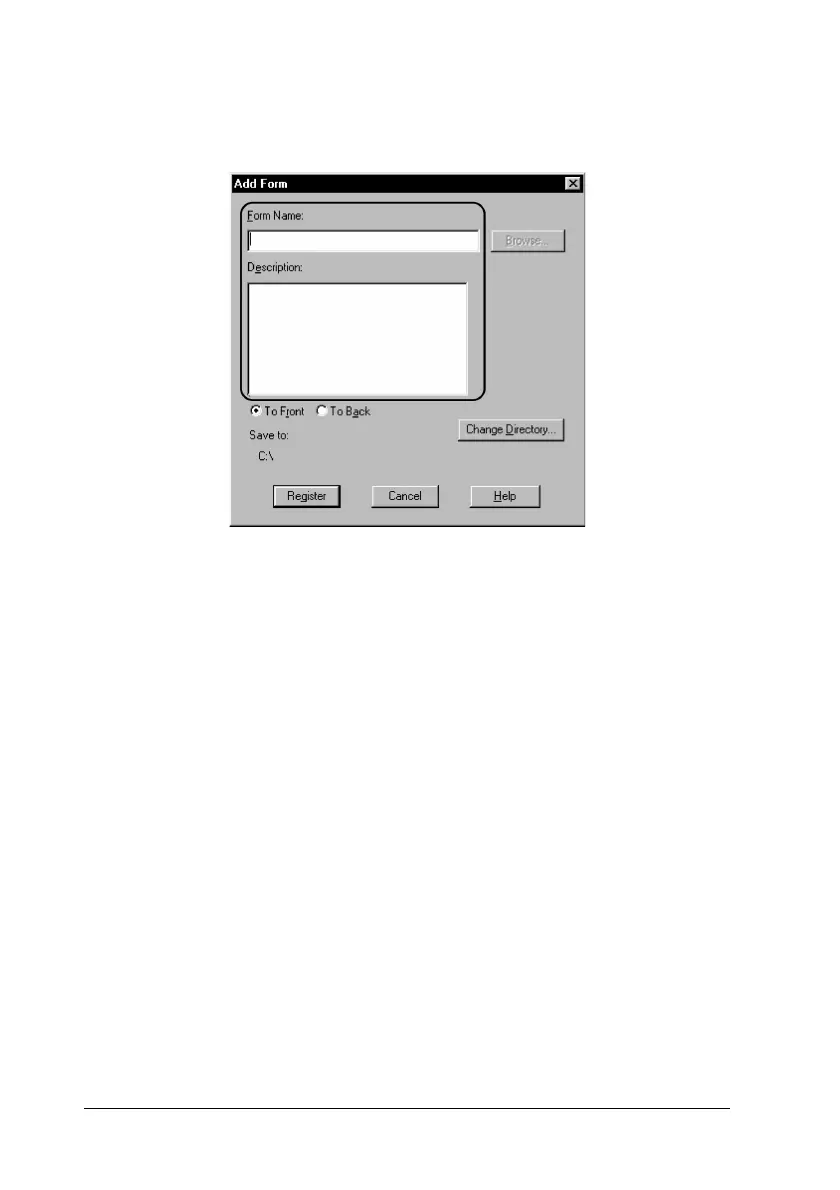
7. In the Add Form dialog box, type the form name in the Form
Name box and its description in the Description box.
8. Click the To Front or To Back button to specify whether the
overlay will be printed as background or foreground of the
document.
9. In the Add Form dialog box, click Register.
10. In the Form Settings dialog box, click OK.
11. In the Overlay Settings dialog box, click OK.
12. Print the file saved as overlay data. It is possible to save any
kind of file as an overlay. The overlay data is created.
Printing with an overlay
Follow the steps to print a document with overlay data.
1. Open the file to print with overlay data.













 To Next Page