78
UsingthePrinterSoftwarewithWindows
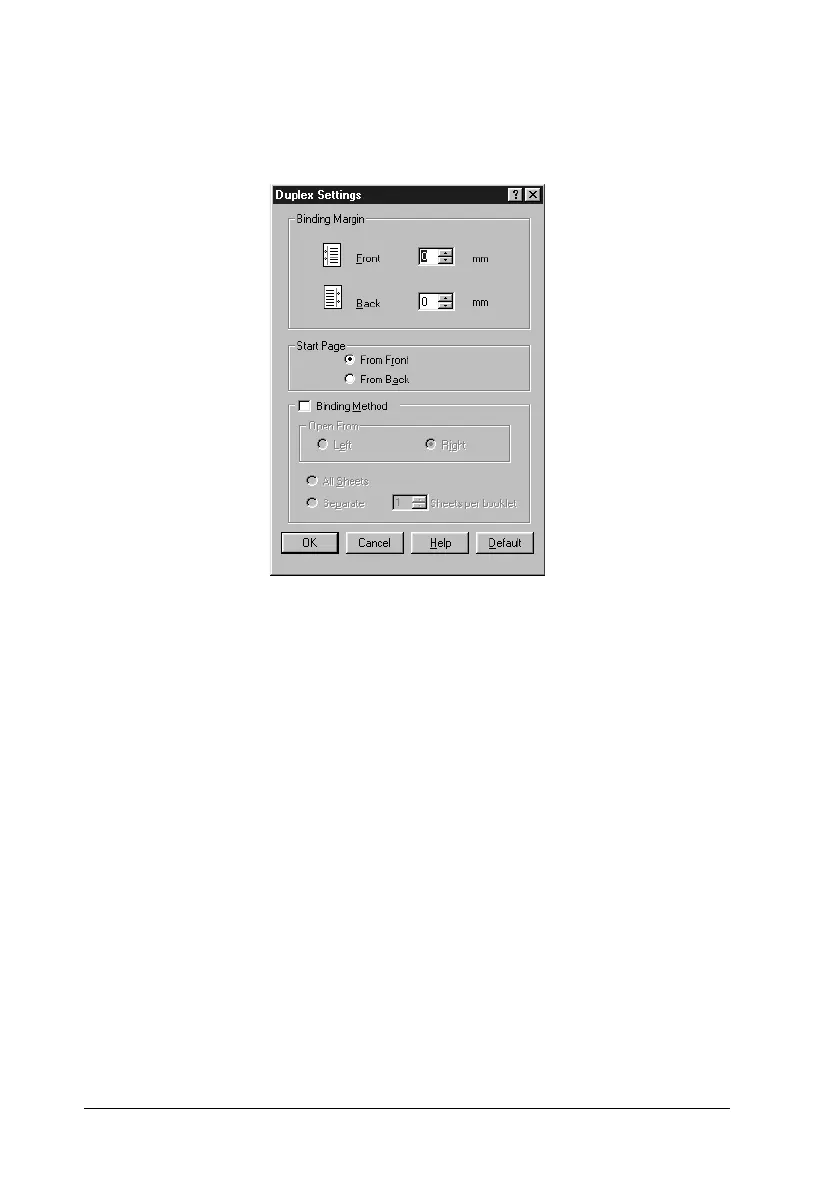
5. Specify the Binding Margin for the front and back sides of the
paper.
6. Select whether the front or back side of the paper is to be
printed as the Start Page.
7. When printing for binding as a booklet, click the Binding
Method check box and make appropriate settings.
8. Click OK to close the Duplex Settings dialog box.
9. Click OK on the Layout menu to accept the settings.













 To Next Page