Model 5601MSC
Model 5601MSC Master SPG/Master Clock System
Page - 132 Revision 2.2 MASTER CLOCK
4.4.9. Configuring Global Phase
The Global Phasing menu allows a simultaneous phase offset to be applied to most outputs of the
5601MSC (see section 2.1.5). The phase offset can be applied in increments of nanoseconds (ns),
microseconds (us), and milliseconds (ms). The total global phase range is 160 milliseconds. The global
phase control can be used to correct for differences in reference phase between a 5601MSC and
another device (such as that caused by mismatched cable length). The global phase offset affects the
LTC, sync, AES, DARS, wordclock, SDI TGs, and analog TG outputs. Global phase does NOT affect
the pulse or continuous wave outputs (such as the 1Hz, 6Hz, and subcarrier outputs). There are four
separate global phase controls, one for each of the frequency lock modes (GPS, Video, 10MHz, and
Internal). Each global phase control can be programmed with a different offset and can be enabled and
disabled separately. Note that after a restart, the global phase controls for 10MHz and Internal modes
will be disabled and reset to 0 (see section 2.1.5).
4.4.9.1. Enabling or Disabling the Global Phase Offset
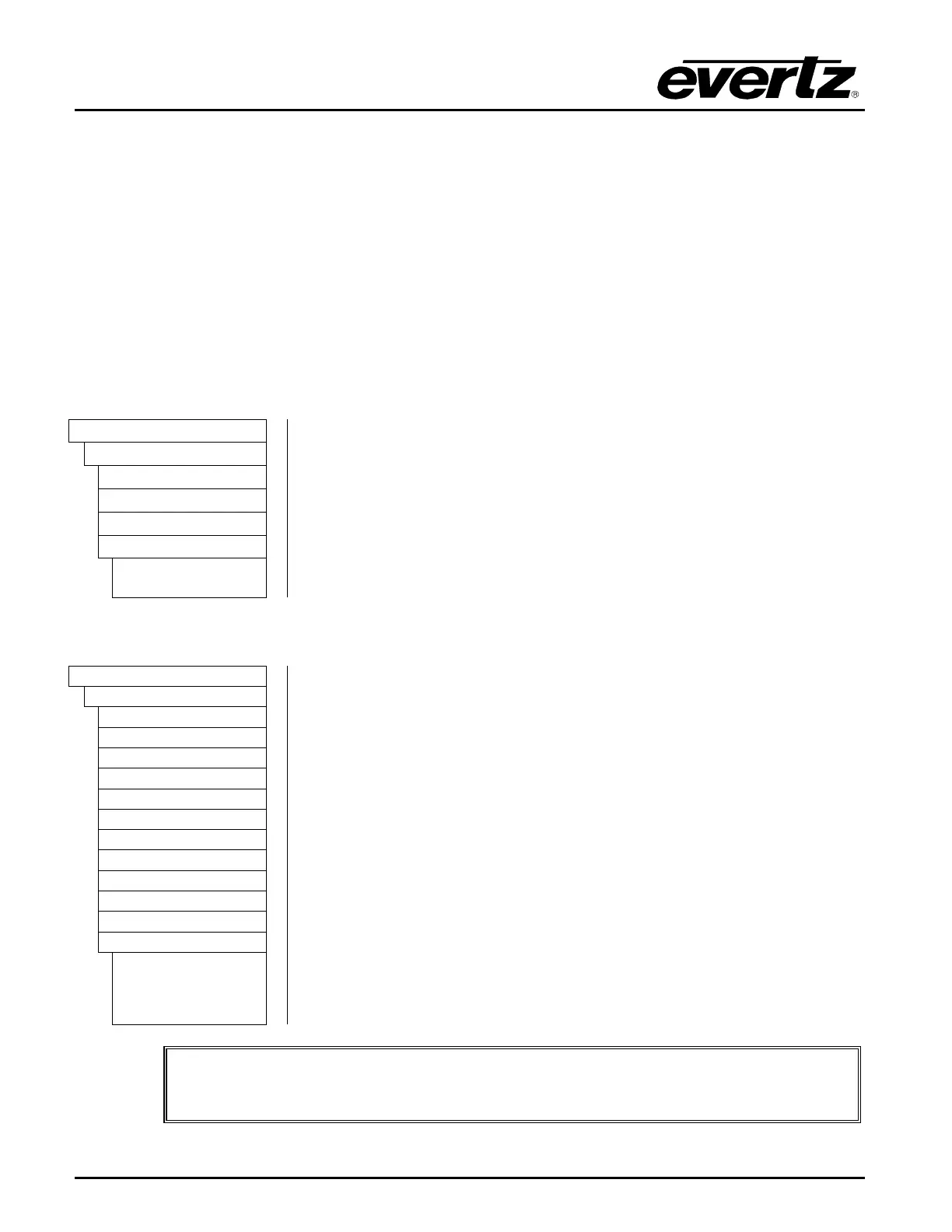
There are four menu items used to enable or disable applying of the global
phase offset to all outputs of the 5601MSC when locked to different
reference sources.
Select Global Ph Off to turn off global phasing when locked to GPS. This
disables the global phase offset on all outputs.
Select Global Ph On to enable the global phase offset when locked to GPS.
Any offset entered will immediately affect all outputs of the 5601MSC.
Global Ph Off
Global Ph On
4.4.9.2. Entering a Global Phase Offset
There are three menu items that are used to set the global phase offset for
each of the lock types.
When any of these controls are selected, the right
LCD panel will show a global phasing screen. The active phase control will
be highlighted while the other controls will be shown in dark text. Rotate the
control knob or press the and
buttons to change the phase. Depress
the knob while turning to make adjustments in larger steps.
Caution
: These menu items are live controls. Any adjustments made will
immediately affect phasing of all outputs of the 5601MSC.
Note: Increasing a global phase value delays the outputs of the 5601MSC.
Decreasing a global phase value advances the outputs of the 5601MSC.
The mS menu item adjusts the global phase offset in steps of 1 millisecond
The uS menu item adjusts the global phase offset in steps of 1 microsecond
The nS menu item adjusts the global phase offset in steps of 1 nanosecond.
MS. US. NS.
IMPORTANT NOTICE: When the global phase is changed, a jam must be
performed on all LTC/VITC outputs to ensure proper alignment to video.



 To Next Page