Model 5601MSC
Model 5601MSC Master SPG/Master Clock System
MASTER CLOCK Revision 2.2 Page - 161
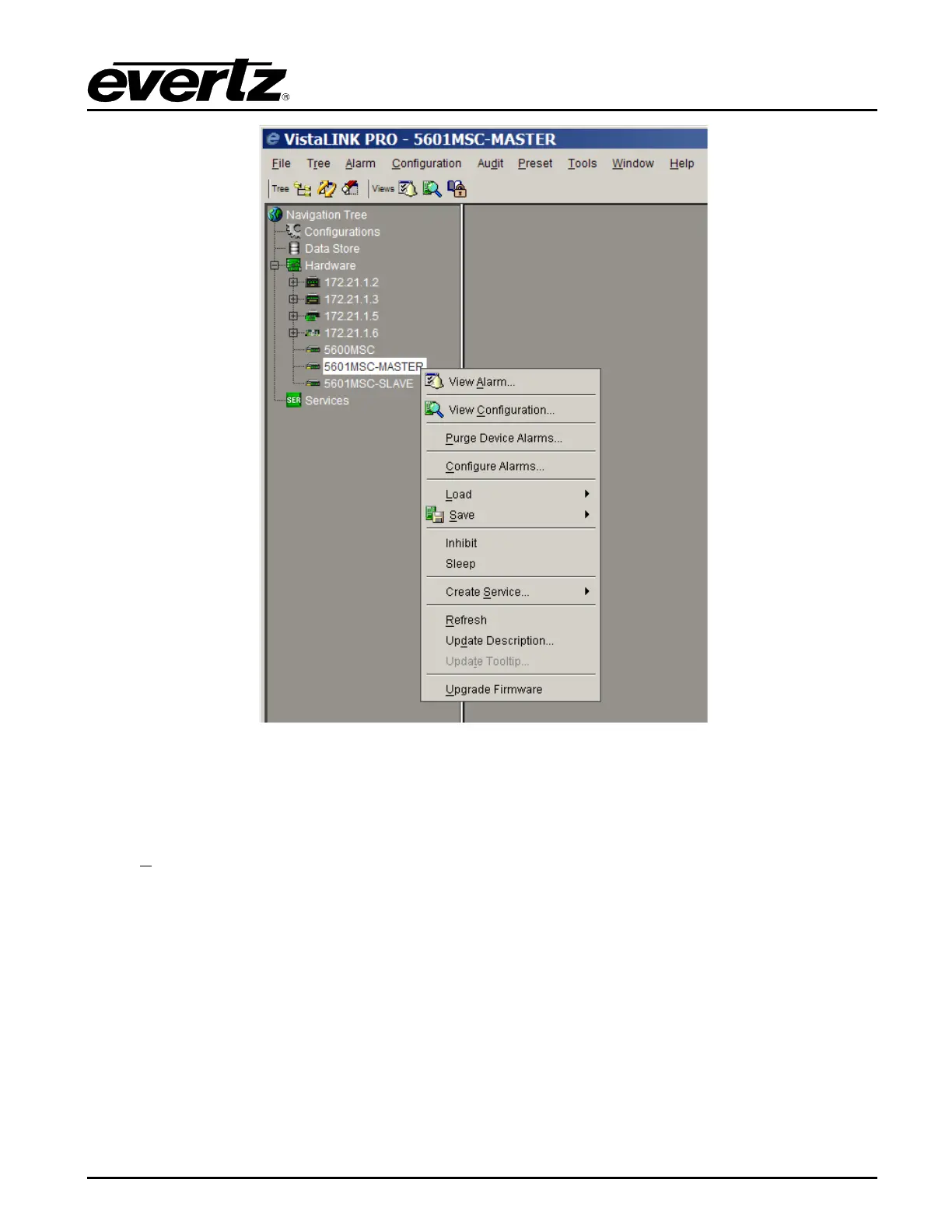
Figure 4-14: VistaLINK
®
Right-Click Pop-Up Menu
4.6.2.1. Alarm View Screen
The Alarm view can be accessed by right-clicking on the 5601MSC in the Navigation Tree and selecting
“View A
larm”. This will open up an alarm window that pulls the alarm log from the VistaLINK
®
Pro
server. The server is responsible for logging all traps it receives from the 5601MSC and provides this
information to the clients. The Alarm view is not available in the client-only version of VistaLINK
®
.



 To Next Page