Model 5601MSC
Model 5601MSC Master SPG/Master Clock System
Page - 162 Revision 2.2 MASTER CLOCK
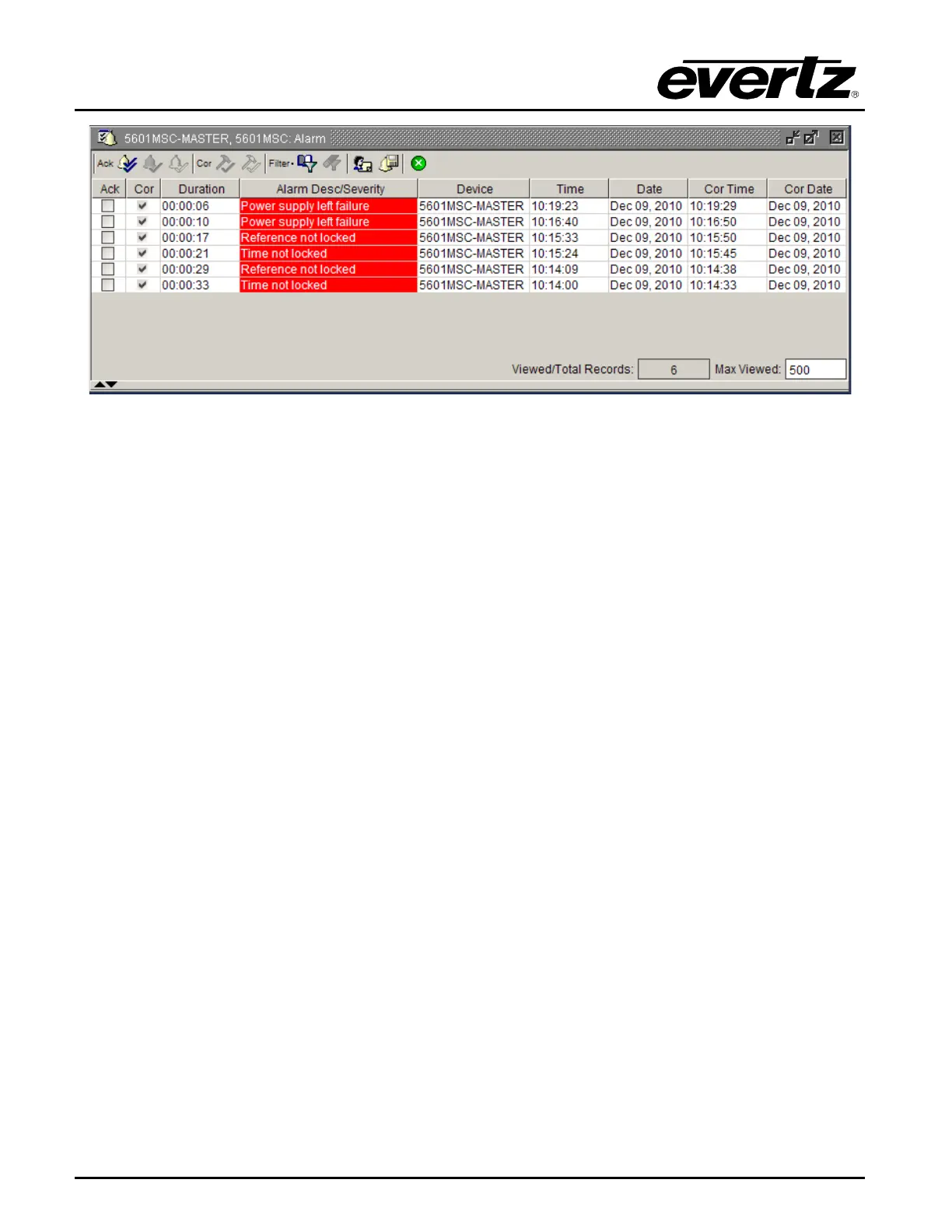
Figure 4-15: VistaLINK® Pro Alarm View
Alarms are listed in the order which they were received. The “Cor” column shows which faults have
since corrected or cleared themselves. When an alarm is received, the border of the client will flash red,
as will the device icon under the navigation tree. When the fault is cleared, the flashing will change to a
green color. To clear the fault, it must be acknowledged by clicking the button in the “Ack” column.



 To Next Page