Model 5601MSC
Model 5601MSC Master SPG/Master Clock System
MASTER CLOCK Revision 2.2 Page - 75
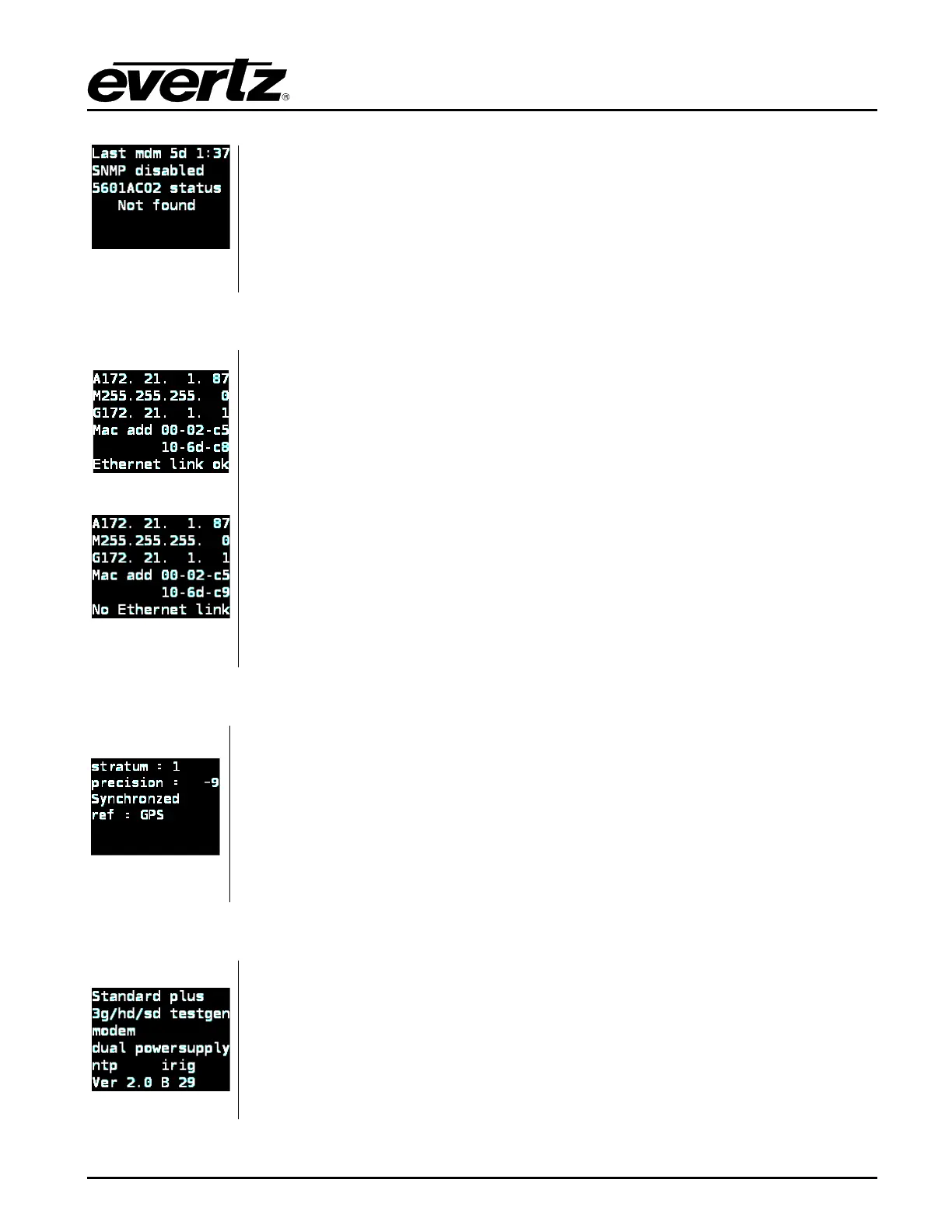
ago, SNMP disabled.
The last two lines are reserved for reporting hardware problems with the main
oscillators in the unit (refer to section 2.2.3). Any such message will be displayed
with a blinking red/violet background and will trigger a system fault.
Control Ethernet / Time Ethernet
Control Ethernet
Time Ethernet
The Control Ethernet status screen displays the current IP settings for the
CONTROL Ethernet port. The Time Ethernet
status screen shows the same
information about the TIME Ethernet port. These items are configured in the IP
Control menu item (see section
4.5.12).
The first line, prefixed with an “A” is the active IP Address for the port.
The second line, prefixed with an “M” is the current subnet Mask.
The third line, prefixed with a “G” is the active Gateway IP address.
The fourth and fifth lines display the Ethernet MAC address for the port.
The last line shows the Ethernet link status. It will show “
Ethernet link ok” if
an Ethernet connection is established, and “
No Ethernet link” otherwise.
The NTP status screen displays information about the NTP server. It shows
stratum, precision, lock status, and reference.
It will also show if there are issues with the NTP.
The HELP button will offer
suggestions if there is a configuration issue. If the NTP server is Not Synchronized
the lock indicator alarm bit (LI_ALARM) will be set in outgoing packets. This may
cause clients to refuse to synchronize to the NTP server.
Press HELP for more information on the current status.
The Options Firmware status screen displays information about the installed
options in the 5601MSC as well as the current firmware version.
The possible options are 3G, HD, or SD test generators, modem and NTP server
or IRIG. See section 5.1.16 for a list of the available options.
The last line shows the current firmware version and build number that is installed
in the 5601MSC in the format of: Version X.X Build XX.



 To Next Page