X1200 Series Router Manual
Page 2-6
Revision 1.3.2
INSTALLATION
!
If the router is fitted with dual power supplies, make sure that power is removed
from both supplies before performing any work on the unit.
The IEC 320 power entry module combines a standard power inlet connector, two 5 x 20 mm fuse holders
and an EMI line filter.
2.3.2. Changing the Fuses
The fuse holder is located inside the power entry module. To change the fuses, pull out the fuse holder
from the power entry module using a small screwdriver. The fuse holder contains two fuses, one for the
line and one for the neutral side of the mains connection. Pull out the blown fuse and place a fuse of the
correct value in its place. Use slo blo (time delay) 5 x 20 mm fuses rated for 250 Volts with a current
rating of 1 amp. Carefully reinsert the fuse holder into the power entry module.
!
Never replace with a fuse of greater value.
2.4. CONNECTING THE REMOTE CONTROL PANEL
The X1200 series routers can be sold with integrated front panel control, or with a rack mountable remote
control panel (RCP version). On the RCP version, the front panel of the main unit has only the PSU
Status indicators. A second control panel (model X1202-REMOTE) can be added to either version.
2.4.1. Connecting The Primary Remote Control Panel (RCP Version)
On the RCP version of the router, the primary control panel is connected to the REMOTE PANEL
connector using a straight through cable provided. For longer distances, simply make your own cable of
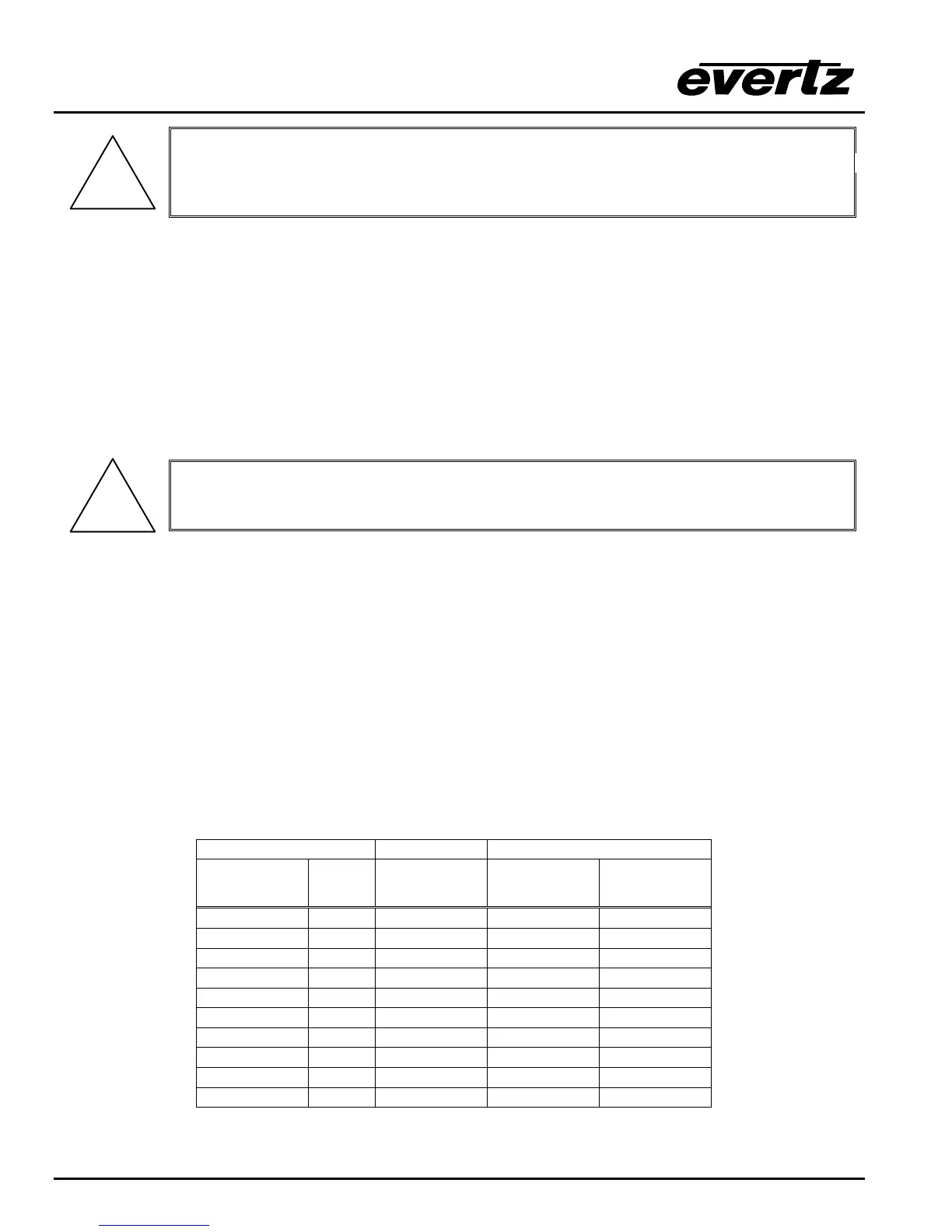
the required length according to the diagram in Table 2-4. Communications to the remote panel is through
a standard straight through RS-422 connection, so the panel can be located up to 1000 feet from the main
electronics unit. A plug in 12 VDC adapter supplies power for the remote control panel.
Router End Remote Panel End
9 pin D
Male
Pin Belden
9729
9 pin D
Female
Pin
11
Tx- 2 -------1a------ Rx- 2
Rx+ 3 -------2b------ Tx+ 3
Rx Gnd 4 ---drain 2---- Rx Gnd 4
5
Tx Gnd 6 ---drain 1---- Tx Gnd 6
Tx+ 7 -------1b----- Rx+ 7
Rx- 8 -------2a------ Tx- 8
99
Frame Gnd Shield ---drain 1---- Frame Gnd Shield
Table 2-4: Remote Control Panel Extender Cable



 To Next Page