X1200 Series Router Manual
INSTALLATION
Revision 1.3.2
Page 2-11
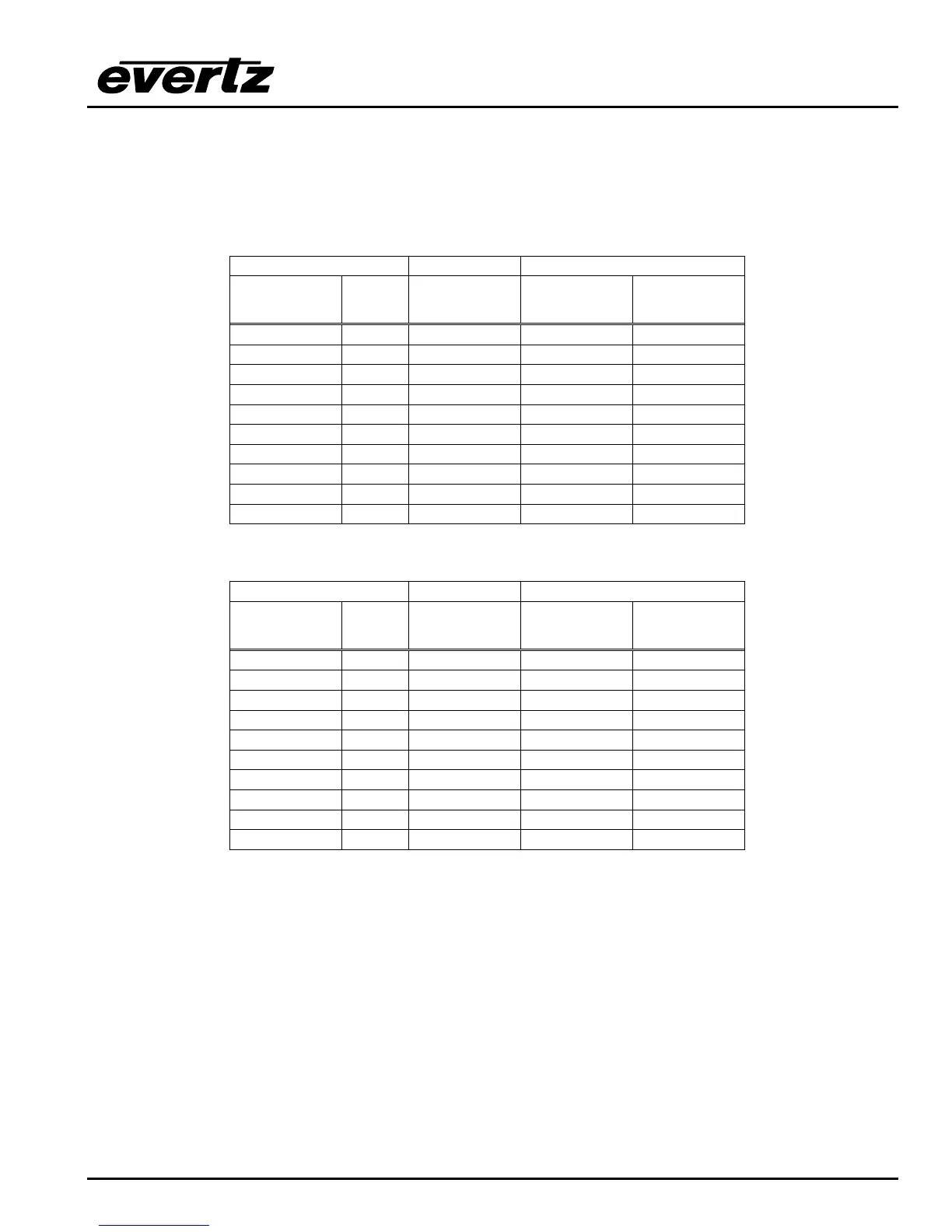
When connecting two X1200 series routers together in a master/slave relationship make sure that the
REMOTE CTL port is configured the same at both ends (including the RS232 or RS422 wiring). Use the
cable shown in Table 2-5 for RS-232 wiring and the cable shown in Table 2-6 for RS-422 wiring. For other
applications consult the manual for the equipment your are connecting, configure the port accordingly and
use the information in Table 2-1 and Table 2-2 to make an appropriate cable.
Master 1202 End Slave 1202 End
9 pin D
Male
Pin Belden
9729
9 pin D
Male
Pin
11
TxD 2 -------2b------ RxD 3
RxD 3 -------1a------ TxD 2
44
Gnd 5 ---drain 2---- Gnd 5
66
RTS 7 -------1b----- CTS 8
CTS 8 -------2a------ RTS 7
99
Frame Gnd Shield ---drain 1---- Frame Gnd Shield
Table 2-5: Master 1202 to Slave 1202 Cable – RS-232 Configuration
Master 1202 End Slave 1202 End
9 pin D
Male
Pin Belden
9729
9 pin D
Male
Pin
Gnd 1 ---drain 2---- Gnd 1
Tx-/TxD 2 -------2b------ Rx-/RxD 8
Rx+/RxD 3 -------1a------ Tx+/TxD 7
RxGnd 4 RxGnd 4
55
TxGnd 6 TxGnd 6
Tx+/RTS 7 -------1b----- Rx+/CTS 3
Rx-/CTS 8 -------2a------ Tx-/RTS 2
99
Frame Gnd Shield ---drain 1---- Frame Gnd Shield
Table 2-6: Master 1202 to Slave 1202 Cable – RS-422 Configuration



 To Next Page