X1200 Series Router Manual
OPERATION
Revision 1.3.2
Page 3-19
3
4
5
6
7
8
High or low Level
Four HEX encoded inputs select one of
the 12 input busses – see Table 3-5
9 Set by GPI type menu Set by Program GPI Menu
10 Set by GPI type menu Set by Program GPI Menu
11 Set by GPI type menu Set by Program GPI Menu
12 Set by GPI type menu Set by Program GPI Menu
13 Falling Edge
Switch input selected by GPI1-4 to
AFV1 Outputs
14 Falling Edge
Switch input selected by GPI5-8 to
AFV2 Outputs
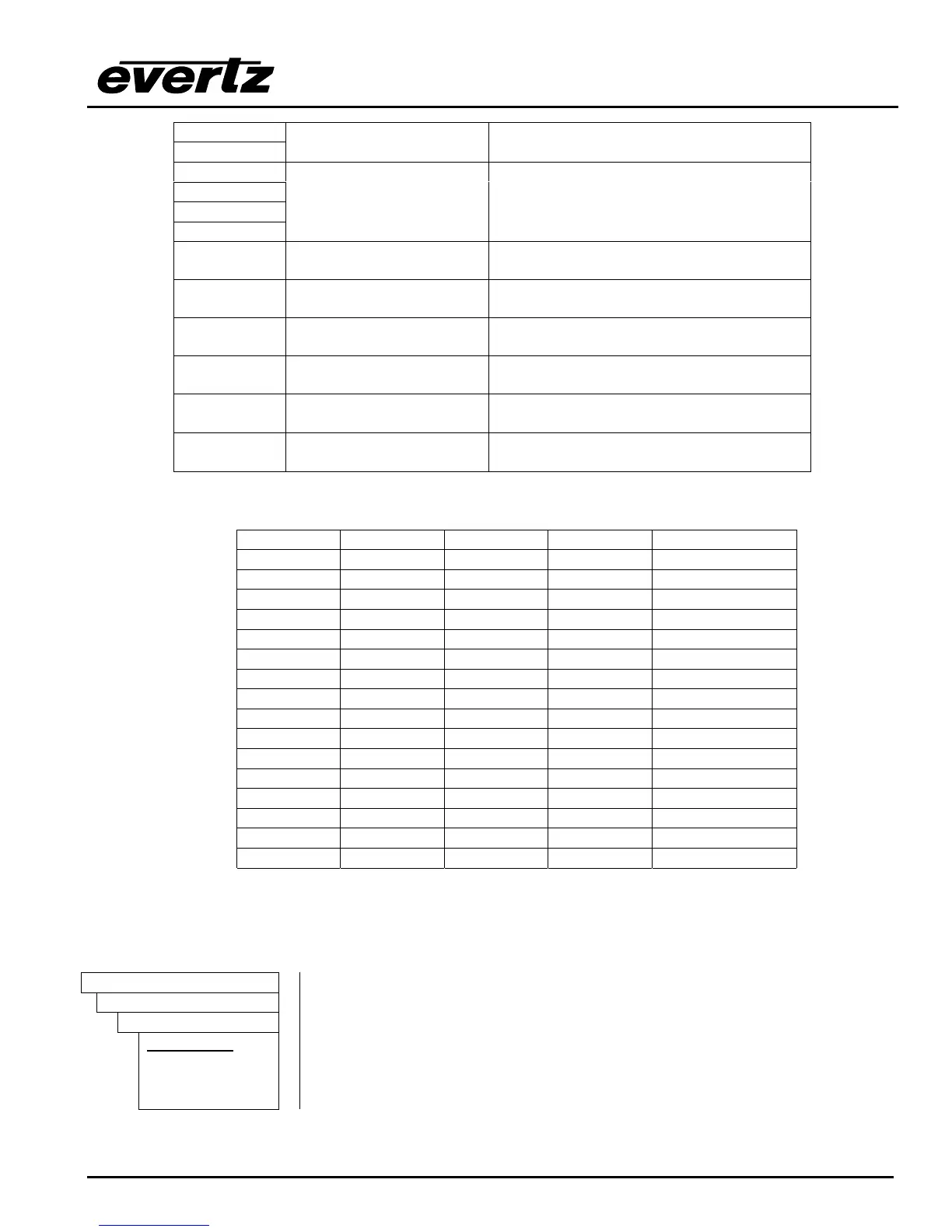
Table 3-4: AFV HEX GPI Encoding Functions
GPI 8 GPI 7 GPI 6 GPI 5 Input Select
Low Low Low Low Invalid selection
Low Low Low High 1
Low Low High Low 2
Low Low High High 3
Low High Low Low 4
Low High Low High 5
Low High High Low 6
Low High High High 7
High Low Low Low 8
High Low Low High 9
High Low High Low 10
High Low High High 11
High High Low Low 12
High High Low High Invalid selection
High High High Low Invalid selection
High High High High Invalid selection
Table 3-5: HEX Input Selection for AFV2 (AVF HEX Encoding)
3.12.4. Configuring Whether the GPI Inputs are Edge or Level Activated
GPI SETUP
Gpi Type
Gpi 1 type
gpi type:fall
gpi type:rise
gpi type:high
gpi type:low
This menu configures whether the GPI inputs that are available for user
functions will activate on rising or falling edges, or high or low levels.
Individual menus for each GPI input allow each input to be independently
configured. For simplicity only the Gpi 1 type menu will be shown.



 To Next Page