- Follow the instructions in the system manual section entitled Xesar software down-
load to be able to enter and manage system settings, time profiles, authorisation
profiles, access points with components, identification media and persons in the
software.
Or
The manual for assembling Xesar access components has either been enclosed in the prod-
uct packaging or it is available online at: https://www.evva.com/uk-en/products/electron-
iclockingsystemsaccesscontrolsystems/xesar/#tab6
5.7 Manually uninstalling and installing the Xesar app (up-
grade from Xesar 2.2 to Xesar 3.0)
For an upgrade from Xesar 2.2 to Xesar 3.0 it is necessary to manually uninstall the X2.2
app on a Xesar 2.2 tablet and manually install the Xesar 3.0 app.
Start your tablet and proceed as follows:
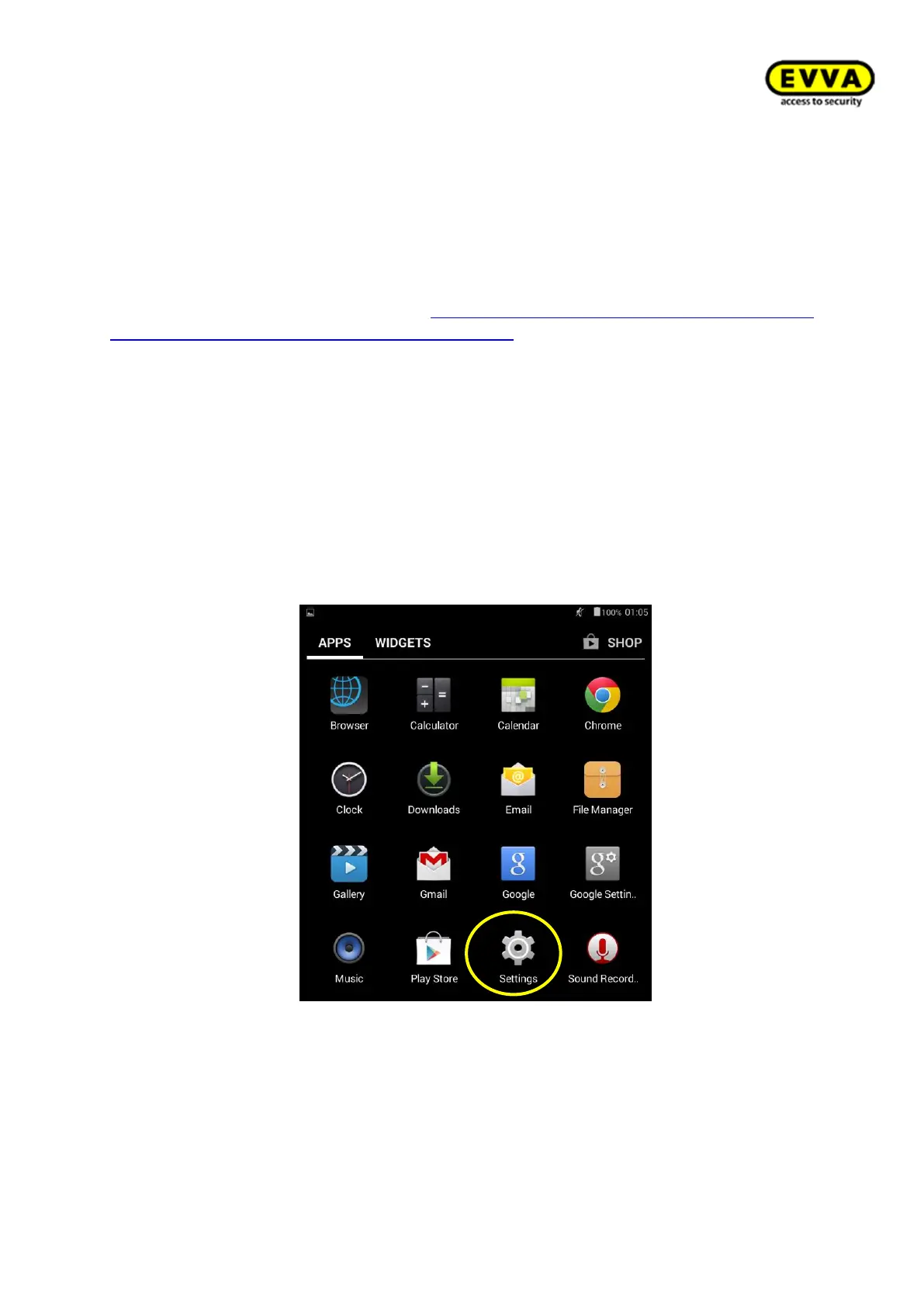
1. Step: In the main menu, select Settings
Figure 104 – Xesar tablet settings



 To Next Page