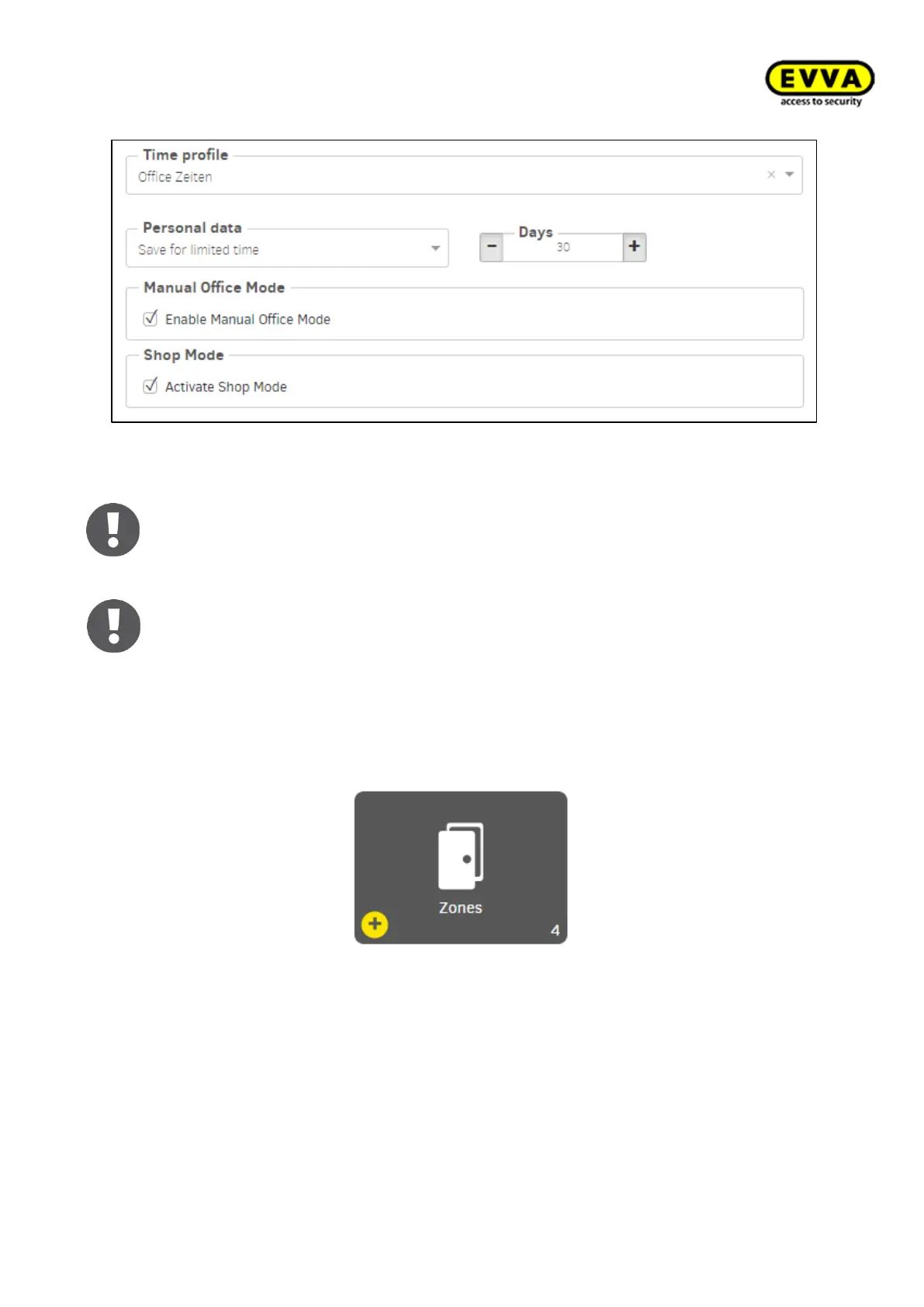
Figure156 - Time profile (installation location)
Office Mode
Office Mode is the time-controlled permanent opening of the EVVA access compo-
nent. Access is possible without authorisation at the defined times. For example,
business traffic during business opening hours
Shop Mode
The Office Mode can only be started with the connection of an authorised identifi-
cation medium to the EVVA access component.
7.8 Zones:
For easier management, access points can be merged into zones.
This is useful if several access points have the same properties, e.g. have the same au-
thorisations or organisational affiliations, as departments or building sections.
A maximum of 95 zones can be freely defined for each system (partition).
The "Installation" zone is created automatically when a system is created.
It includes all access points and can not be changed or deleted.
If this zone is selected for an authorisation profile, all access points are affected.



 To Next Page