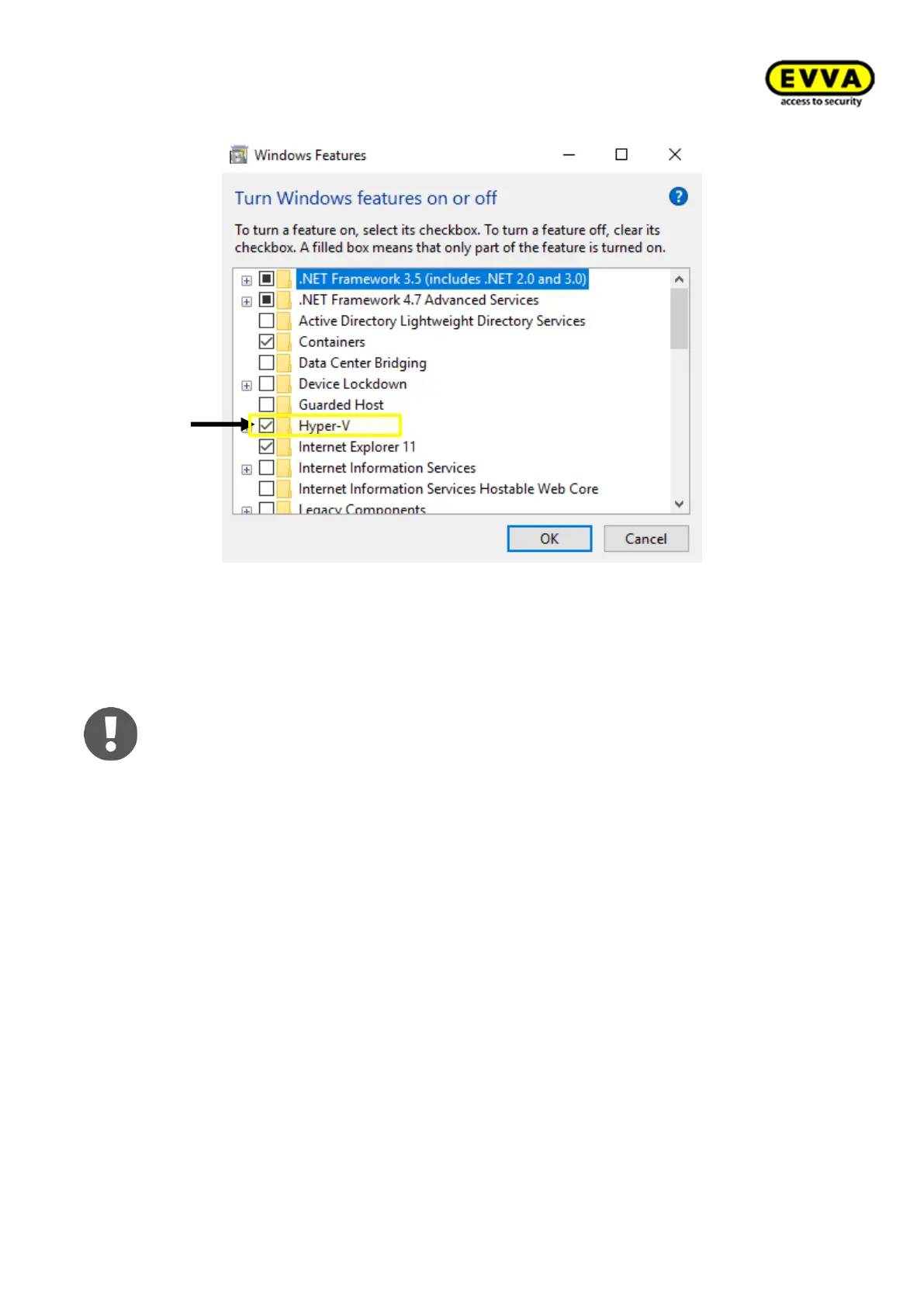
Figure 34 – Activating Hyper-V
4.2.2 Coding station driverinstallation
The HID hardware driver is required to operate the Xesar coding station (HID Om-
nikey 5421) on the PC. A driver installation is not necessary if you already use coding
station version HID Omnikey 5422! You can directly continue with section 5 Xesar
3.0 - Programs
Two driver installation types are possible:
• Automatic driver search in Windows
• Manual driver search directly on the manufacturer's homepage
4.2.2.1 Automatic driver search via Windows
Please use the Windows Device Manager to install the coding station's driver.
1. Step: Plug your coding station in the USB connection of your PC without
Admin Card!
2. Step: Use the Windows search bar to open the Device Manager.



 To Next Page