8.19 Force component removal (component faulty)
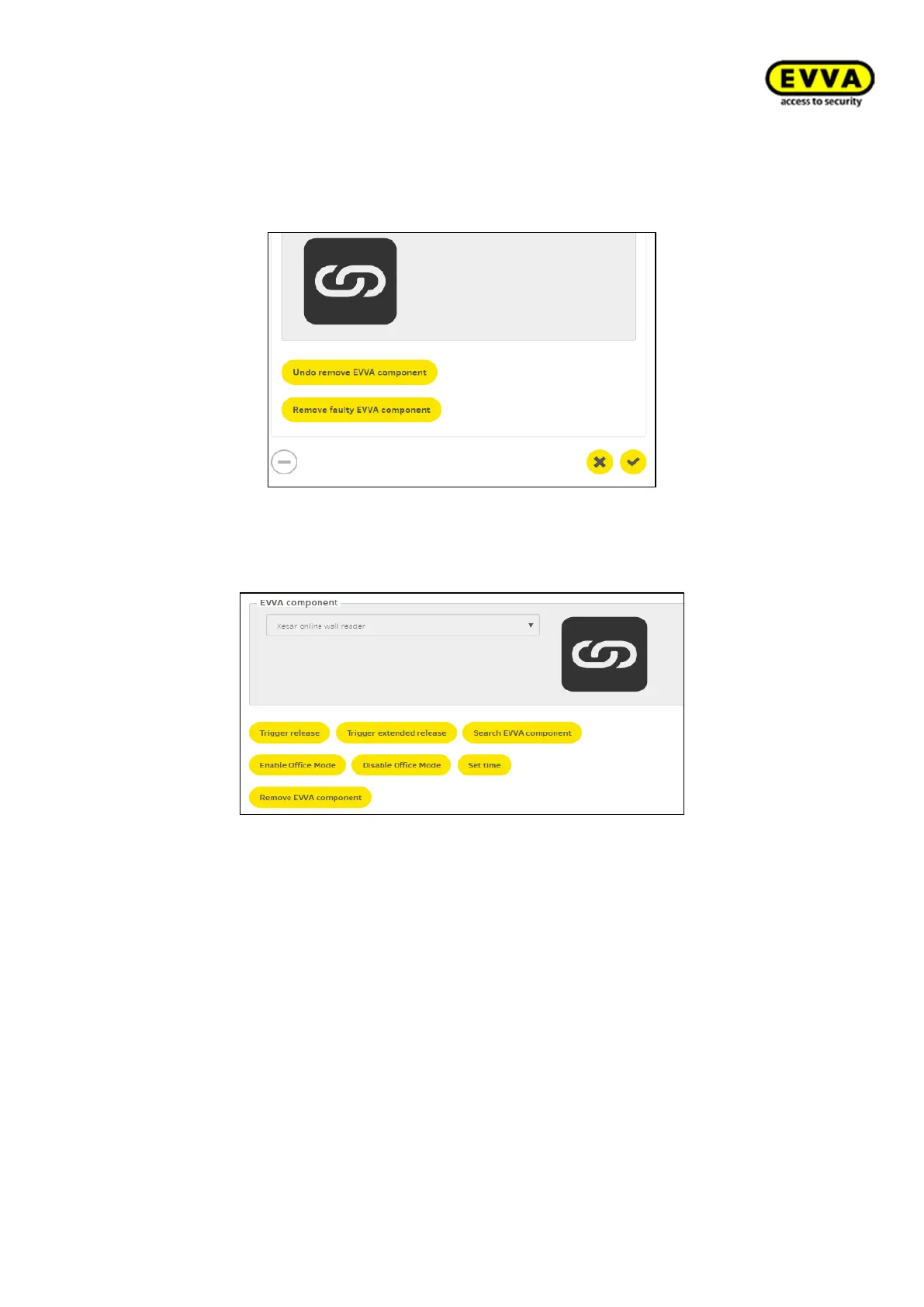
If a component is faulty, go to Access points and select the corresponding installation
location. Scroll down to the EVVA component and select "Remove faulty EVVA component".
Figure 243 - Component defective - force removal
8.20 Online wall reader
Figure 244264 – Online wall reader
Online wall readers provide the following functions:
• Updating identification media
• Blacklist in real time
• Access event log in real time
• Component authorisation update in real time
• Identifying EVVA component: wall reader you searched for repeatedly outputs vis-
ual and audible signal until the function is deactivated.
• Activating Office Mode: Starts Manual Office Mode (recorded)
• Deactivating Office Mode: Closes Manual Office Mode (recorded)
• Set time: manual time synchronisation using online wall reader (e.g. after power
cut = offline) (recorded).
• Remote opening: use online wall readers to remotely open components and record
the action:
- A normal release (standard release duration is logged)
- Extended release duration is logged (e.g. for users with restricted mobility)



 To Next Page